About
The Account configuration page is the account overview page. The Account page consists of 6 sections:
- Overview
- Billing Information
- Users and Permissions
- Merchant Profile
- Regional Settings
- Account Status
Overview section
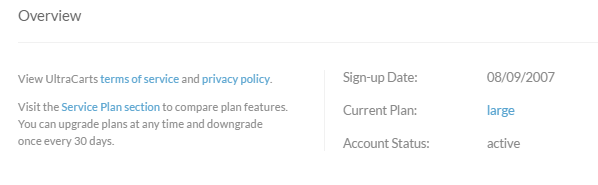
The Overview section provides hyperlinks to the UltraCart Terms of Service and Privacy Policy. You can also click to view the Service Plan section.
You'll also see in this section, the Account Sign-up date, the current Service Plan, and the account status.
Billing Information
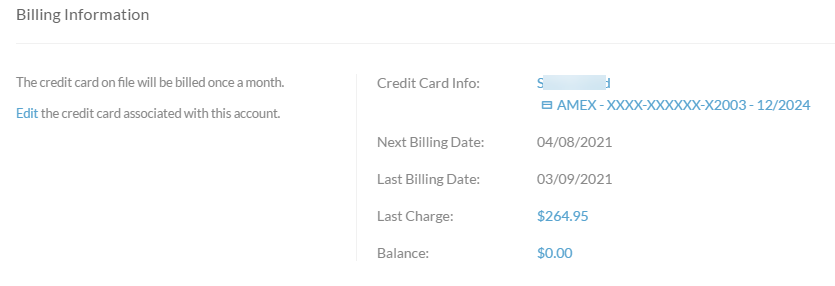
To add/update your billing credit card details for account service billing, click on the hyperlinked Credit Card name/CC number.
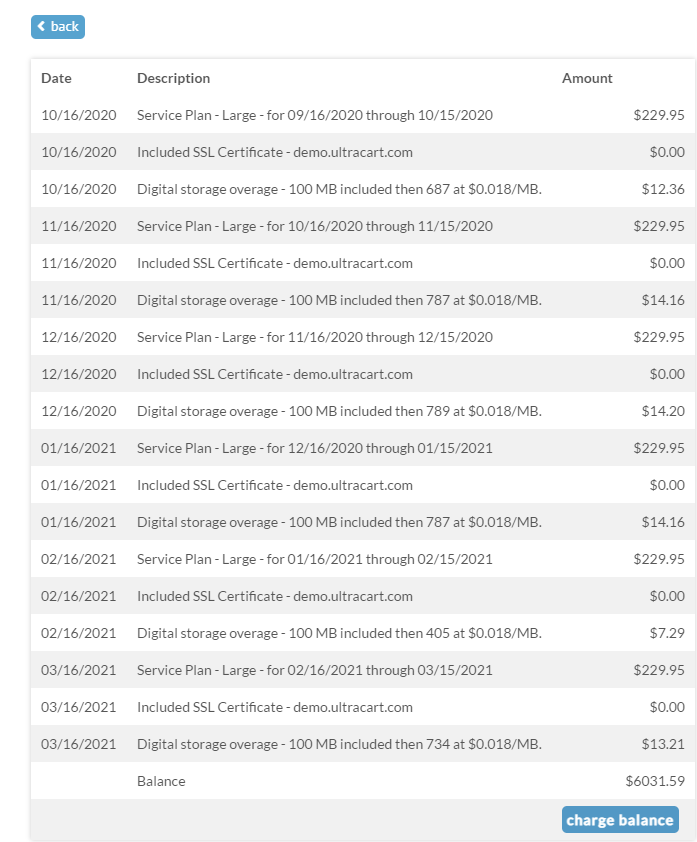
To Review the billing line items for the past 6 months, click on the hyperlinked Last Charge or Balance amount.
Billing Activity
Users and Permissions
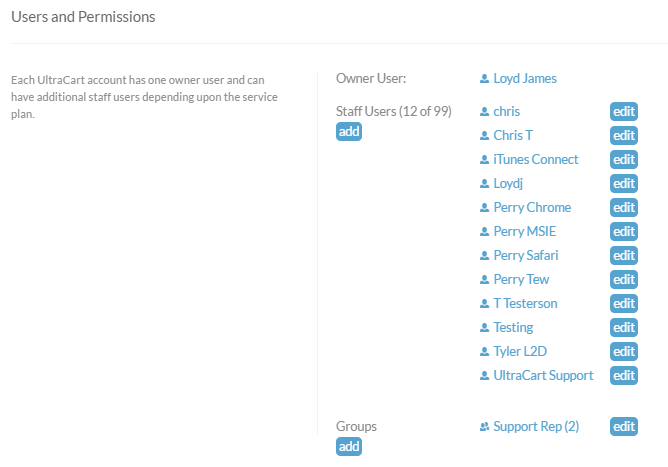
Each UltraCart account has one owner user and can have additional staff users depending upon the service plan.
You can also assign users to groups for role specific permission assignments.
Merchant Profile
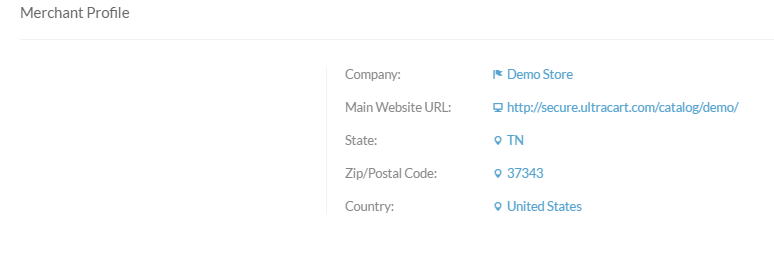
The Merchant profile is the section where you will configure your company name, main website URL, the State/Zip/Country where your company is located.
Regional Settings
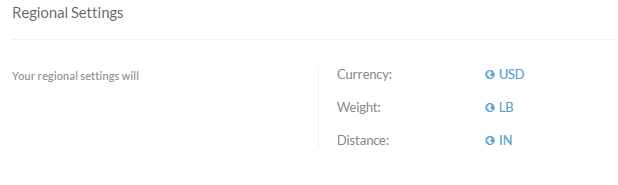
You'll configure the appropriate regional settings for: Currency, Weight & Distance.
Account Status
The Account Status will show a toggle button: Deactivate Account / Reactivate Account
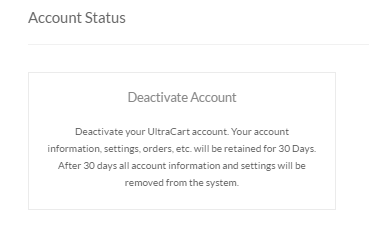
Click the Deactivate button to close your account (final bill will be processed upon the deactivation of the account.)