Overview
Configure popular call centers to take orders for you and import them into UltraCart.
Navigation
note
Home → Configuration → CallCenters
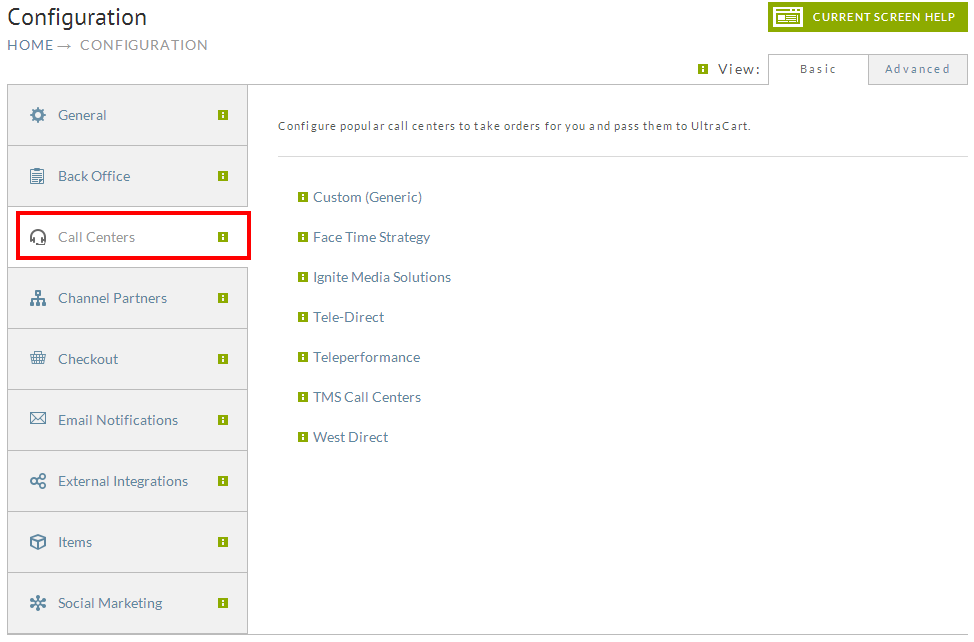
Integrations
| Name | Description |
|---|---|
| Custom (Generic) | Configure call center and/or order import, using one of the three API's (Channel Partner API) |
Custom Call Center
Simply Click "New" to create a new custom Call Center integration.
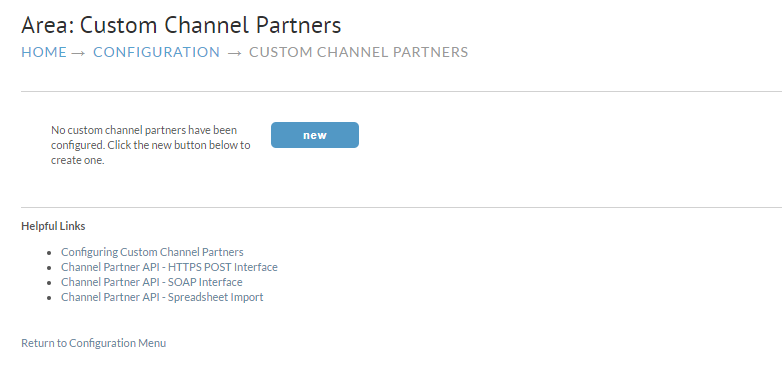
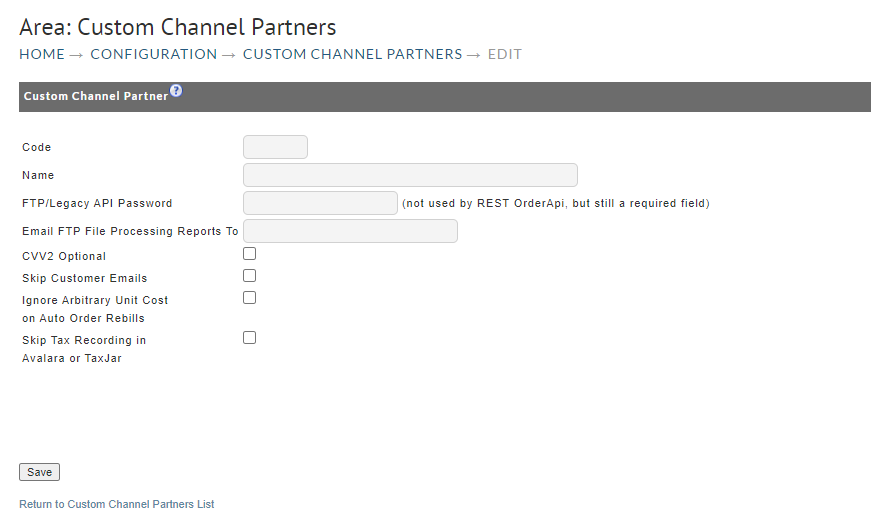
After clicking "New" you will see the following configuration page.
| Field Name | Description |
|---|---|
| Code | This is the custom code used to identify the Call Center (Limited to 5 characters) |
| Name | Name of the Call Center |
| FTP Password | The password for the FTP if used (Optional) |
| CVV2 | This is to set the CVV2 as a optional Field (Recommended) |
| Skip Customer Email | This will skip any emails to the customer that would normally come from UltraCart |
| Ignore Arbitrary Unit Cost | This will ignore any override cost on the items for Auto order items |
| Skip Tax Recording in Avalara and TaxJar | Will simply skip the collection of sales tax within those two providers. |
Was this page helpful?