Retrieving your Security Token
Follow the steps below to retrieve your security token.
note
Please note that your security token may be used by other third-party applications, including the Salesforce.com plug-in for Microsoft Outlook. If you reset your security token, you will need to update it in each application.
-
Log into your Salesforce.com account.
-
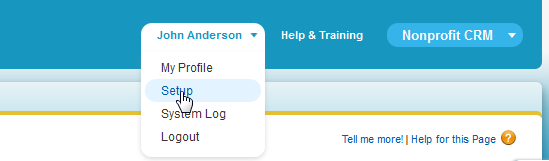
Click on Setup in the top navigation section.
-
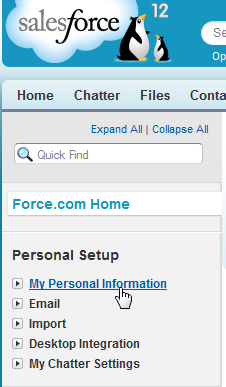
On the left, click on My Personal Information.
-
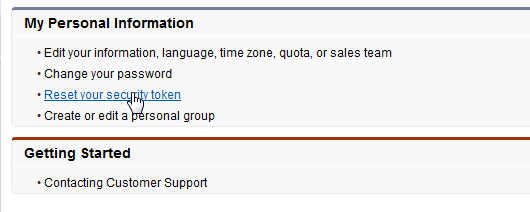
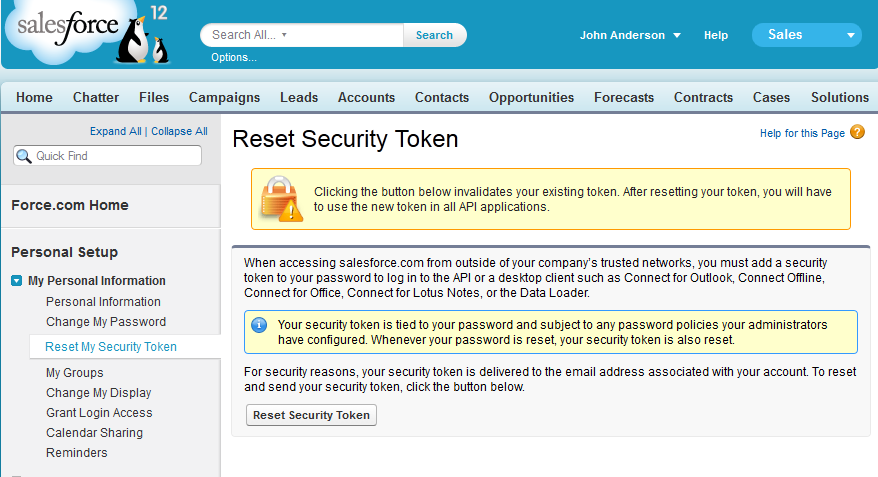
Select Reset My Security Token, and press the Reset My Security Token button.
-
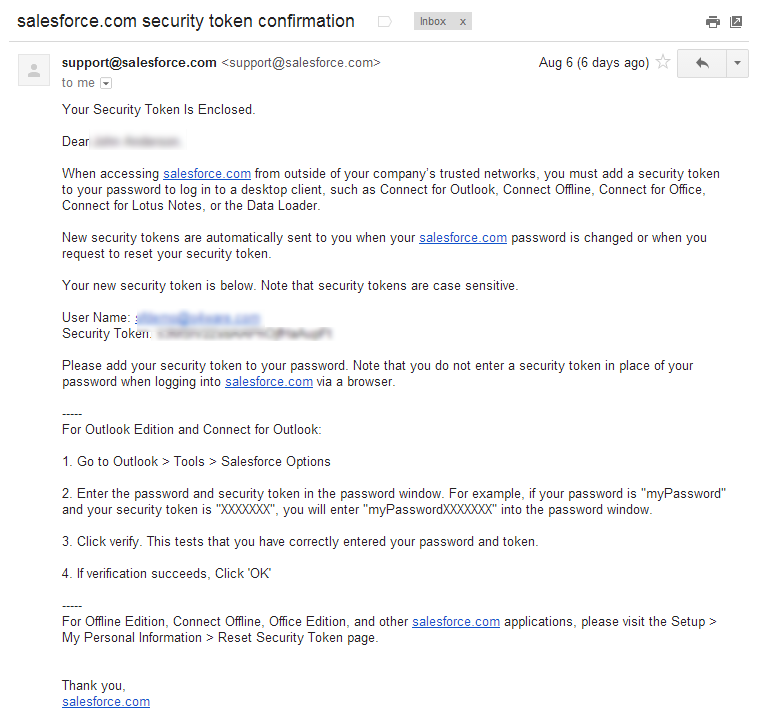
Your security token will then be sent to the e-mail address associated with that Salesforce.com user account.
Next Step: Connecting UltraCart to Salesforce.com.
Was this page helpful?