Introduction
This tutorial will walk you through the process of upgrading your PayPal integration to their latest offering.
Benefits
-
Improved checkout experience for customers using a modal instead of a browser redirect
-
Improved analytics tracking because customers are not redirected off domain for PayPal
-
Additional payment options for customers including PayPal PayLater and Venmo
-
Dual Vaulted payment information for credit cards, PayPal, and Venmo
-
Superior subscription rebilling initiated from UltraCart
-
Ability to adjust anything on an auto order paid for with PayPal
-
Better handling of upsell after offers
Pre-Requisites
This tutorial assumes that you already have:
-
UltraCart account connected to PayPal
-
Using a StoreFront Visual Builder based theme for your checkout. We recommend making sure your theme is updated to the latest available version.
Supported themes are:-
Elements - 2.13+
-
Hero - 1.17+
-
Jewel - 1.13+
-
Lifty - 1.15+
-
Native - 1.12+
-
Natural VB - 1.12+
-
Poppy - 1.03+
-
Payment Configuration
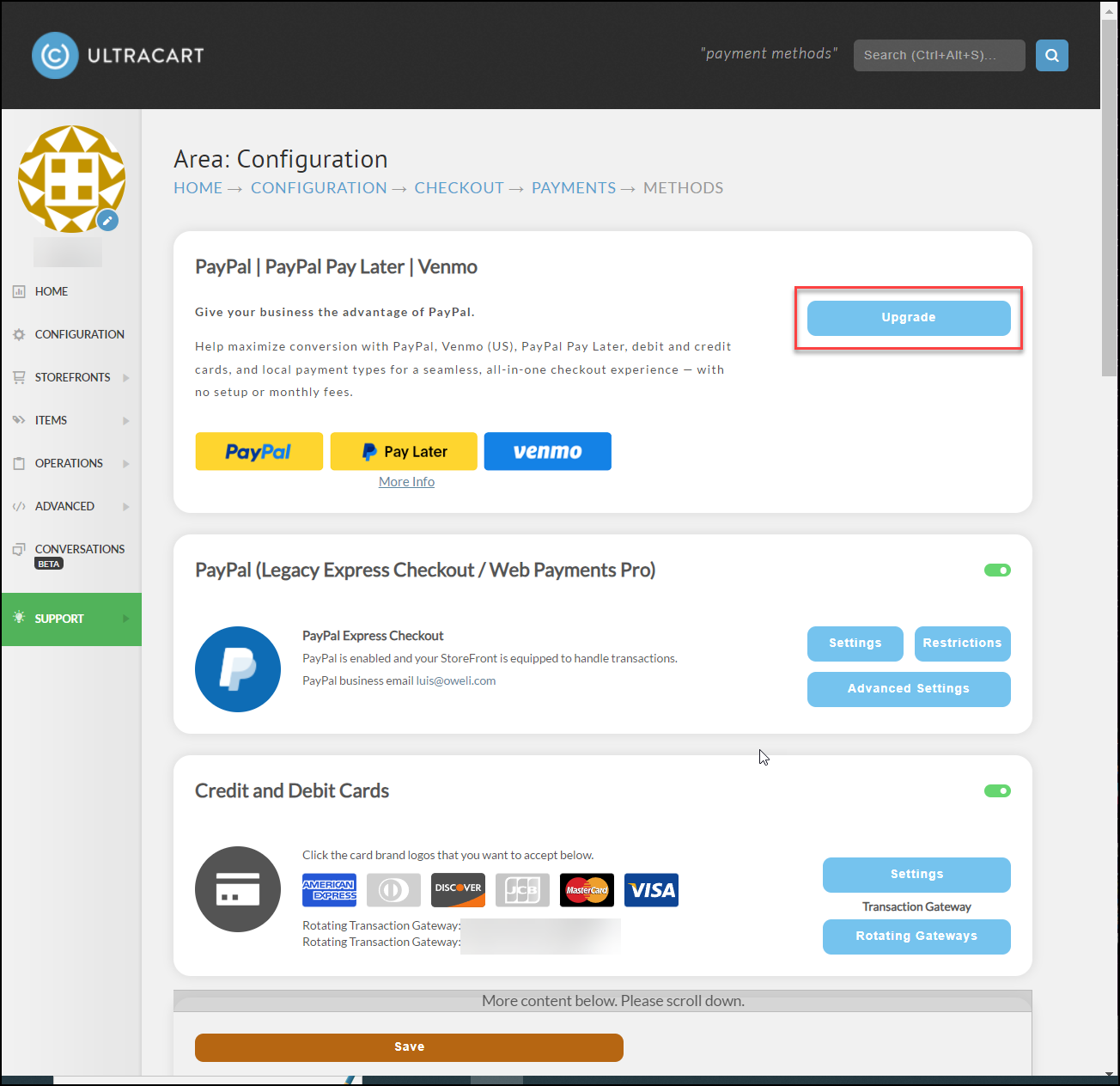
Navigate to Configuration → Checkout → Payments. The payment configuration screen should look like the screenshot shown below. Click on the Upgrade button to begin the connection process.
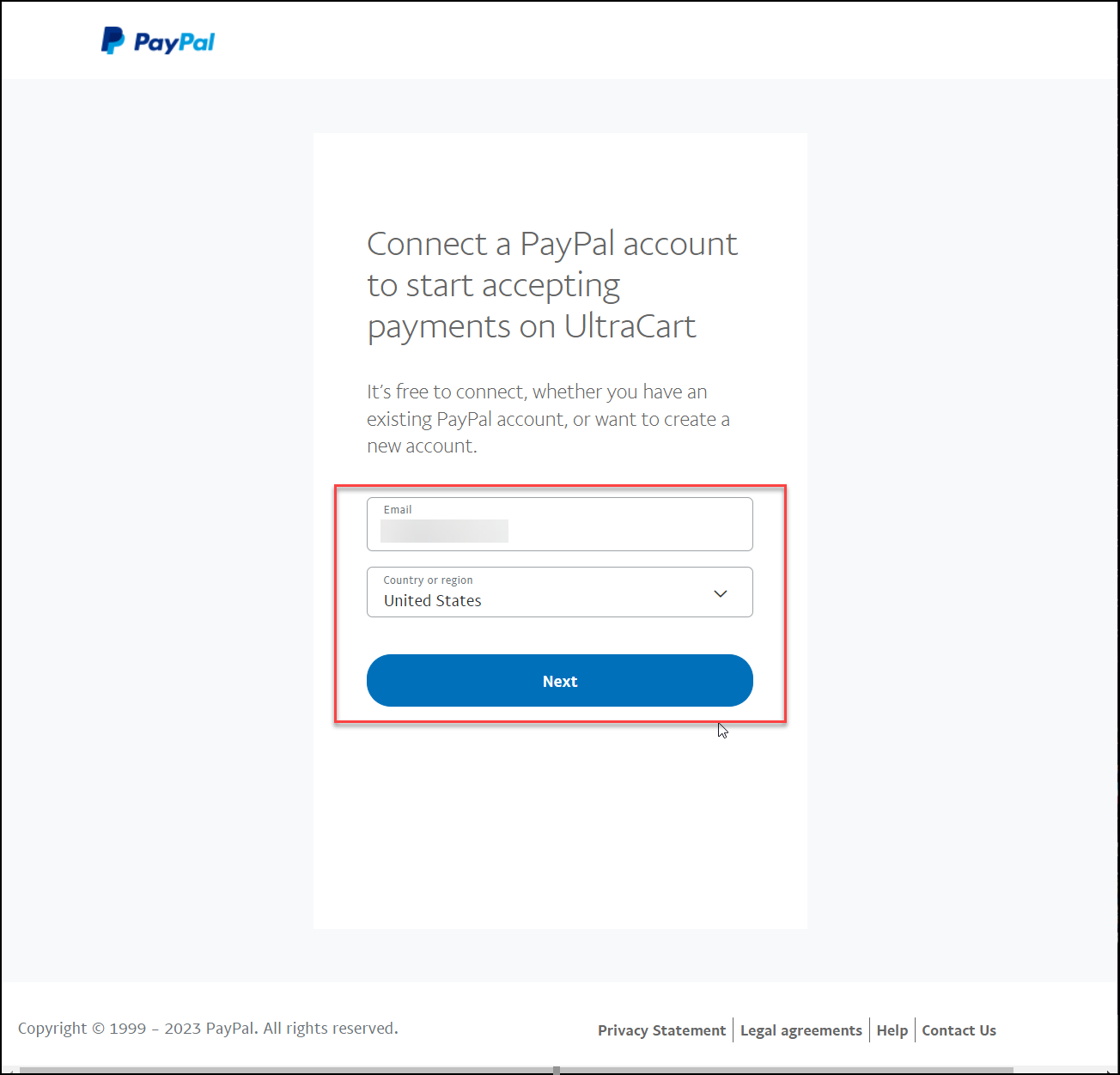
The next screen will prompt you to connect UltraCart to your PayPal account. Enter in your PayPal email address and country, then click Continue as shown below.
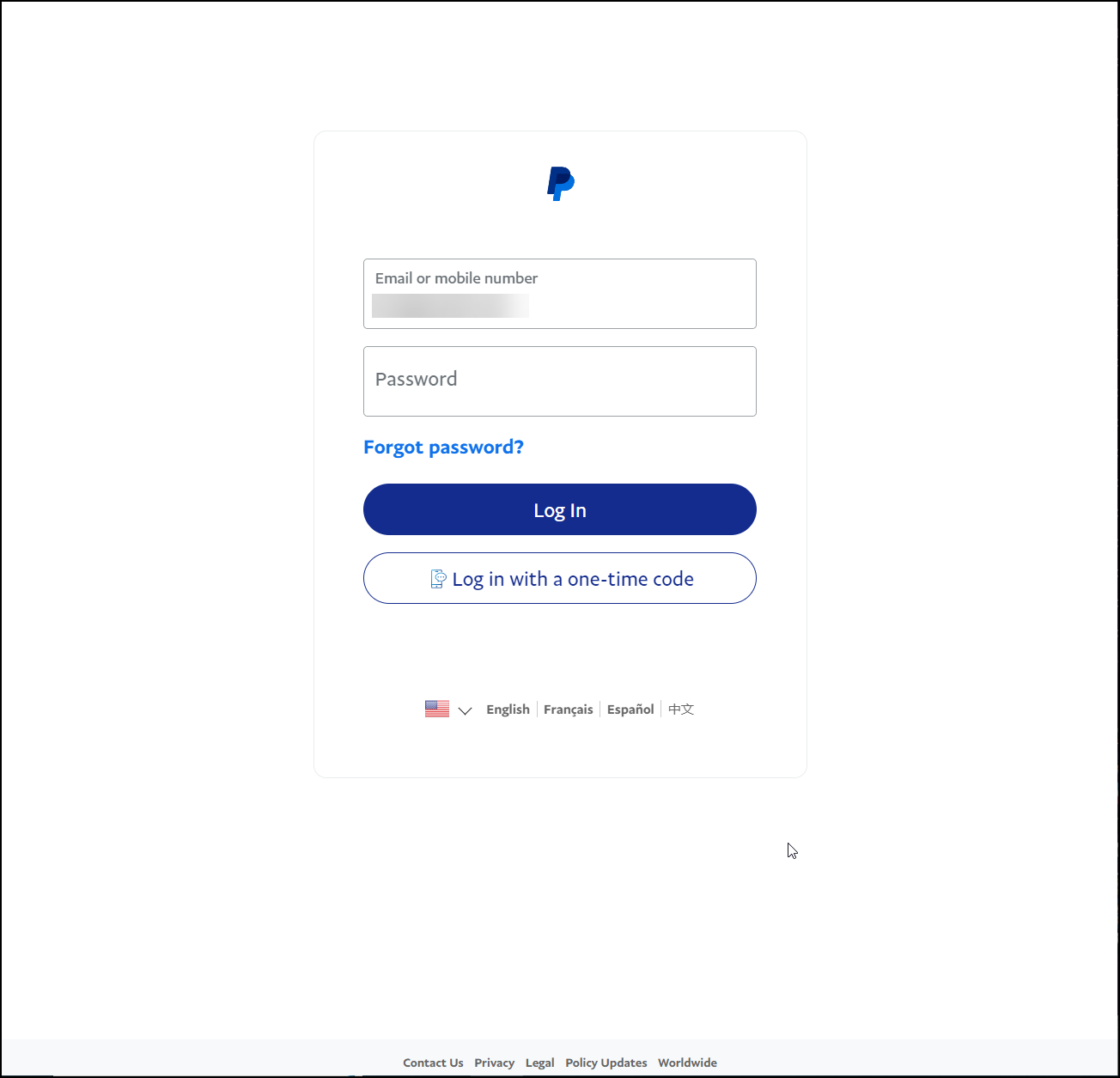
Now you will be prompted to login to your PayPal account.
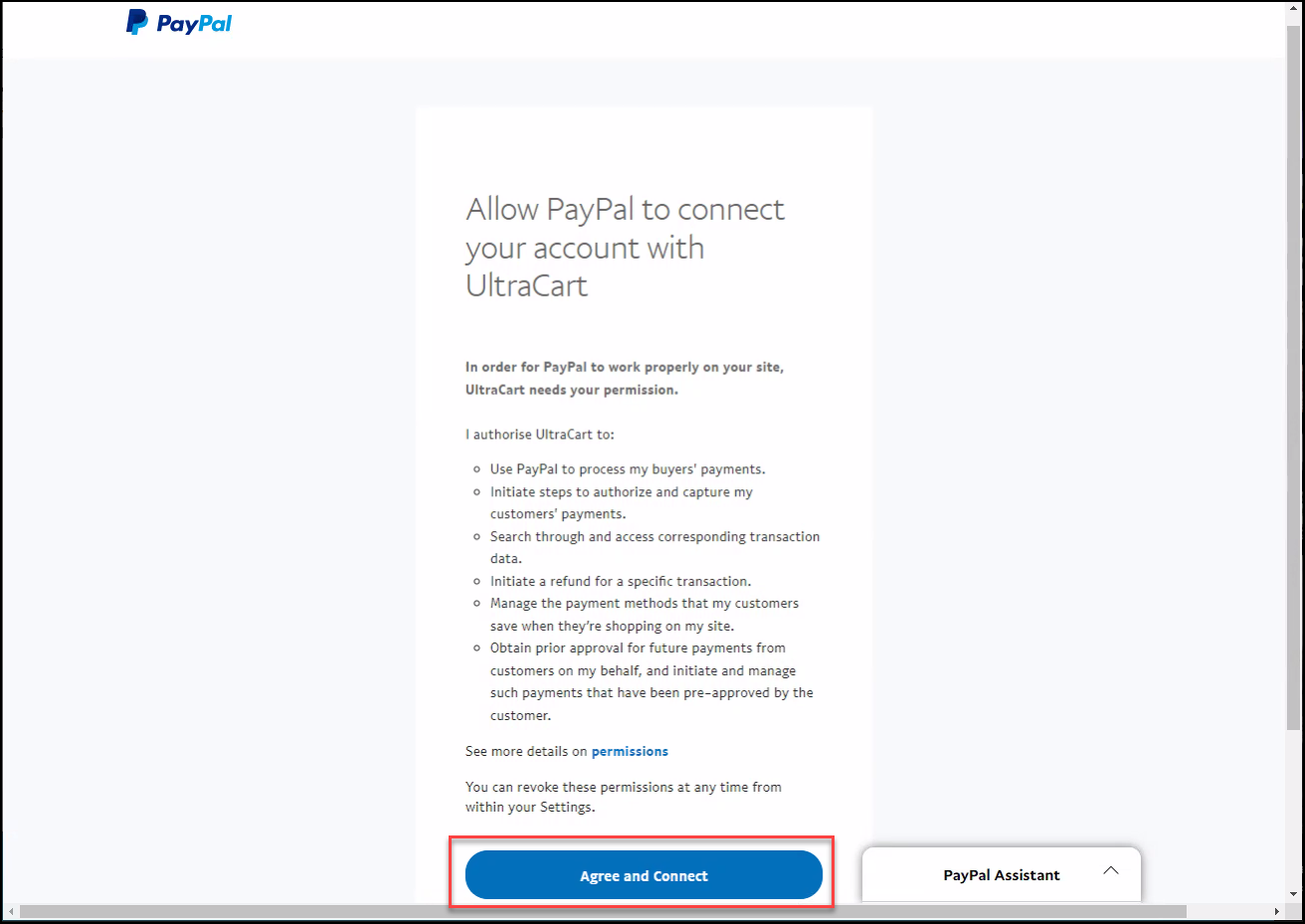
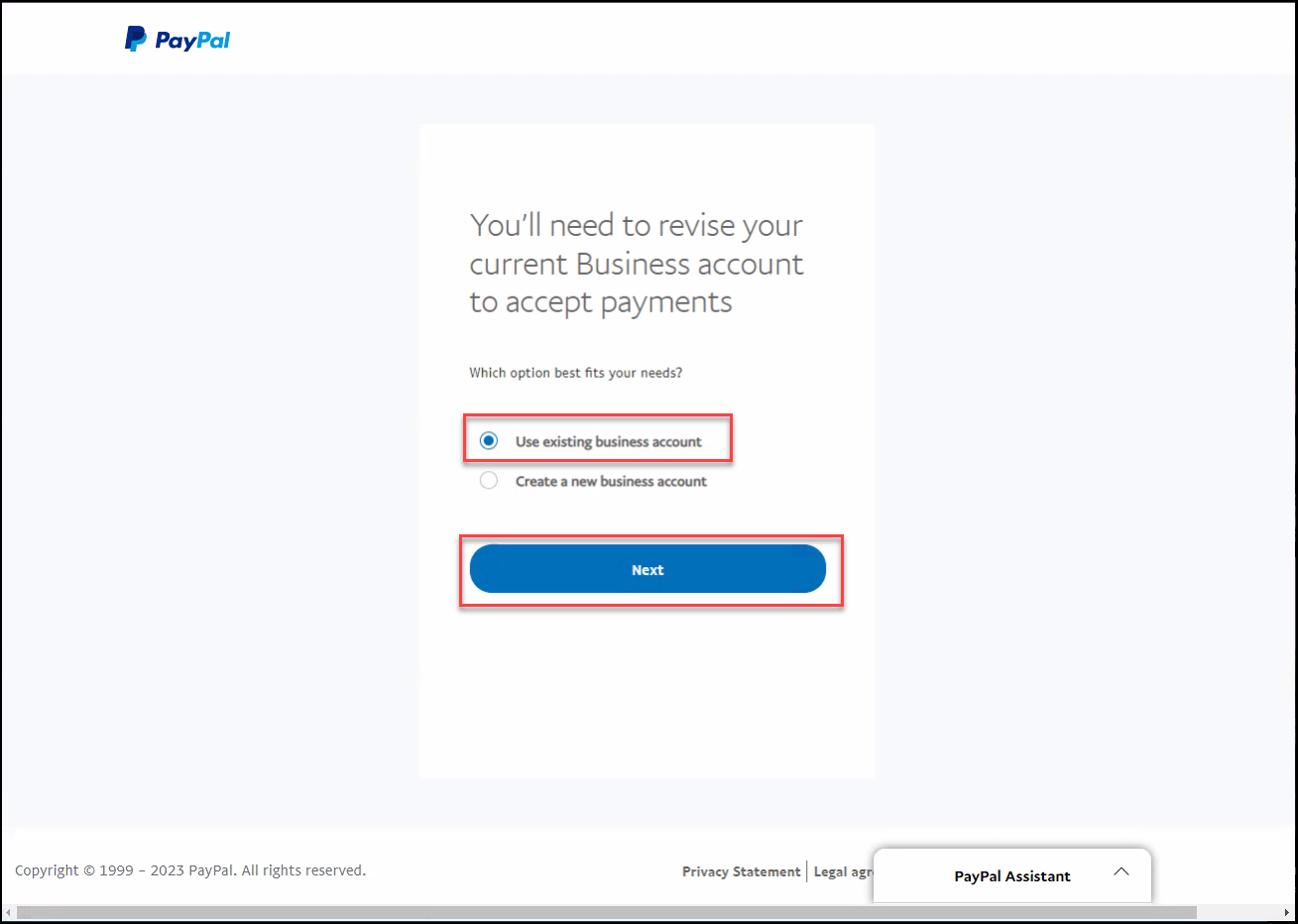
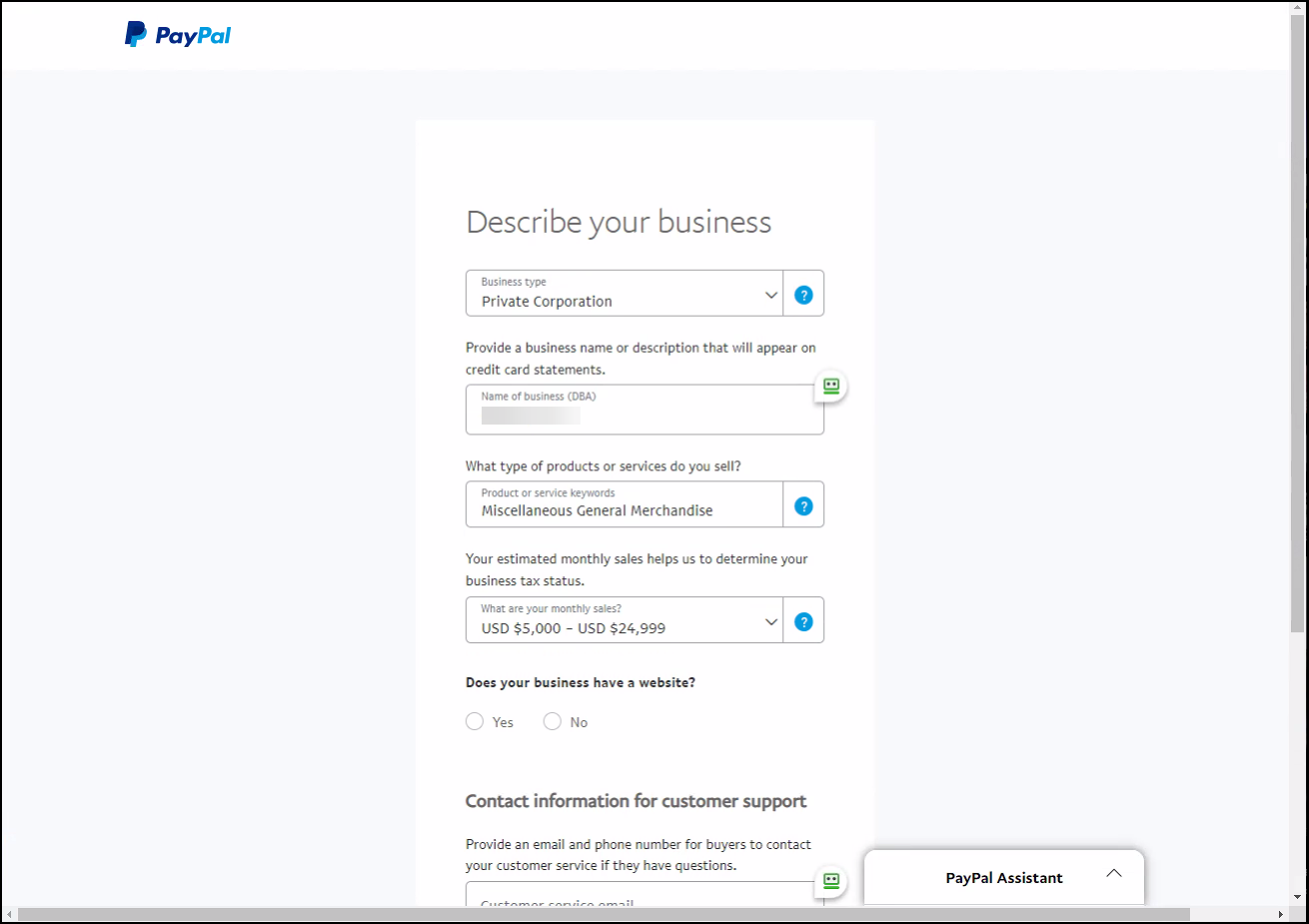
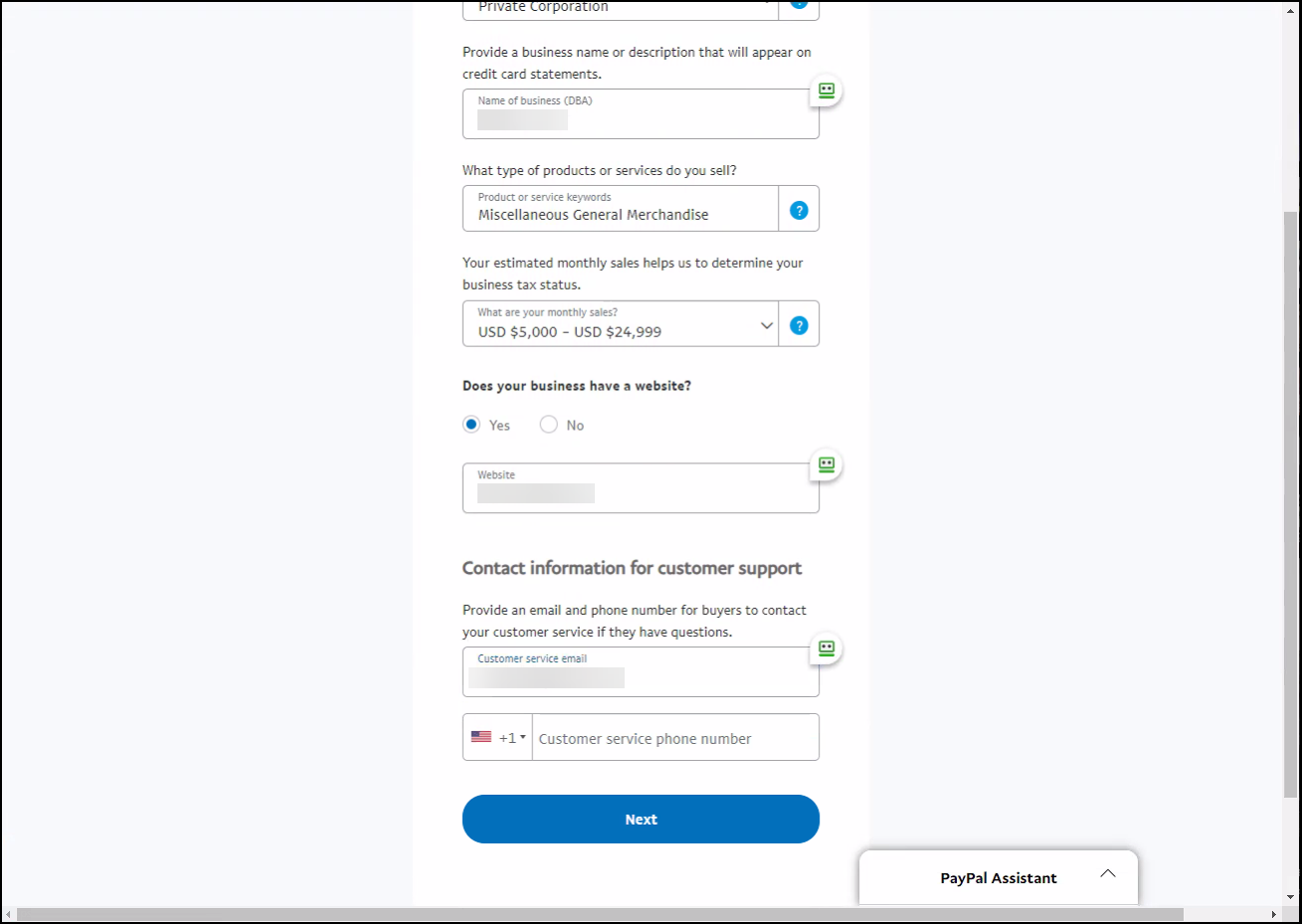
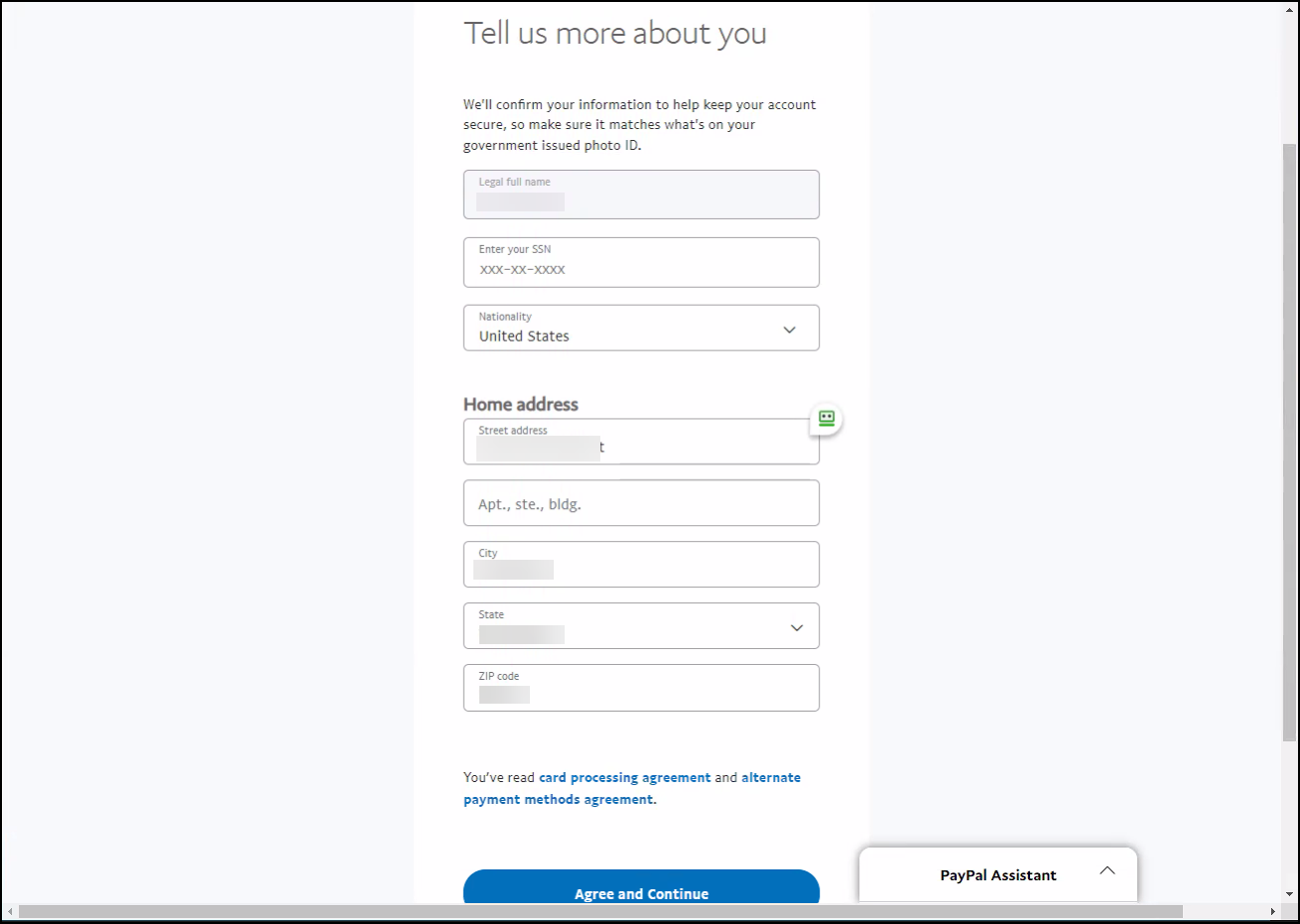
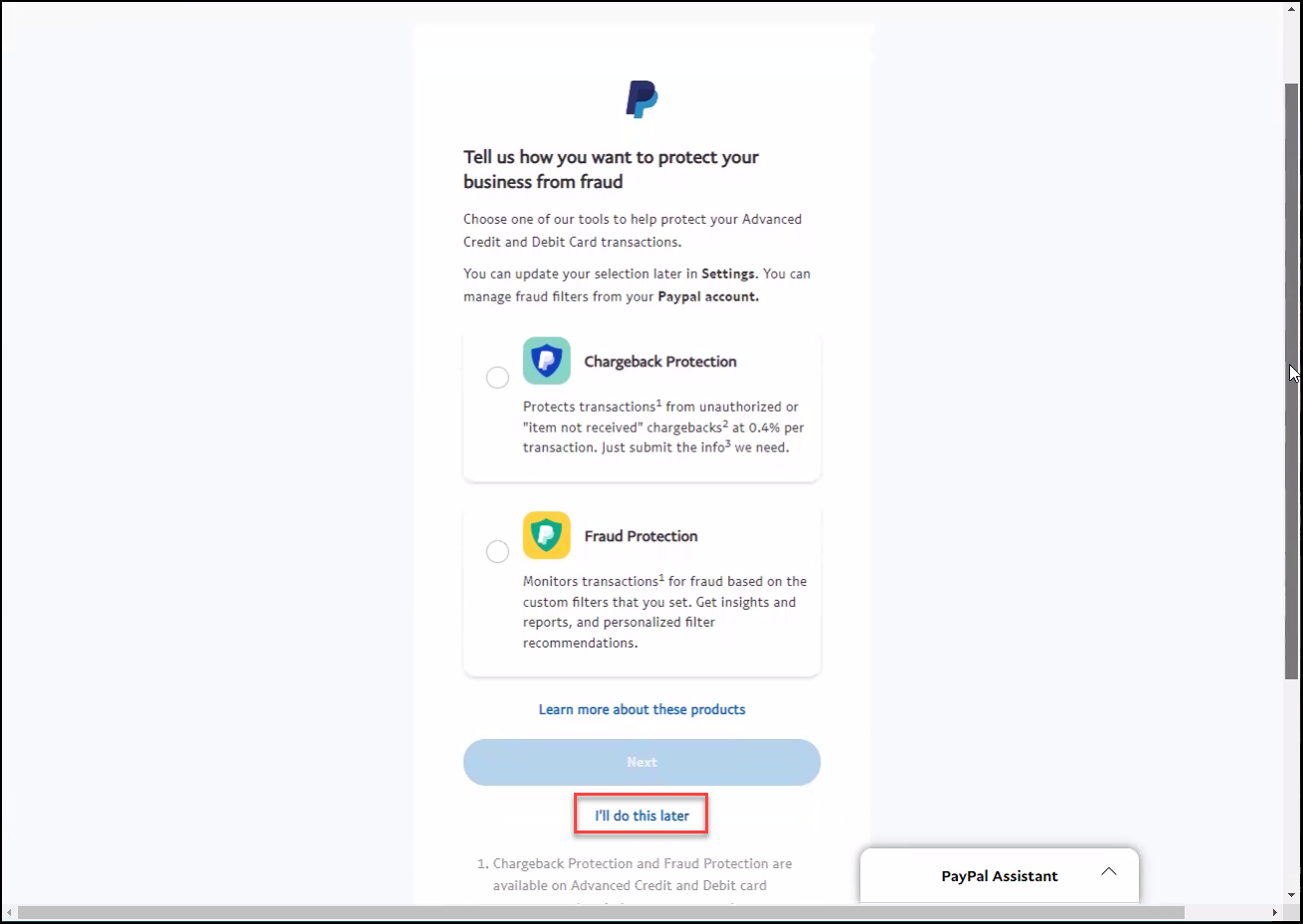
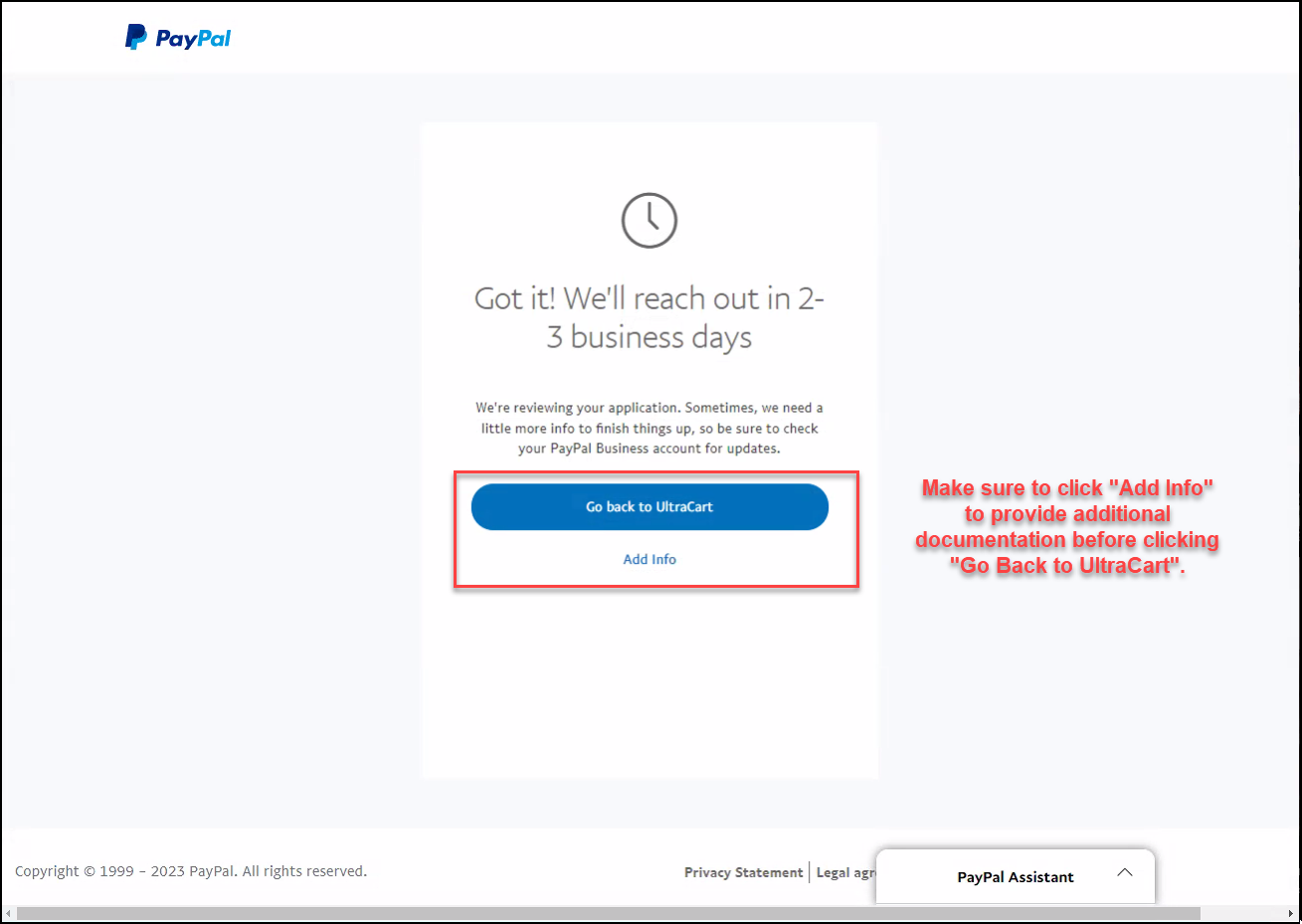
Next you want to select “Use existing business account” and click Next
Frequently Asked Questions
Q: After upgrading to the new API, I am not seeing Venmo payment button appear with the rest of the PayPal Payment buttons, why is that?
A: Venmo has to come later in the checkout in the ‘Options’ page. It appears in the options page because Venmo requires that all the address information be collected by the checkout, before the payment is initiated.
Q: I am seeing the ‘PayPal’ and ‘Pay Later’ stacked in the shopping cart page, why is that?
A: Those buttons appear stacked, because they are a single widget element that is injected into the checkout by PayPal.
Q: We are seeing OrderID’s for some transactions in PayPal that have letters at the end of the orderID, what is causing this to happen?
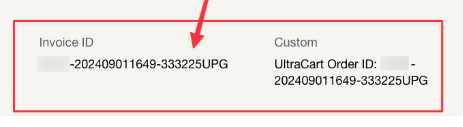
A: We have to make the order id unique in PayPal. The transaction process for orders that contain an accepted upsell after offer, is that we void the first transaction when someone takes an upsell that causes a change to the order total for the final PayPal charge. So, this change to the orderID would indicate a voided authorization, that is replaced by another transaction.
Q: I received a email notification from UltraCart regarding a ‘Payment Transaction Time-out on PayPal’ but the message does not provide specific details such as that?
A: Those buttons appear stacked, because they are a single widget element that is injected into the checkout by PayPal.
note
Note: whenever a customer initiates a Apple Pay / Google Pay transaction they will not be shown upsells.
Note: whenever a customer initiates a Apple Pay / Google Pay transaction they will not be shown upsells.
Related Documentation
PayPal API Transaction Responses: https://developer.paypal.com/api/nvp-soap/errors/