Configuration
The Gate2Shop third party payment processor configures like most other gateways on the transaction tab.
Main Menu → Configuration → Checkout → Payments → Transaction Gateways
Simply enter the three required fields shown below and select the card types.
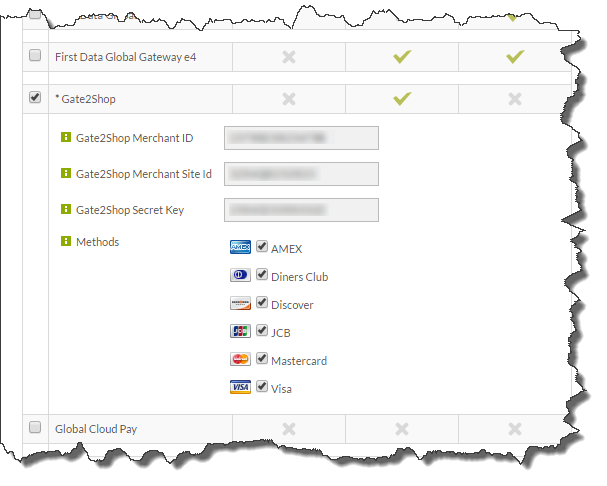
* This gateway is a third party processor. Third party processors charge credit cards on behalf of other companies. If you're going to use a third party processor you must assign all four card types to the gateway. Contact support@ultracart.com for complete details on how to properly configure these gateways.
Callback URLs
You will also have to provide Gate2Shop.com all the call back URLs for UltraCart. These URLs are used by Gate2Shop to communicate with UltraCart. If you are NOT using a custom SSL certificate use the following URLs:
| URL | Description |
|---|---|
| https://secure.ultracart.com/cgi-bin/UCGate2ShopBack | Back |
| https://secure.ultracart.com/cgi-bin/UCGate2ShopDMN | Direct Merchant Notification |
| URL | Description |
|---|---|
| https://secure.mystore.com/cgi-bin/UCGate2ShopBack | Back |
| https://secure.mystore.com/cgi-bin/UCGate2ShopDMN | Direct Merchant Notification |
| https://secure.mystore.com/cgi-bin/UCGate2ShopFailureCancel | Failure/Cancel |
| https://secure.mystore.com/cgi-bin/UCGate2ShopPending | Pending |
| https://secure.mystore.com/cgi-bin/UCGate2ShopSuccess | Success |
Expected Screen Flow
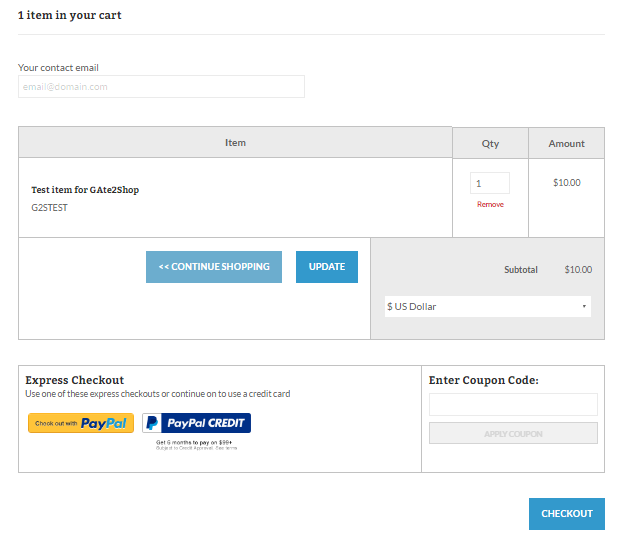
View Cart
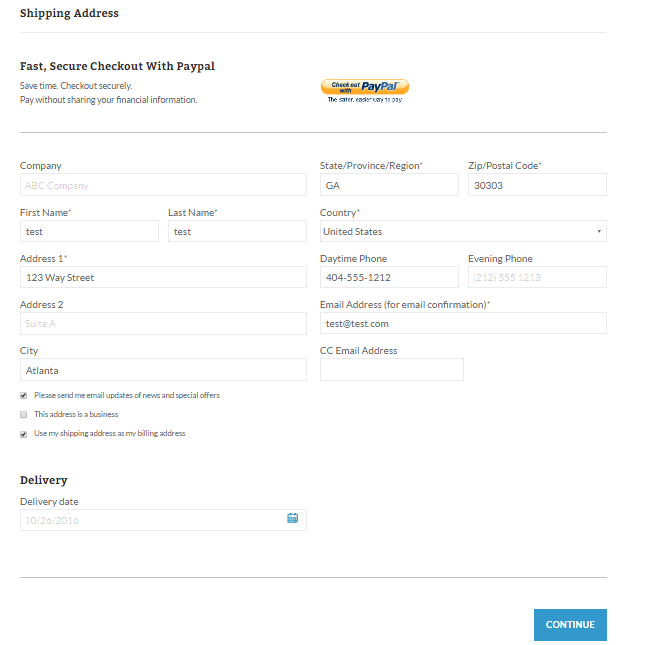
Shipping Address
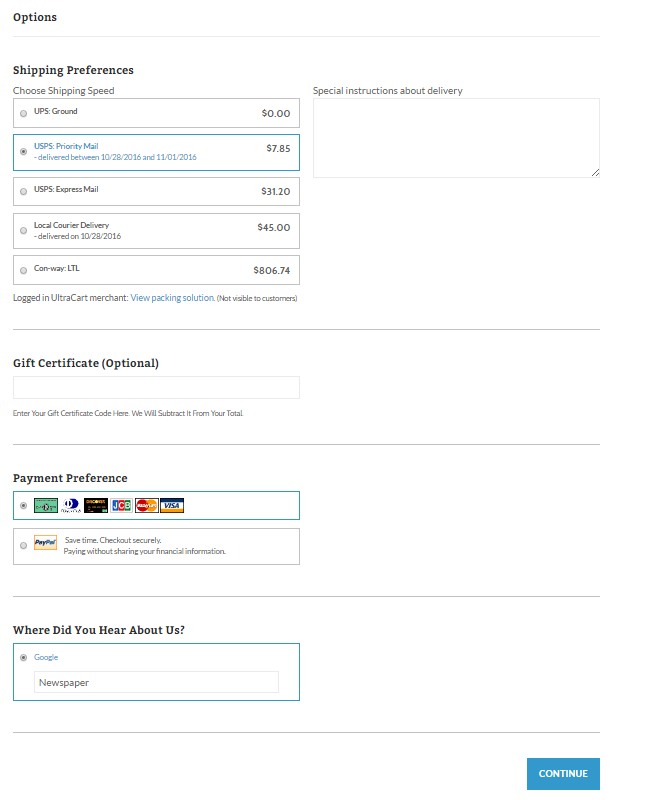
Options
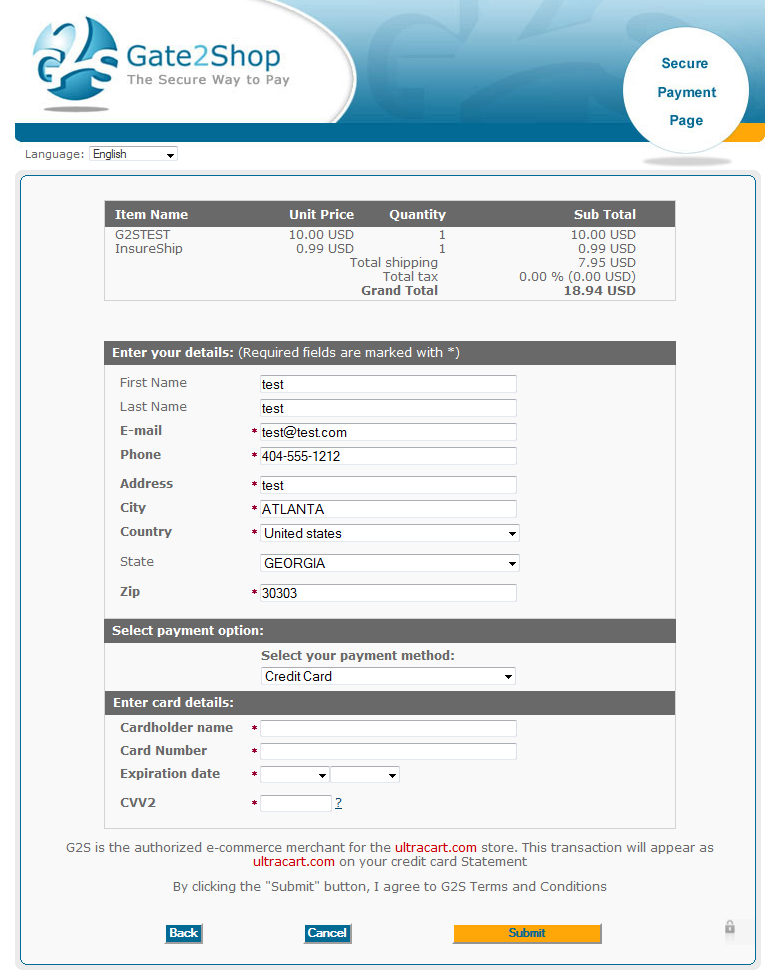
Gate2Shop Payment Page
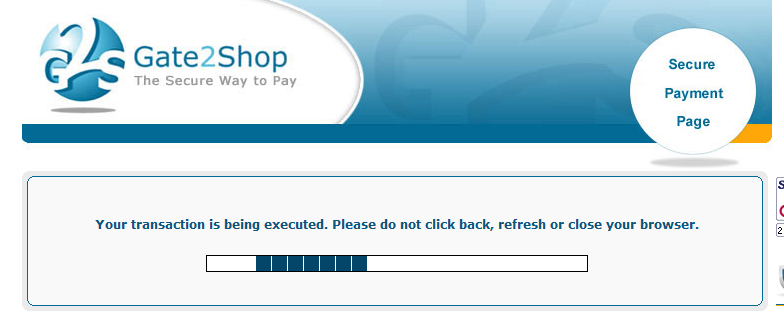
Gate2Shop In Progress
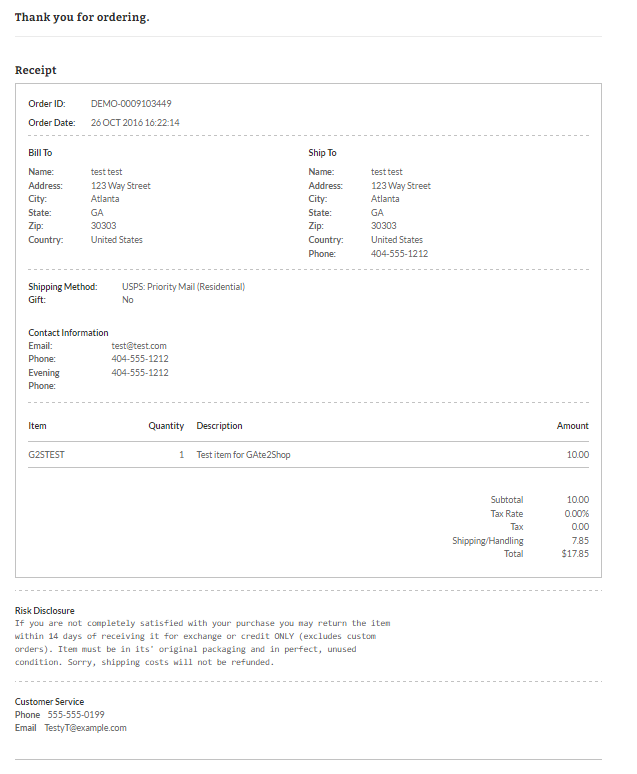
Receipt (UltraCart)