How to setup and manage SMS conversations
SMS conversations can originate from two types of interactions with customers.
-
UC Package Tracking
-
StoreFront Communications
UC Package Tracking
With UC Package Tracking UltraCart uses a standard set of SMS source phone numbers and there is no additional configuration required to reply to a customer that messages about package tracking.
StoreFront Communications
StoreFront Communications allows for SMS messaging of customers that have opted in to receive text messages. In order to send outbound SMS messages, you will first need to configure a Twilio account under StoreFront → Communications → Settings.
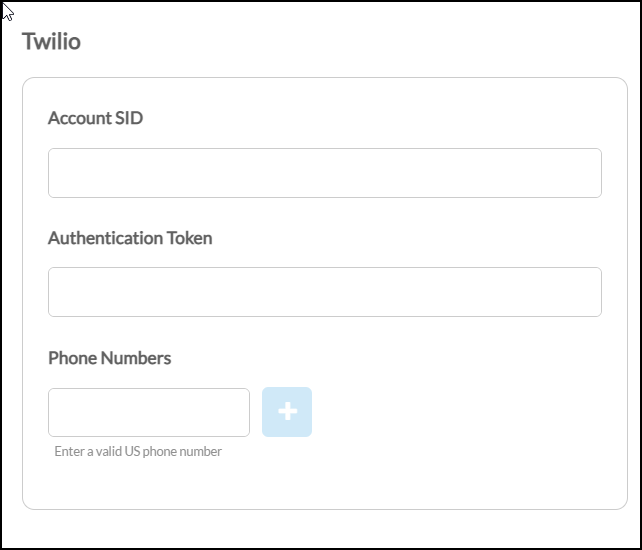
A Phone number can not be shared between multiple UltraCart accounts. This is due to webhooks from Twilio from replies requiring a 1:1 association between UltraCart account and phone number.
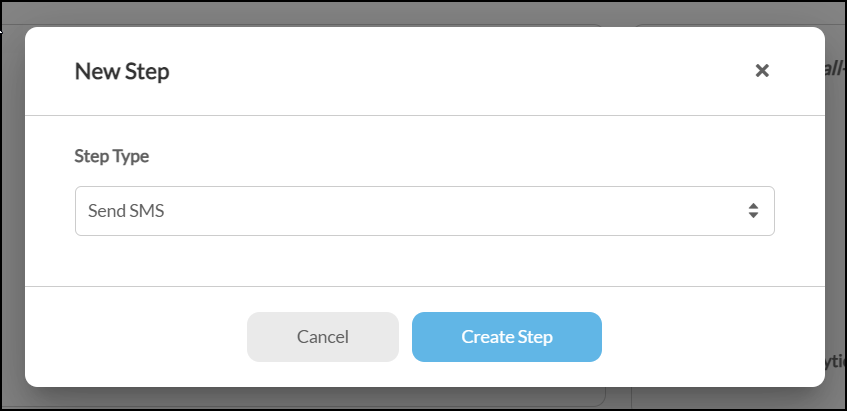
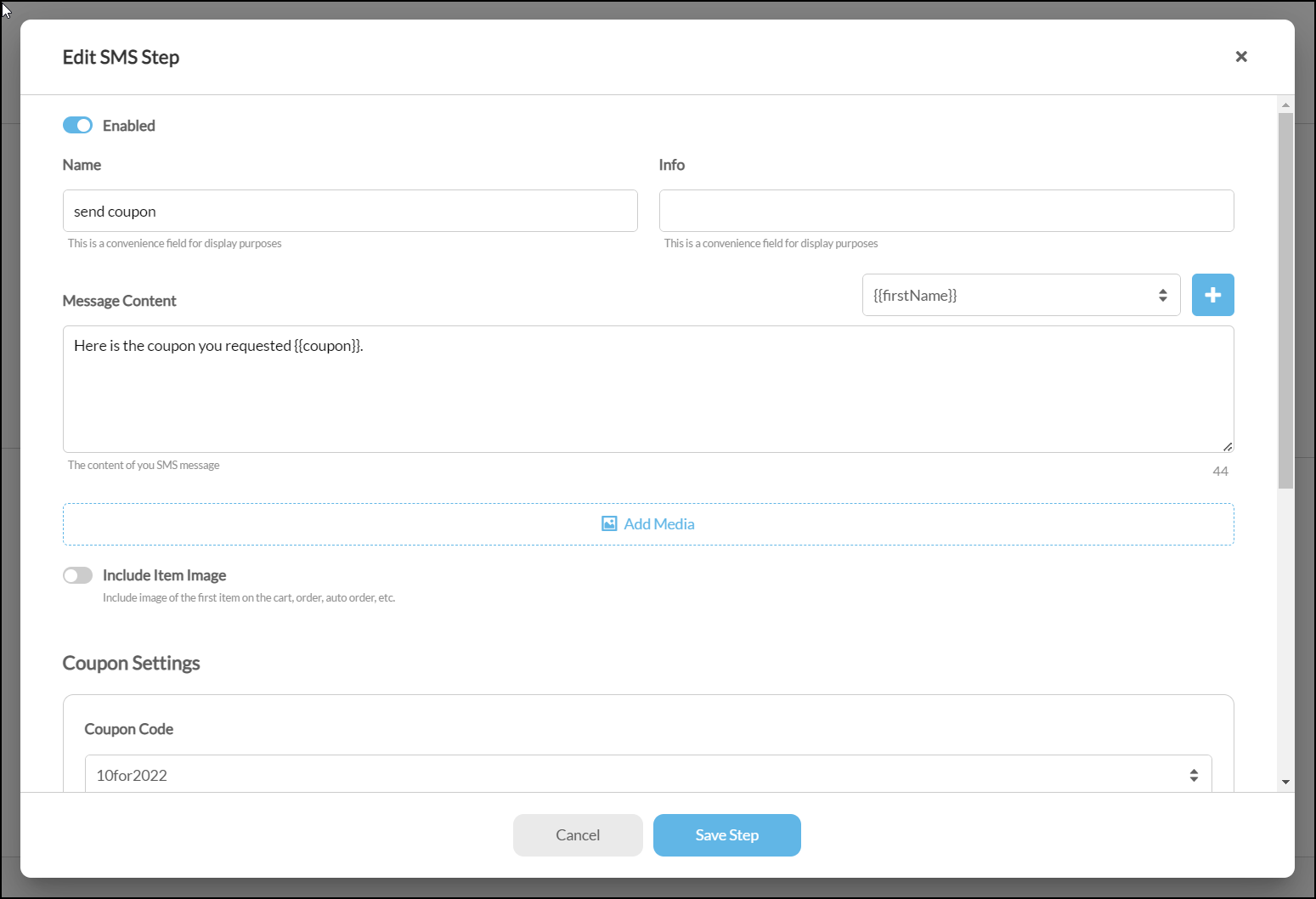
After configuring a Twilio account, add an SMS step to your campaign or flow to send customers an SMS message.
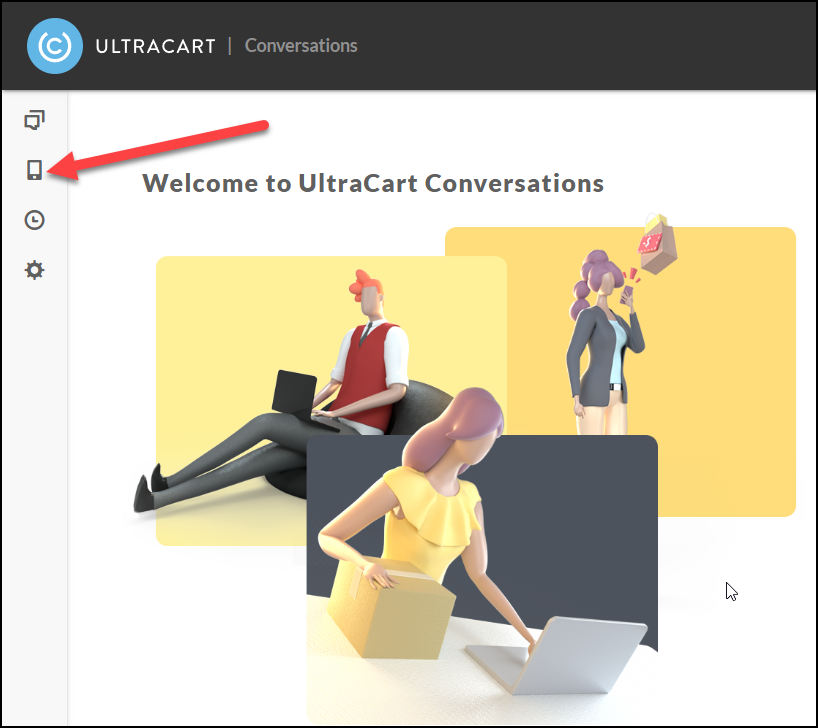
If the customer replies to your SMS marketing message then you will be able to continue the discussion within Conversations under the SMS section.