Adding Conditional Text to the Receipt Email
This tutorial will explain how to modify the receipt templates within StoreFronts to add text when the customer purchases a particular item.
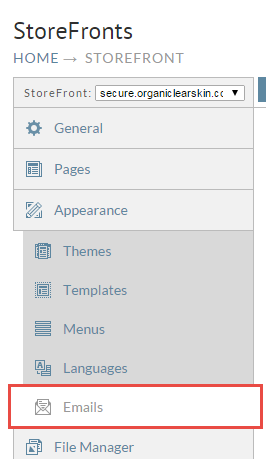
First click on the Email tab of the StoreFront.
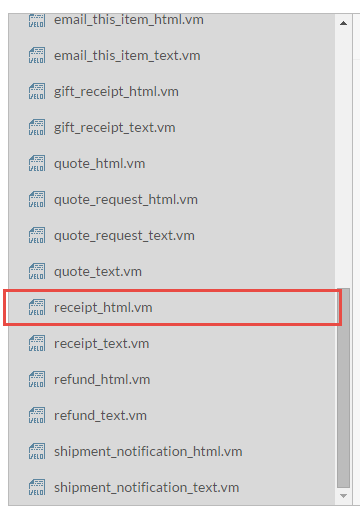
Now scroll down and click on the receipt_html.vm template.
The next step is to add a conditional if statement. We're going to ask the Order object if a particular item has been purchased. That code snippet looks like. Consult the Order object documentation for a detailed list of all the methods available on this object.
#if($order.ifPurchased("ITEM_ID"))
  Text to output if order contained item ID "ITEM_ID"
#end
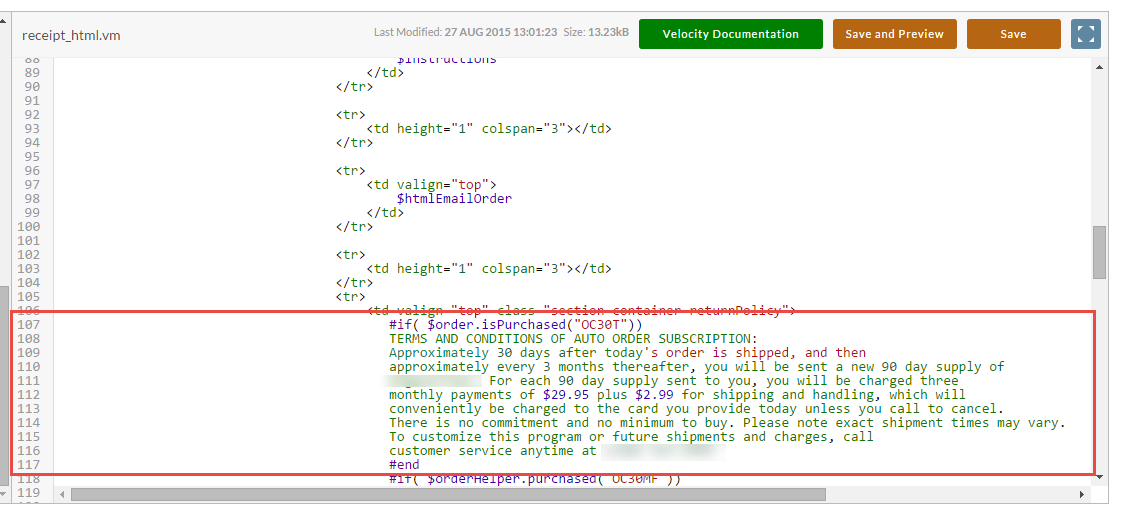
You can see a real world example in the screenshot below.
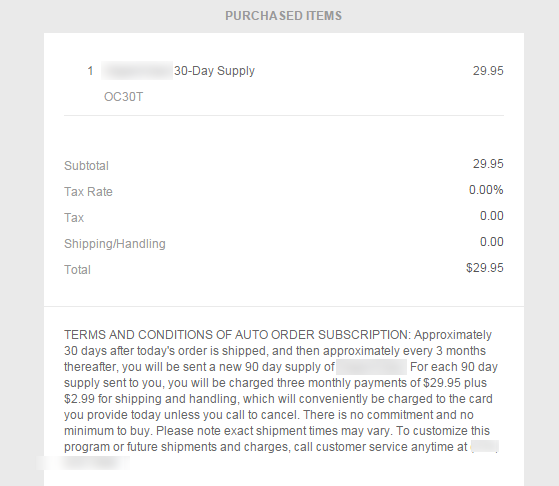
Finally when we save and preview the template we can see the text conditionally displaying.
Was this page helpful?