Mr Teas - Replacing Home Page Item Slider with Complete Listing
This brief tutorial will show you how to replace the home page slider of featured items with a complete listing. When we look at the template_home.vm we can see that there is a block of code beneath the Featured separator responsible for generating the slider.
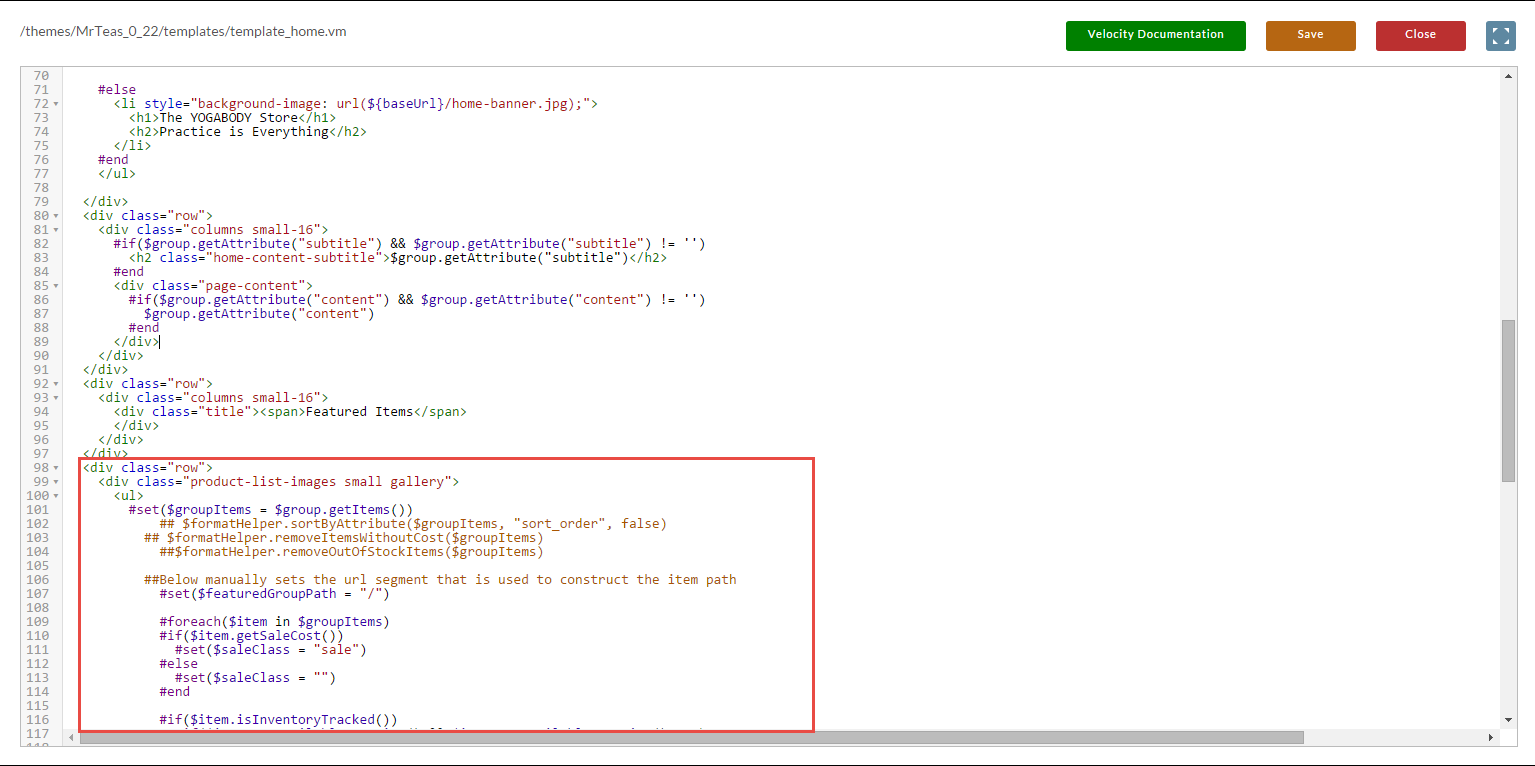
All we need to do is remove that particular
through
from the template and then use a snippet of code from template_catalog_simple.vm. The snippet of code is:
<div class="row">
  <section class="columns small-16 catalog-container">
    #if($group.getItemCount() > 0)
      #parse("/snippets/group_item_list.vm")
    #else
      <div class="row">
        <p>No items are assigned to this page.</p>
      </div>
    #end
  </section>
</div>
The end code should look like this:
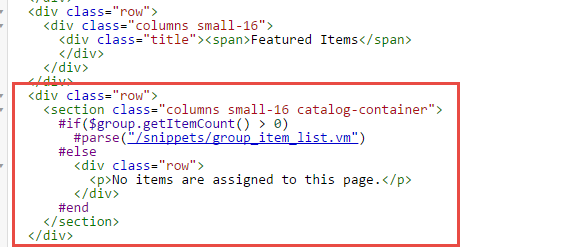
Notice that we are basically reusing the group_item_list.vm snippet that does all the hard rendering work for us.
Was this page helpful?