The Reviews tab is where you can make the item reviewable.
There are two sections to this tab:
-
Review Settings
-
Reviews
Review Settings
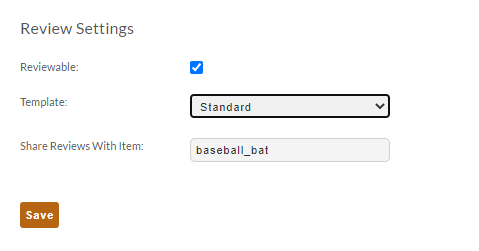
The following options appear:
| Field | Description |
|---|---|
| Reviewable (checkbox field) | Select if the item should be reviewable. |
| Template (drop-down list) | Select the review template |
| Share Reviews With Item | Use this to share the reviews with similar item. For example, if you sell an item in different colors, sizes, etc., then you may wish to share the reviews from one item to another. |
Reviews
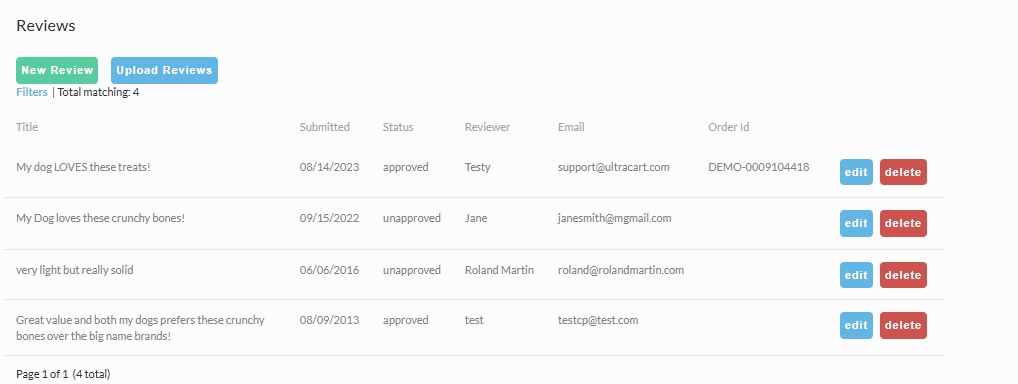
If the item has any reviews, they will appear here.
New Reviews
New reviews can be manually added, and the list of reviews can either be edited or deleted from this screen.
Upload Reviews
If you have reviews that you need to import, click the ‘Upload Reviews’ button.
On the next page, you’ll be prompted to upload a spreadsheet containing the reviews that need importing:
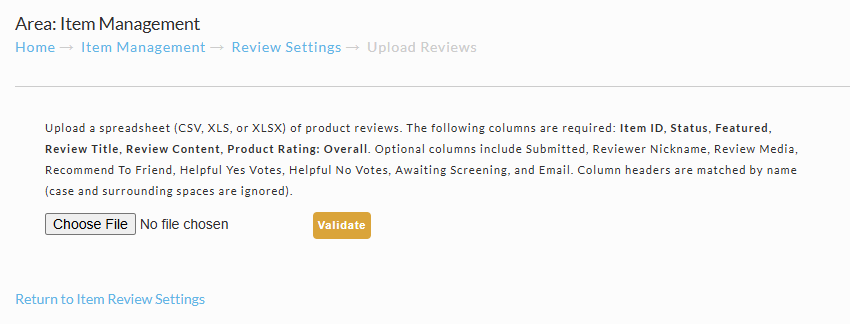
For the spreadsheet columns, accepted values, and how validation, duplicates, and failed rows are handled, see Importing Product Reviews.
info
For the item review approval process, see: Reviews
Related Documentation
Was this page helpful?