How do I recalculate commissions for orders associated with an affiliate after changing their group
In this scenario we have an affiliate that was accidentally in the wrong commission group and he drove a large number of orders into the system. The affiliate has been edited and placed into the proper group already, but we need to recalculate the commissions.
Do not perform the recalculation on orders that have already been paid out. This should only be done on orders with pending payments.
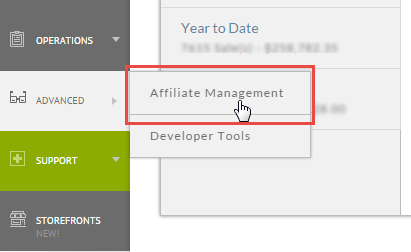
First we need to navigate to the Affiliate Management area.
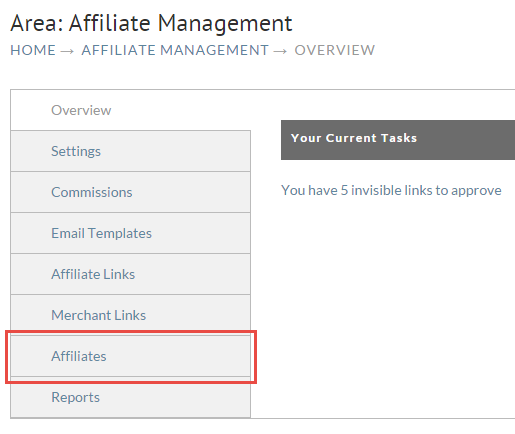
Next click on the Affiliates tab.
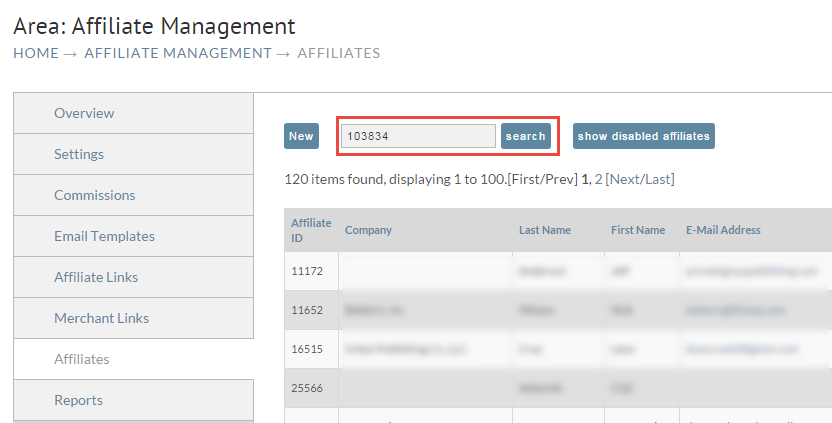
Enter the affiliate ID into the search.
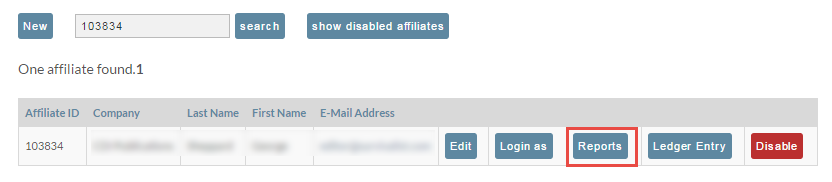
Click on the Reports button for the affiliate.
Enter the date range we're interested in recalculating. In this example we're recalculating everything in August.
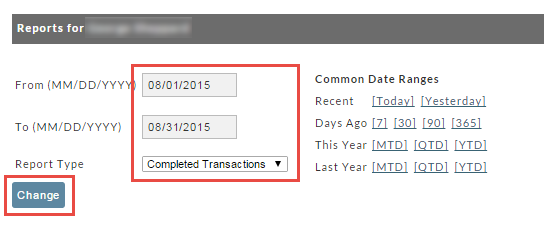
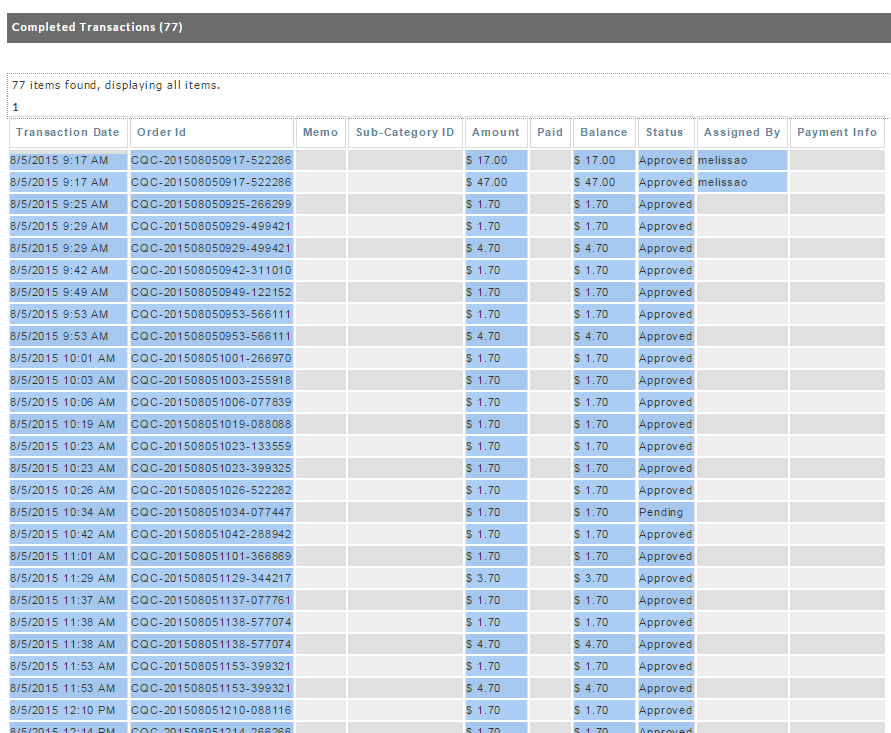
Now we need to get all the order id values. I've selected everything in the table with my mouse and hit CTRL-C to copy it to the clipboard.
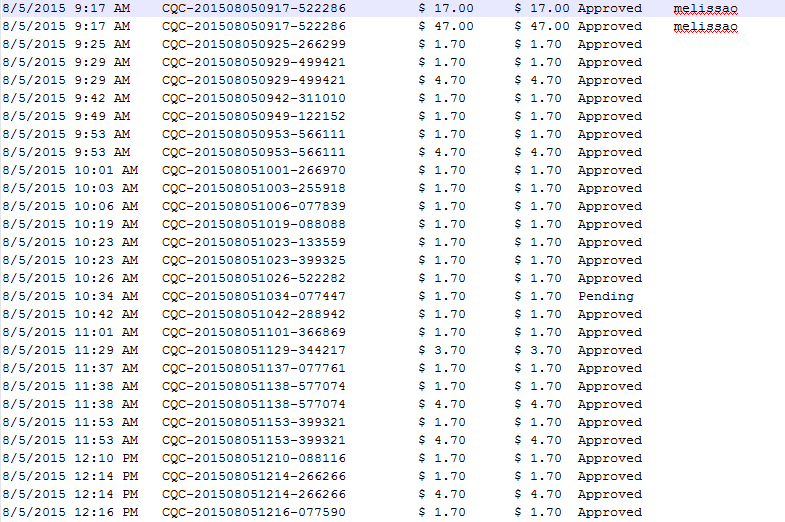
Next I'll paste the clipboard into my favorite text editor NotePad++.
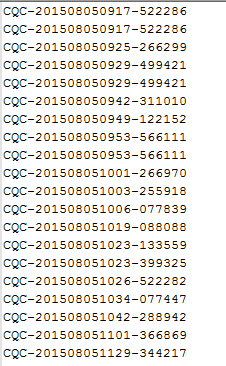
Now we need to clear out everything except the order id values. Some editors like NotePad++ have a column mode which makes this very easy.
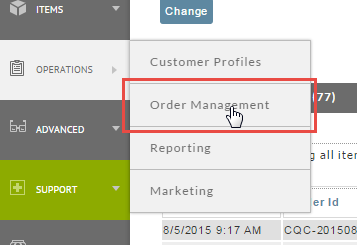
Now that we have the order ids we are going to use a batch order operation tool. Click on Operations then Order Management.
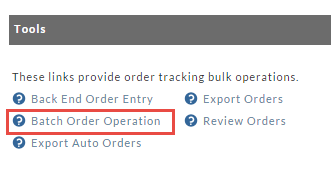
Now click on "Batch Order Operations"
Enter the order ids into the top section, enter the affiliate ID, and then click assign as shown below.
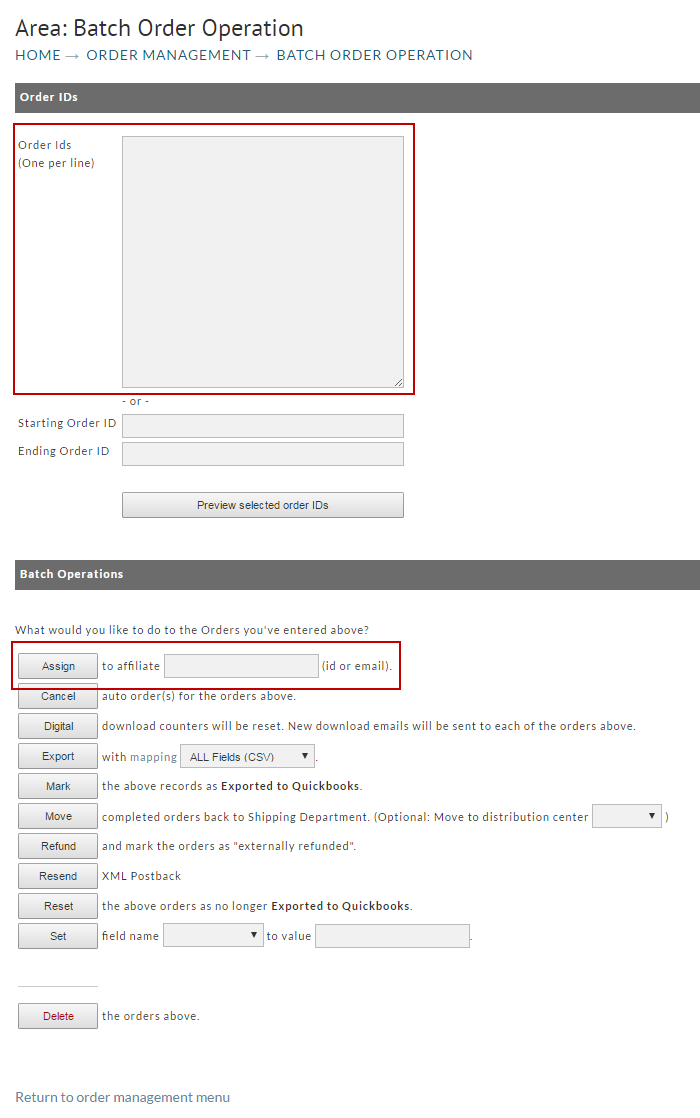
When the job finishes, all of the orders will be updated with the current assignments.