About
Create automated rules based user tasks using the task rule builder. These rules will assigns tasks to users for orders that require some kind of follow up.
You can create rules for orders related to:
-
Accounts Receivable
-
Auto Order Processing
-
Fraud Review
Accounts Receivable Task Rule Builder
Generate a Task whenever an order goes to Accounts Receivable.
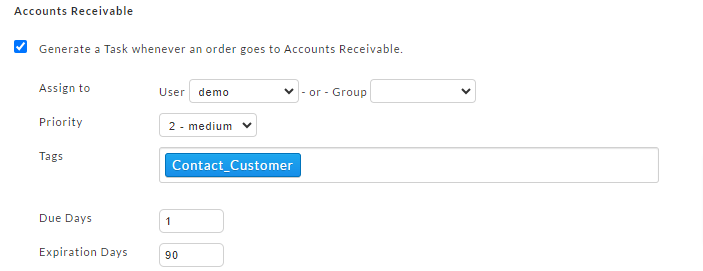
| Field | Description | Required |
|---|---|---|
| Assign to | Assign the task to either a individual user or to a user group, if you have configure user groups. | Yes |
| Priority | Assign a priority to the task. | |
| Tags | Assign tags to the task. | |
| Due Days | Assign a due date (in days.) | |
| Expiration Days | Assign an expiration date (in days.) |
Auto Orders Task Rule Builder
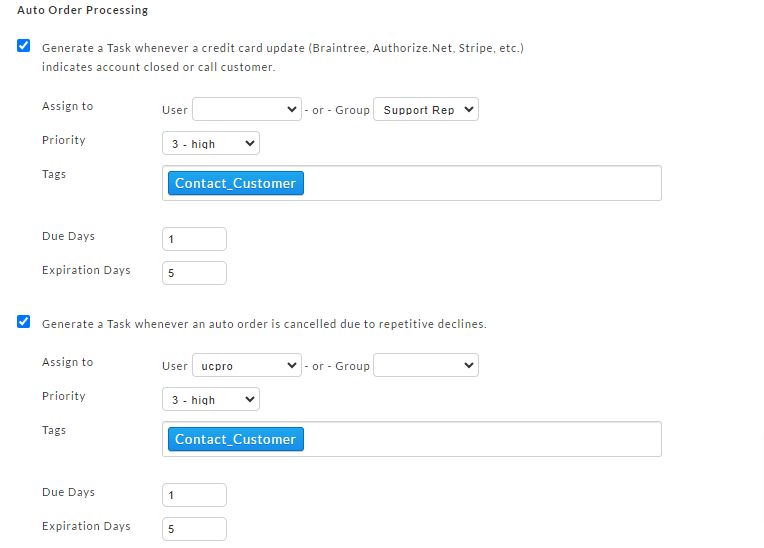
There are two types of tasks that can be created for auto orders:
-
Generate a Task whenever a credit card update (Braintree, Authorize.Net , Stripe, etc.) indicates account closed or call customer.
-
Generate a Task whenever an auto order is cancelled due to repetitive declines.
Fraud Review
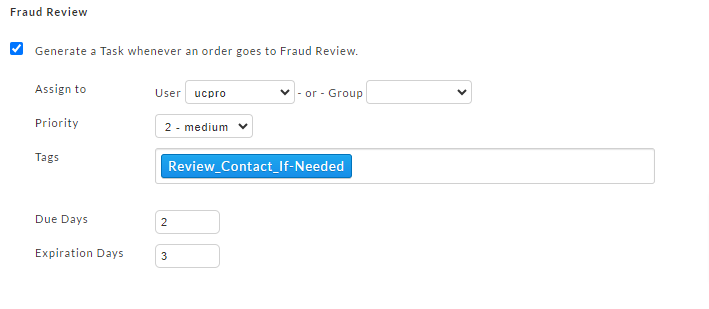
Generate a Task whenever an order goes to Fraud Review.
note
Makes sure to save the rules after enabling and configuring a task.
Was this page helpful?