About
Configure the Refund/Reject reasons to be assigned to refunded and rejected orders.
Navigation:
info
Main Menu > Configuration > (Configuration Menu) Order Management > Refund/Reject Reasons
Requirements
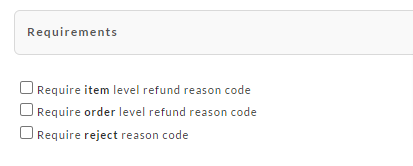
The first section is the requirements section.
There are three possible requirements:
-
Require item level refund reason code
-
Require order level refund reason code
-
Require reject reason code
note
You can select to require either item or order level refund reason codes, and you can select to enable reject reason codes.
Refund & Reject reason code mappings
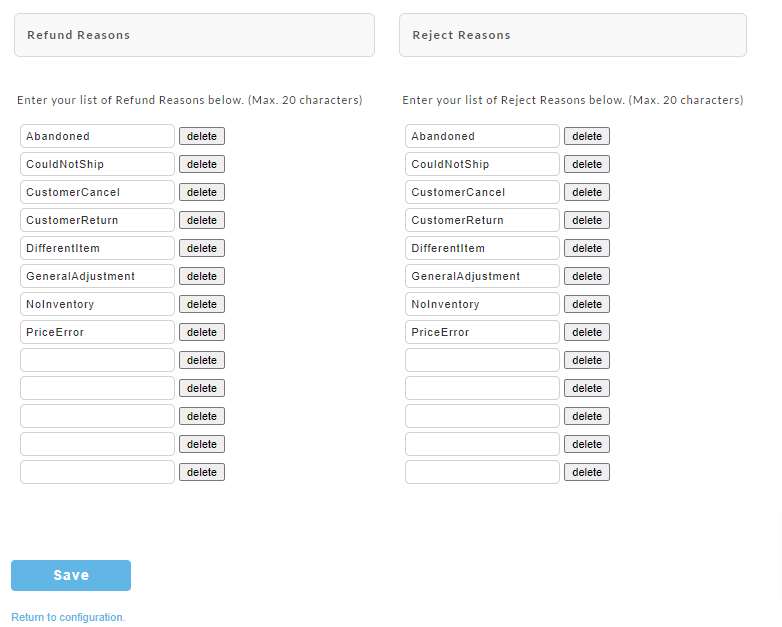
The next section is where you are map the Refund & Reject reason codes.
note
Please note that the codes have a maximum of 20 characters.
Was this page helpful?