How to find disabled auto orders
note
Operations → Order Management → Auto Orders
UltraCart gives you the ability to view all of your inactive auto order. An auto order can be inactive for several reasons ranging from declined credit cards, customer cancelled, or user cancelled.
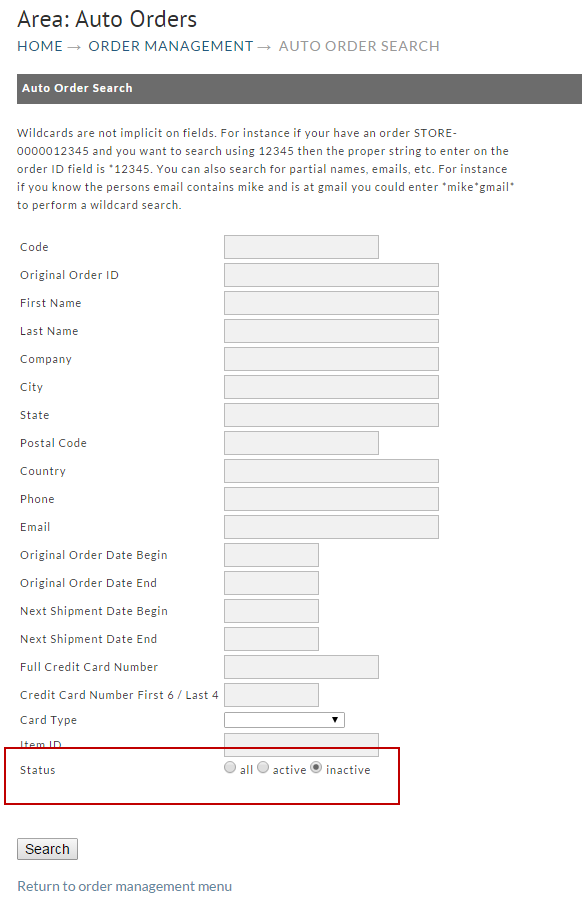
Once you are on the Auto order screen, make sure that inactive is selected for the status and then click Search.
The System will then display the results for all the inactive or cancelled auto orders.
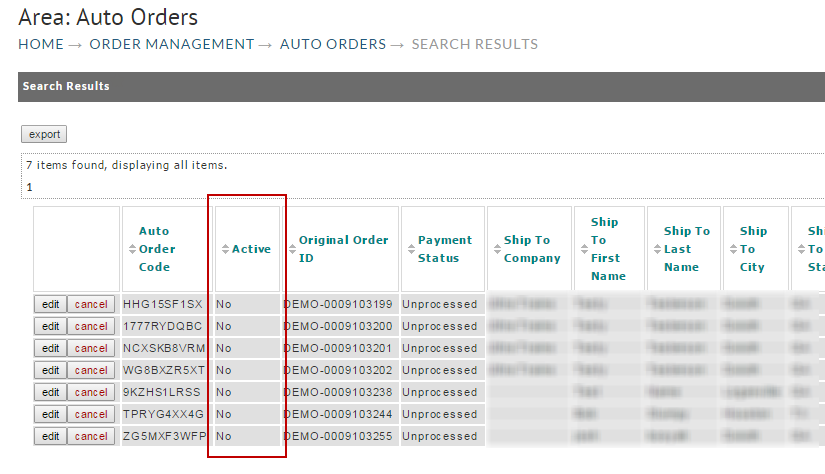
From here you can edit the order to view more details on why the order inactive.
Was this page helpful?