About
This tutorial will describe the steps to resending orders for download into QuickBooks. This may be due to a error with the original import or for orders that have been previously marked as imported.
Navigate
Main Menu → Operations → Order Management → (Tools section) Batch Order Operations
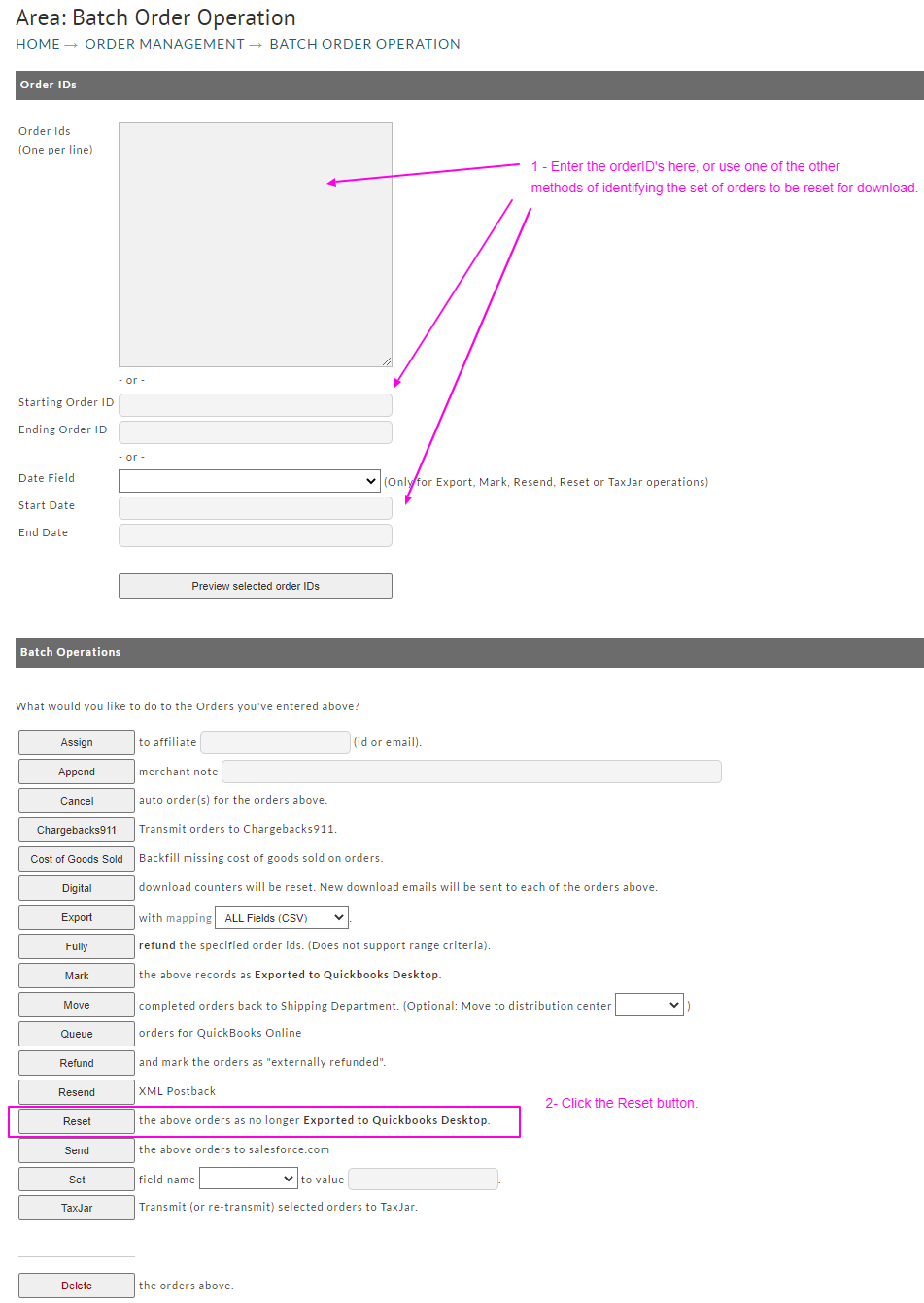
The batch order operation we will use is ‘Reset the above orders as no longer Exported to QuickBooks Desktop’.
-
Enter the orderID’s, or select the orderID range or Date range for the set of orders that need to be reset for download.
-
Click the ‘Reset’ button to initiate the batch operation.
Related Documentation
Was this page helpful?