Retransmit Order To FulFillment
Q: How do I retransmit an order to my fulfillment house?
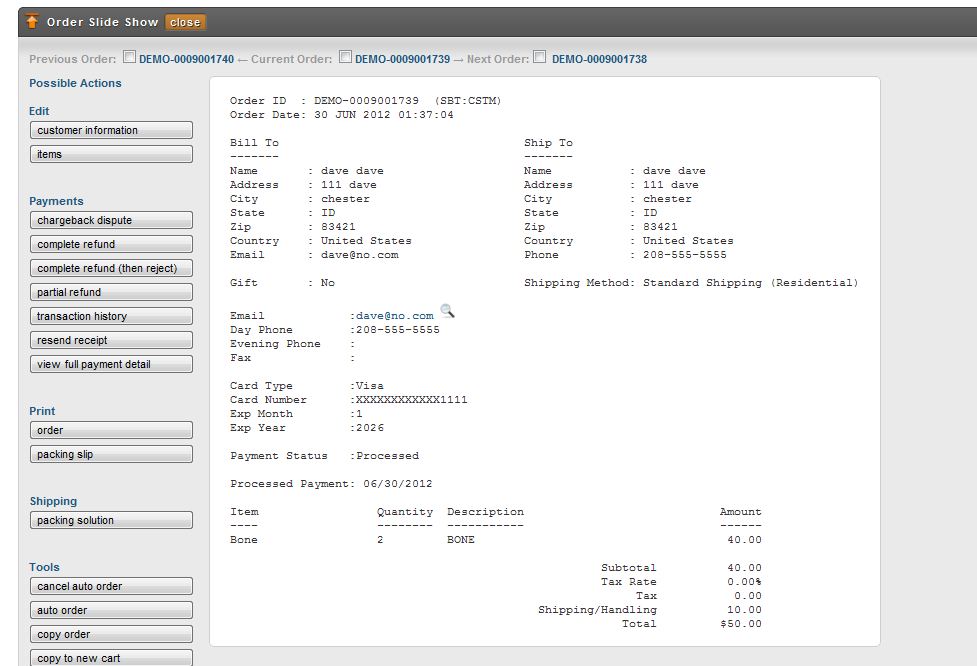
A1: When viewing an order invoice, edit the order suing the edit "Customer" information button:
(1) Click on the edit "Customer Information: button:
(2) click on the other tab and then select from the "new location" drop-down menu "Shipping Department, then click the move button. 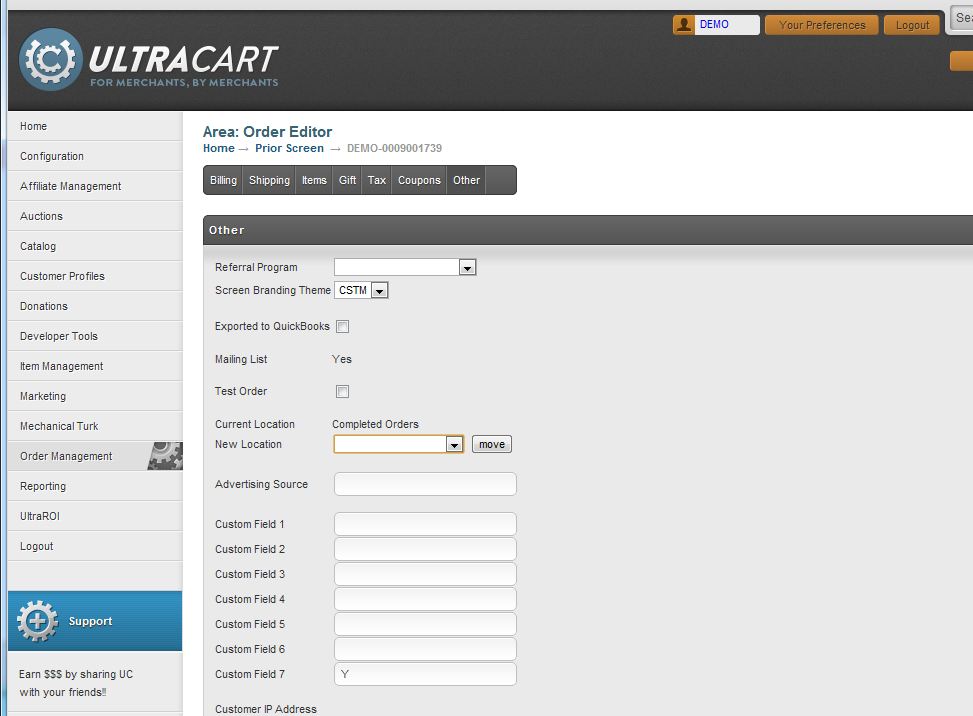
(3) After clicking the move button, you will be presented with a screen where you will choose to "move" and "retransmit" checkboxes (then click the save/submit button) 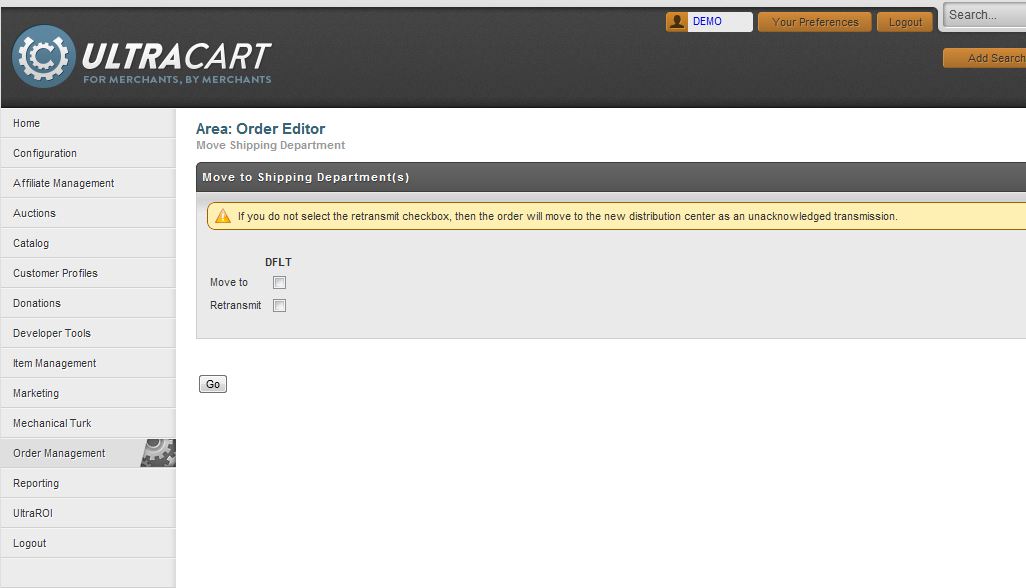
A2: When viewing the order from the Shipping Department
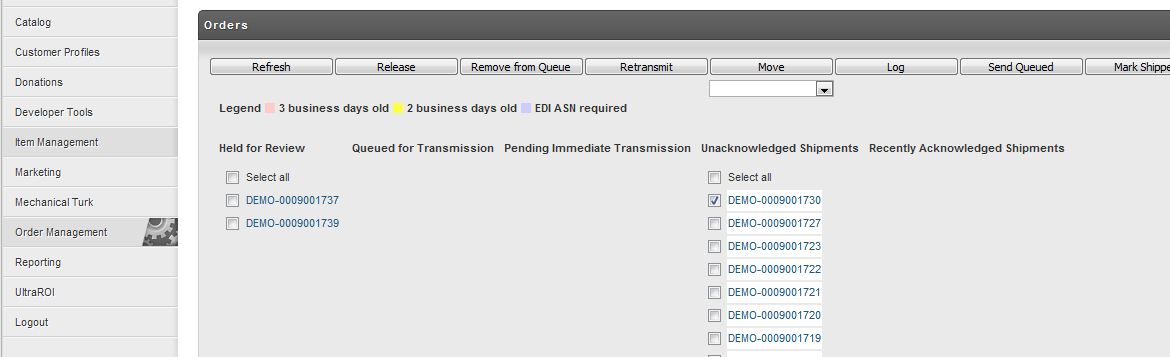
[Main Menu -> Order Management -> Shipping Department -> "Retransmit" button]
Select the order(s) to be retransmitted, then click the "Retransmit" button
Was this page helpful?