Import Tracking
The shipping department has a generic import option for importing tracking numbers from a CSV file to populate into the existing orders in the shipping department.
note
Main Menu → Order Processing → Shipping Departments → "Import Tracking" (button)
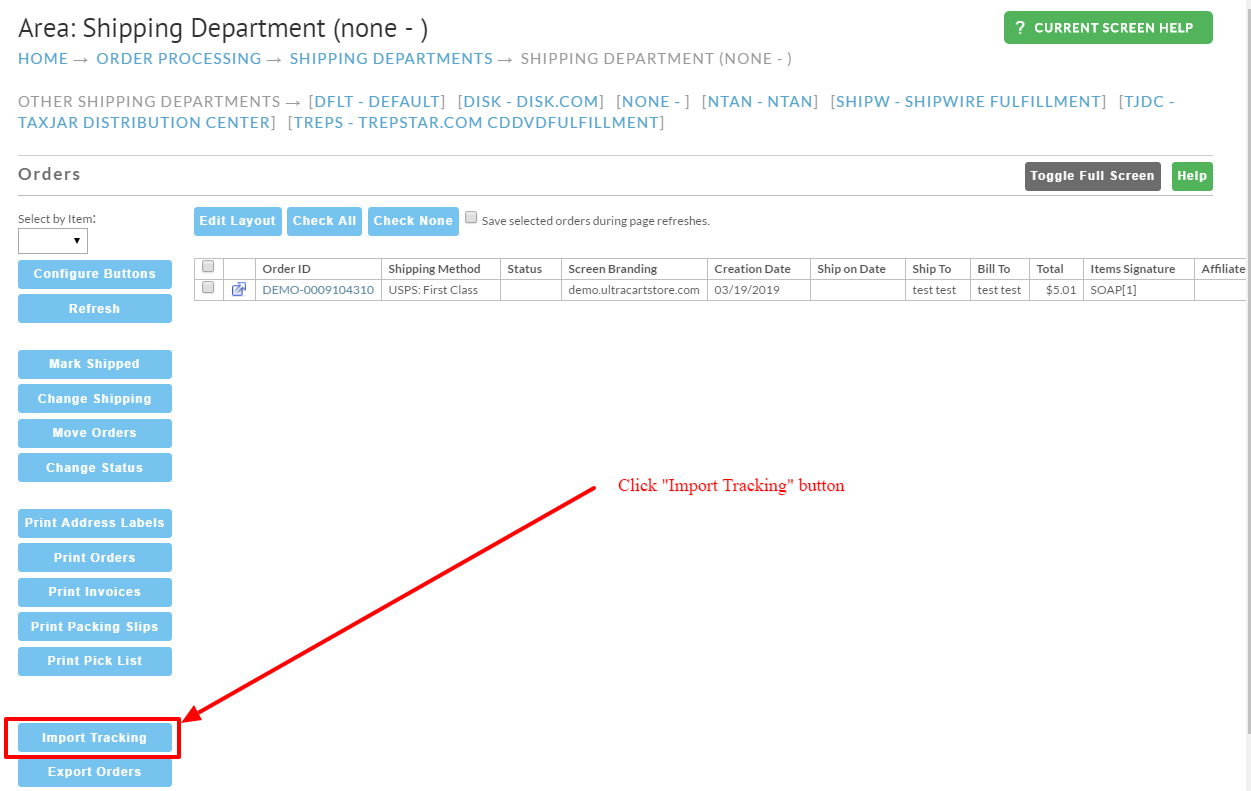
Clicking on the Import Tracking button will display the import tracking dialog window:
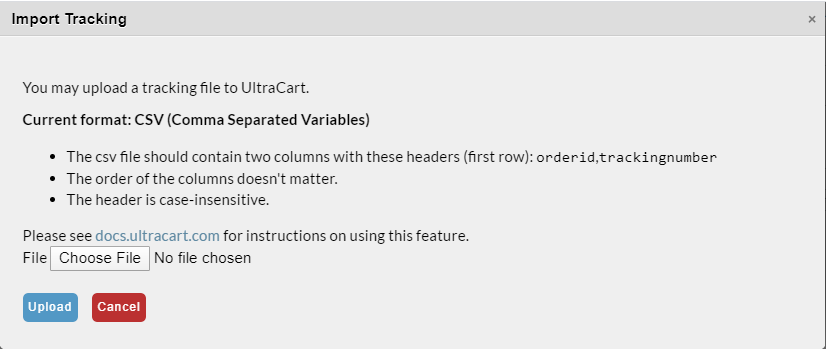
The CSV file has the following specifications:
- CSV (Comma Separated Variables) format (exampe: trackingnumbers.csv)
- The csv file should contain two columns with these headers (first row):
orderid,trackingnumber - The order of the columns doesn't matter.
- The header is case-insensitive.
- For orders containing multiple tracking numbers, make sure they are on separate rows.
Was this page helpful?