Print Orders Button
"Print Orders" Button
Overview
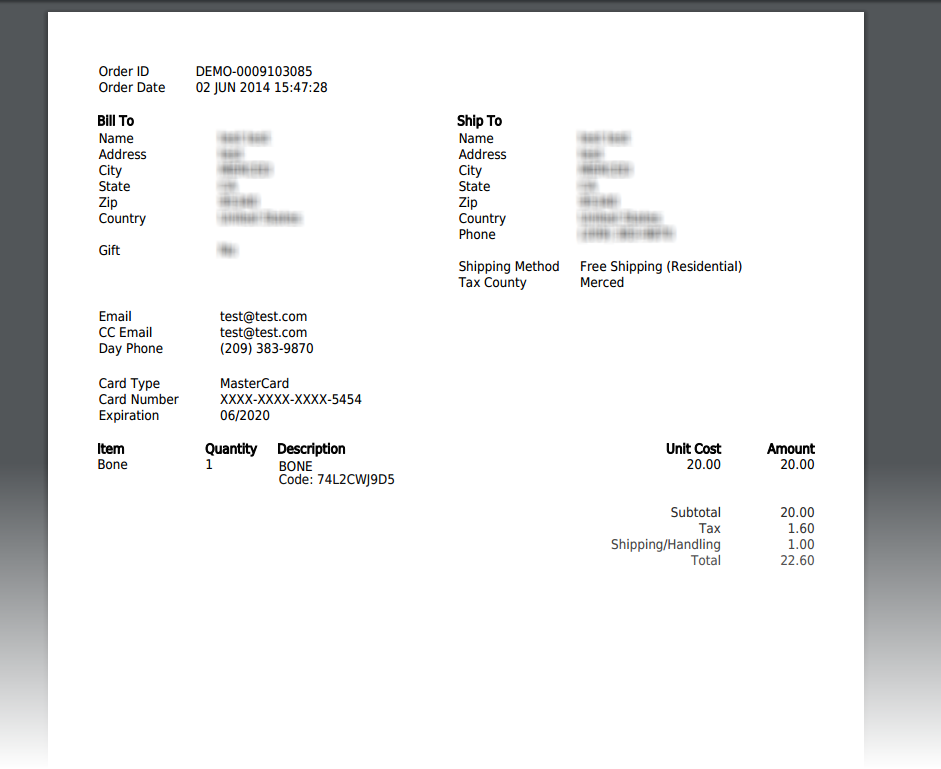
Allows you to print a copy of the order details including the customer address information, payment type, and item details.
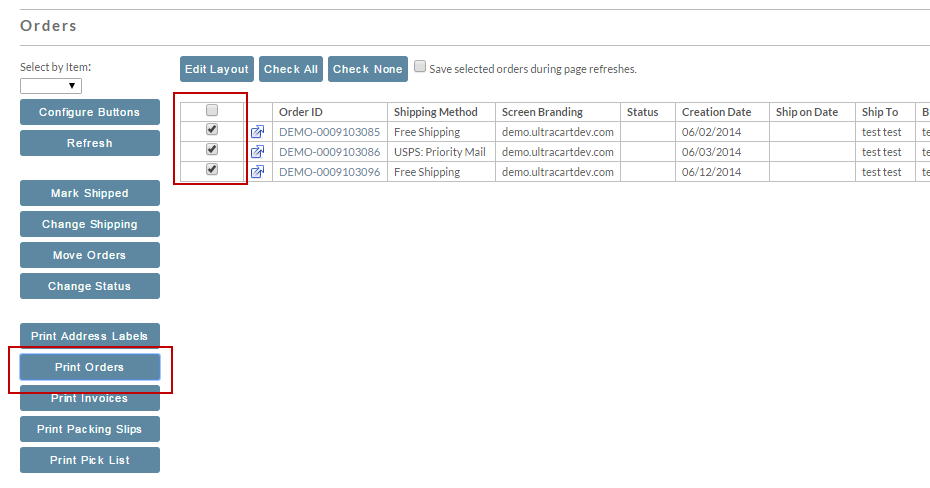
Select orders for printing by placing a check in the box to the left of the item ID. Then click on the "Print Orders" button.
The order will be sent to a PDF file which you can view from your browser and then print.
Was this page helpful?