Discussion
No Estimates For Shipping Method Reason: Does not meet the VALID ONLY FOR criteria for this shipping method
Explanation: This is a geographic restriction. In the shipping methods configuration, this method is not allowed to ship to this address.
Solution: If you wish this shipping method to be available, change the restrictions on this geographic area.
Remediation Steps
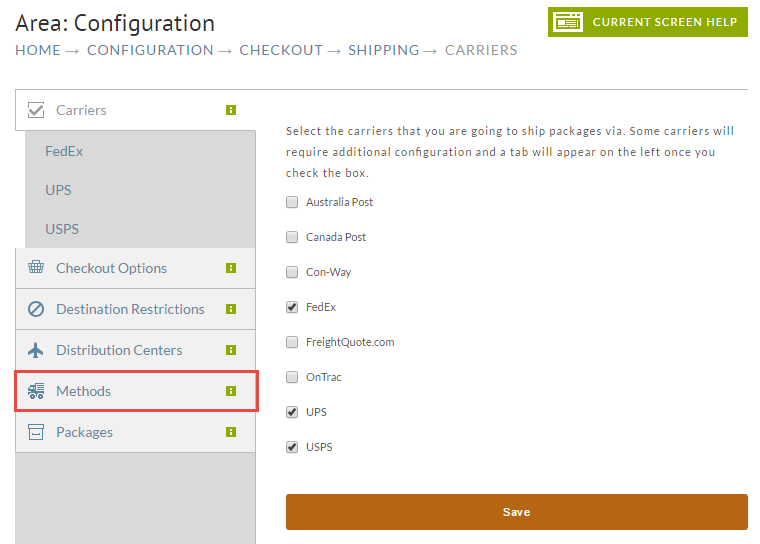
Navigate to your shipping method:
note
Home → Configuration → Checkout → Shipping
Click on the Methods tab.
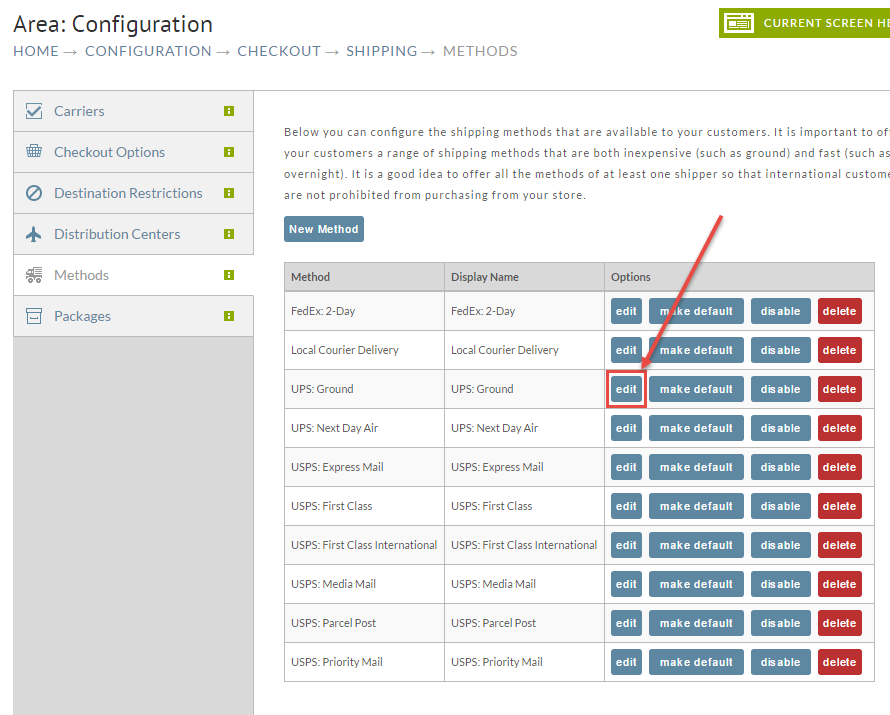
Select your shipping method and click the Edit button.
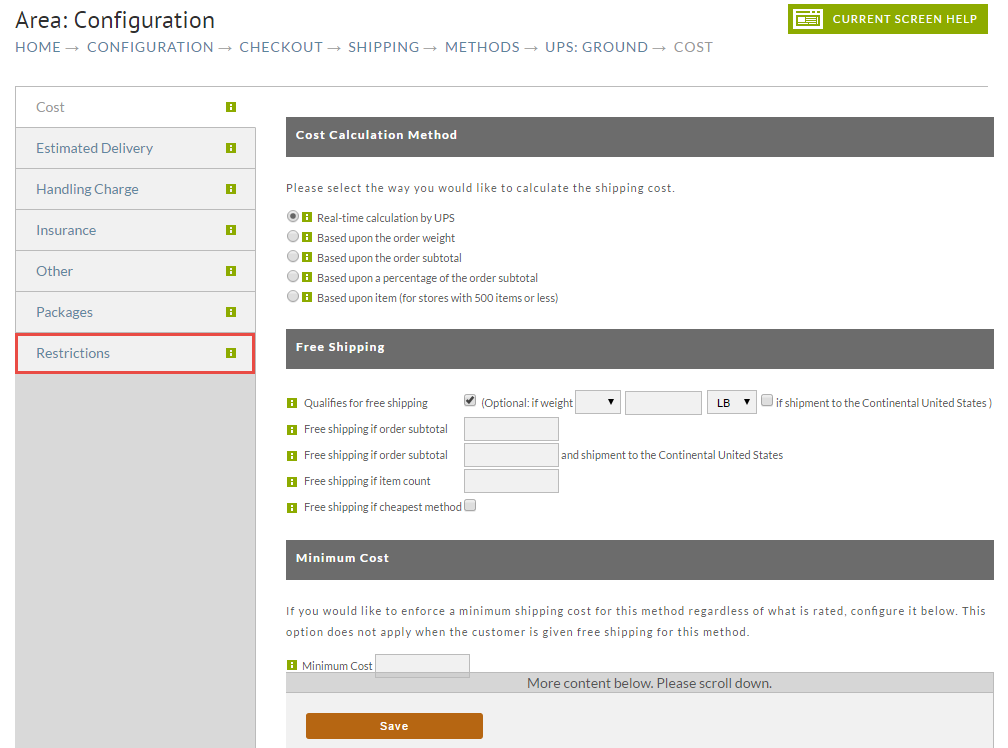
Click on the Restrictions tab.
In the Restrictions screen change the options for the geographic region. There are three choices:
| Choice | Explanation |
|---|---|
| Invalid For | This region is invalid for this shipping method. |
| Valid For | Any country with this radio button selected is a valid country for this shipping method, unless there are regions with 'Valid Only For' set. |
| Valid Only For | If this is set, it will dominate all other choices. Once set, only those regions that contain this option will be valid for this shipping method, regardless of any countries which have 'Valid For' selected. |
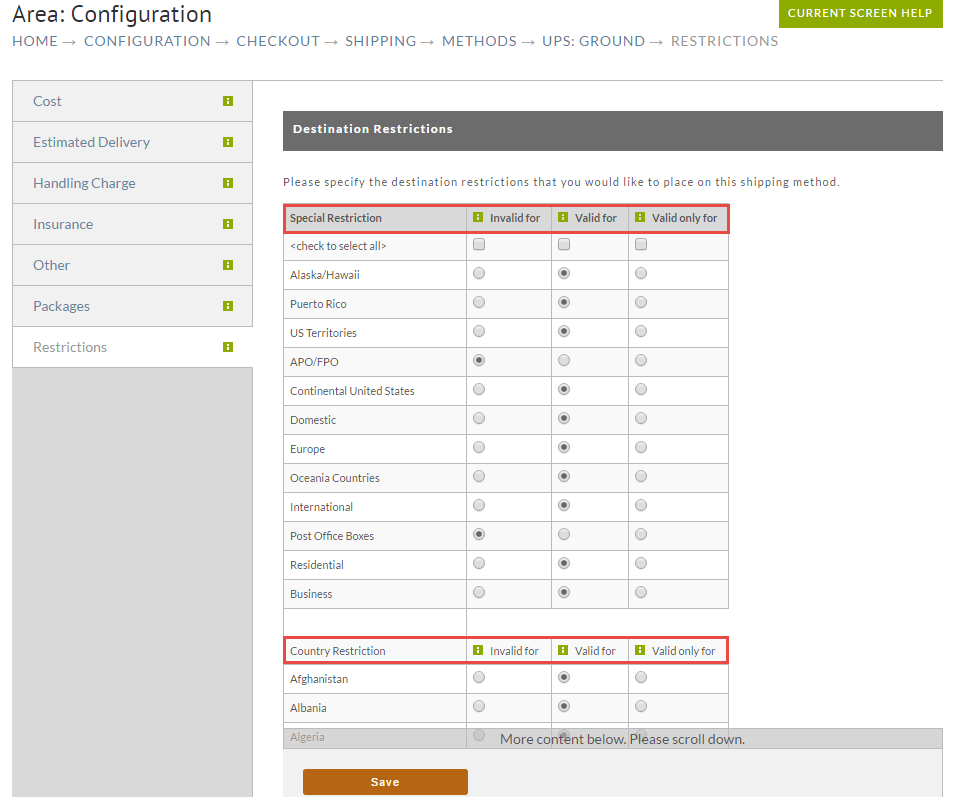
Click the Save button when finished.
Was this page helpful?