Re-transmitting a Completed Order to a Different Fulfillment House
This tutorial will explain how to locate an order and re-transmit it to a new fulfillment house. The first step is to locate the order using the Review Order search located at:
Enter the order ID into the search field and then click the order ID. This will bring up the order on the screen. Now click the edit customer information button as shown below.
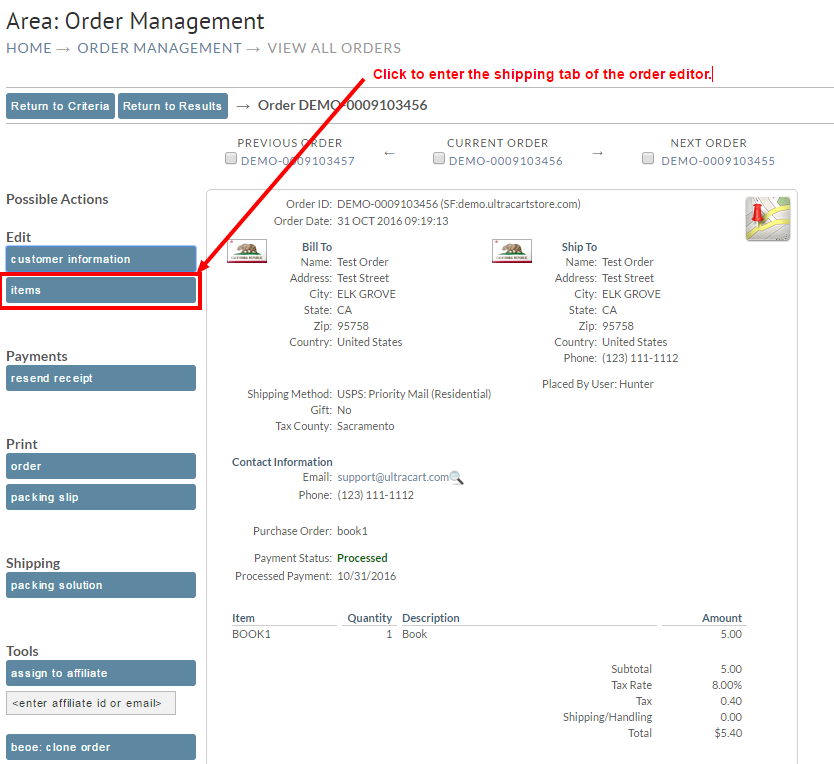
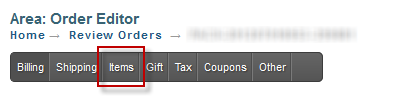
Now click on the items tab.
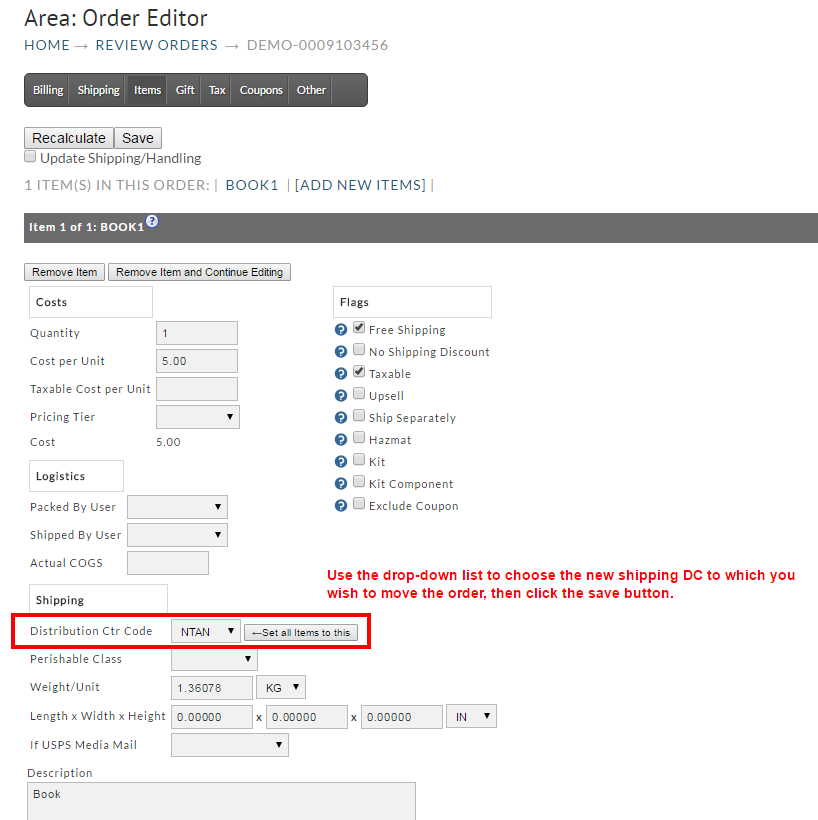
Change the distribution center code as shown below. For your convenience there is a "set all items to this id" button which you can use.
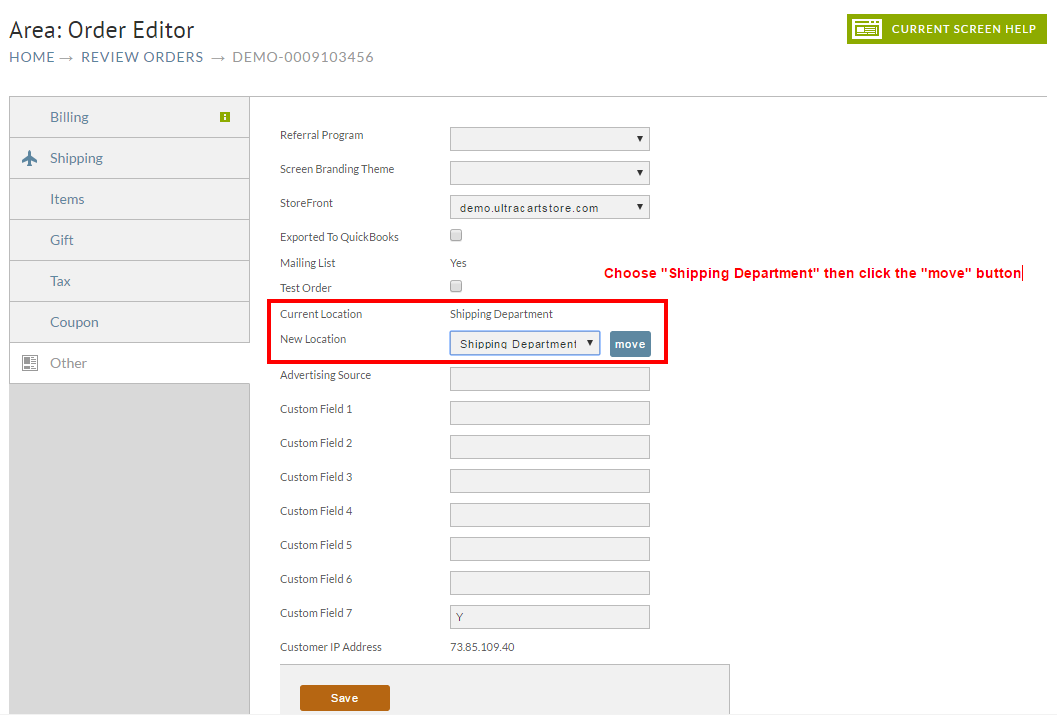
Now click on the Other tab as shown below.

Select Shipping Department from the New Location drop down and click Move as shown below.
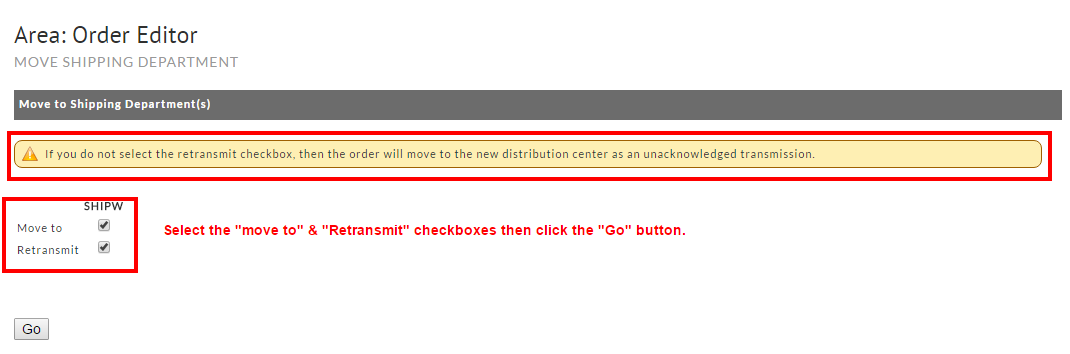
Now check the move to and re-transmit boxes as shown below and click Go.
The order has now been moved to the new shipping department and will be sent in the next scheduled transmission.