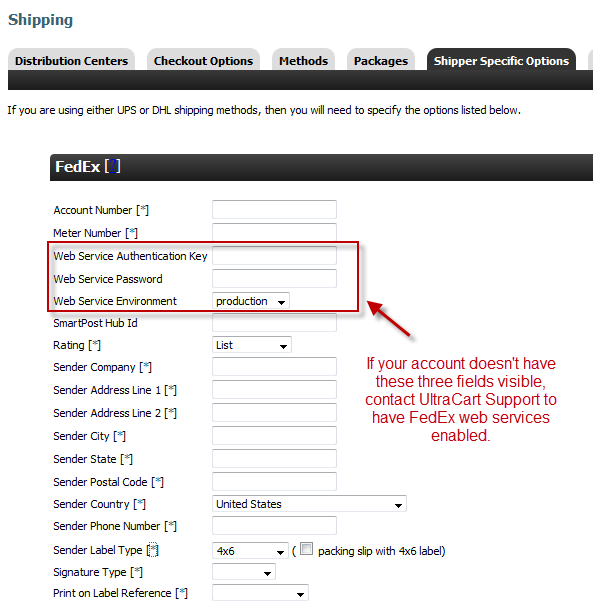
Configure FedEx Web Services
In order to rate non-list or SmartPost shipments you have to establish a FedEx web services account and configure the credentials inside of UltraCart. This tutorial will guide you through the process step by step.
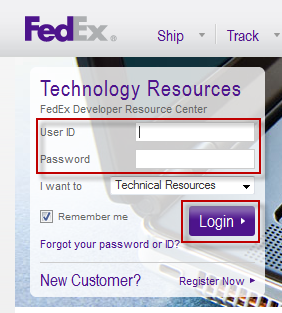
1.Go to http://www.fedex.com/us/developer/index.html and login to your FedEx account. You must have an active FedEx account and username/password to the Fedex.com website to proceed. On the page you will see a login form. Enter your credentials into the form and click login.
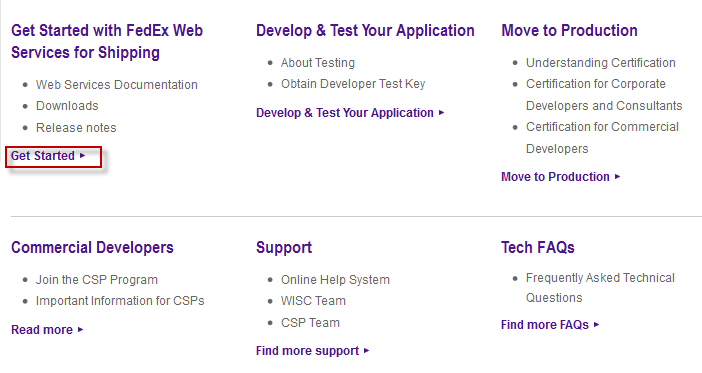
2. Scroll down to the bottom of the main menu and click "Get Started" under the section highlighted in red.
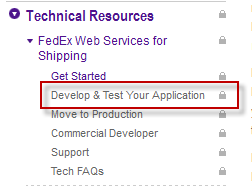
3. On the left hand menu go to FedEx Web Services for Shipping and click Develop & Test Your Application
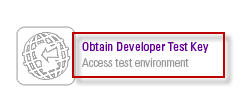
4. Scroll down on the page and click the obtain developer test key bottom.
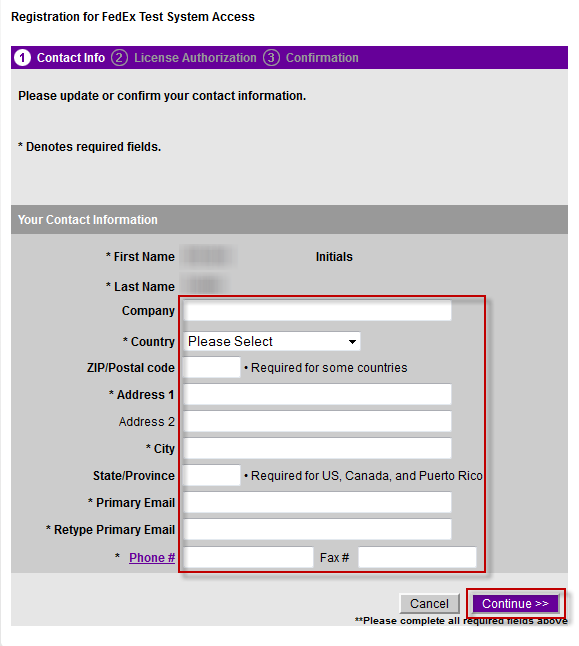
5. Complete the test system access form shown below.
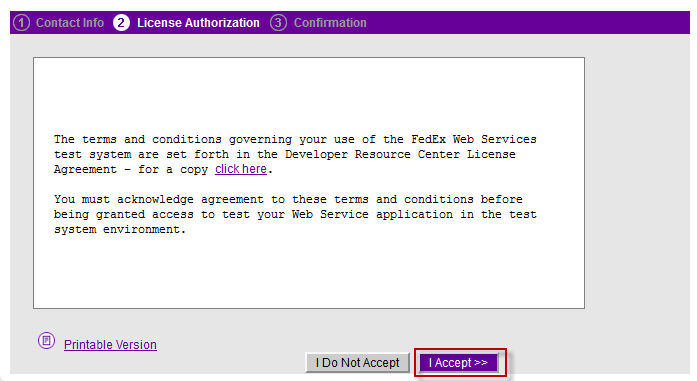
6. Agree to the license agreement and click "I Accept"
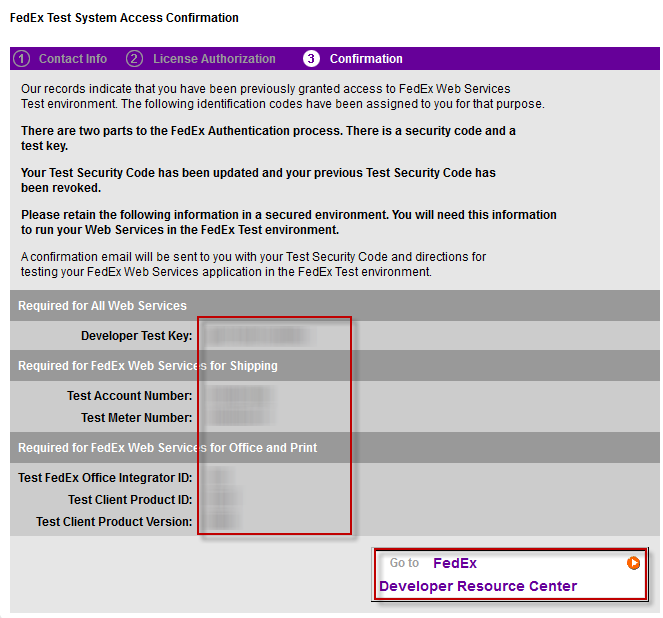
7. The next screen will provide a confirmation of the test credentials. This is only a portion of the credentials. The rest of the credentials are sent in an email.
8. Scroll down the left hand menu and click the "Move to Production" link as shown below.
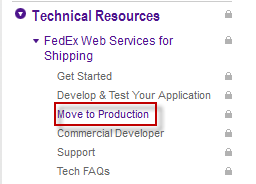
9. Click on the "Obtain Production Key" button at the bottom of the page.

10. Complete the application profile screen.
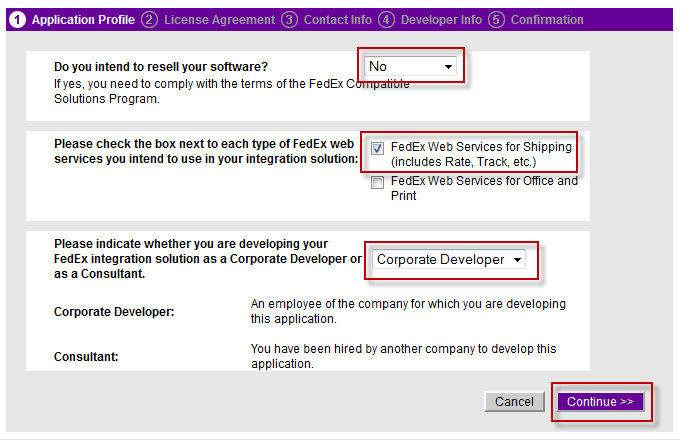
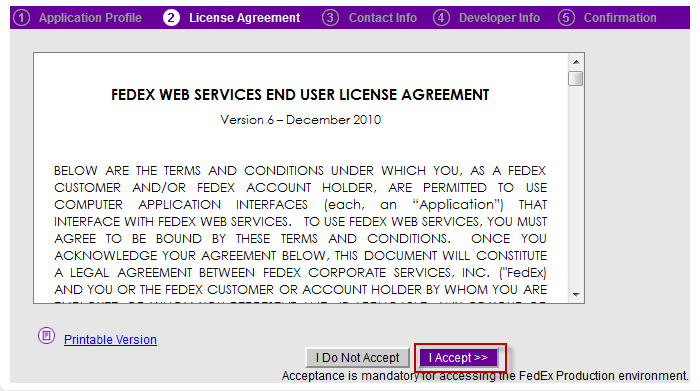
11. Click "I Accept" on the license agreement.
12. Complete the contact information form.
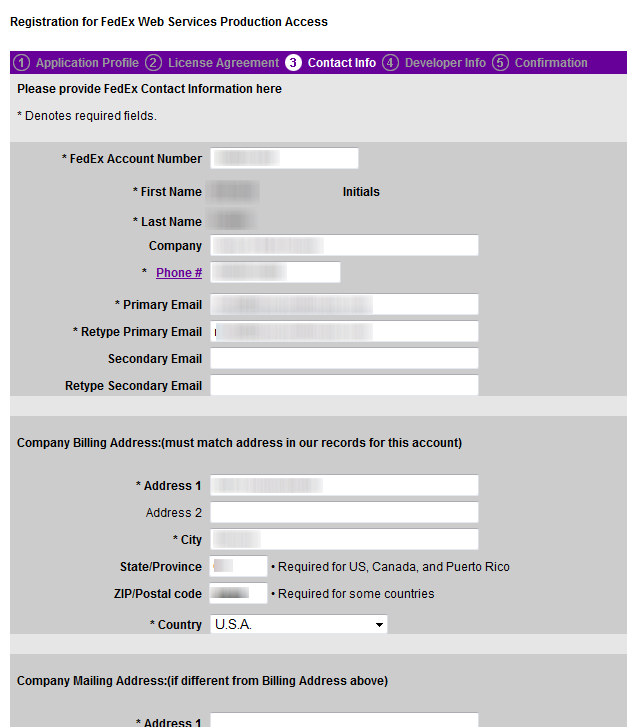
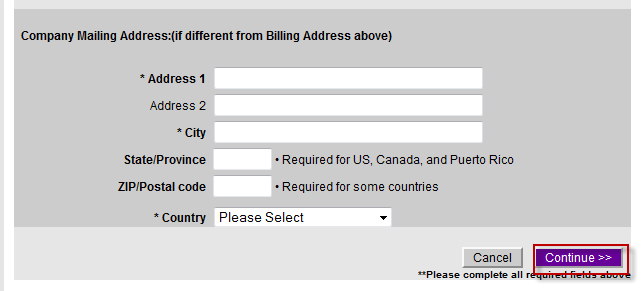
13. Click Continue
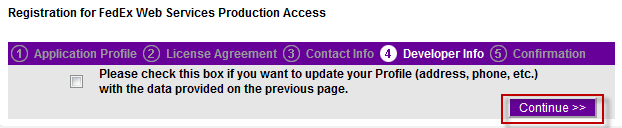
14. At this point FedEx will display a confirmation page with credentials for the production environment and email the other portion of the credentials to the email entered in the contact information form.
15. Using the credentials obtained from FedEx go to
In the FedEx section complete the various fields. If you don't have Web Service fields as shown below you will need to contact UltraCart Support to have FedEx web service support enabled on your account.