Navigation
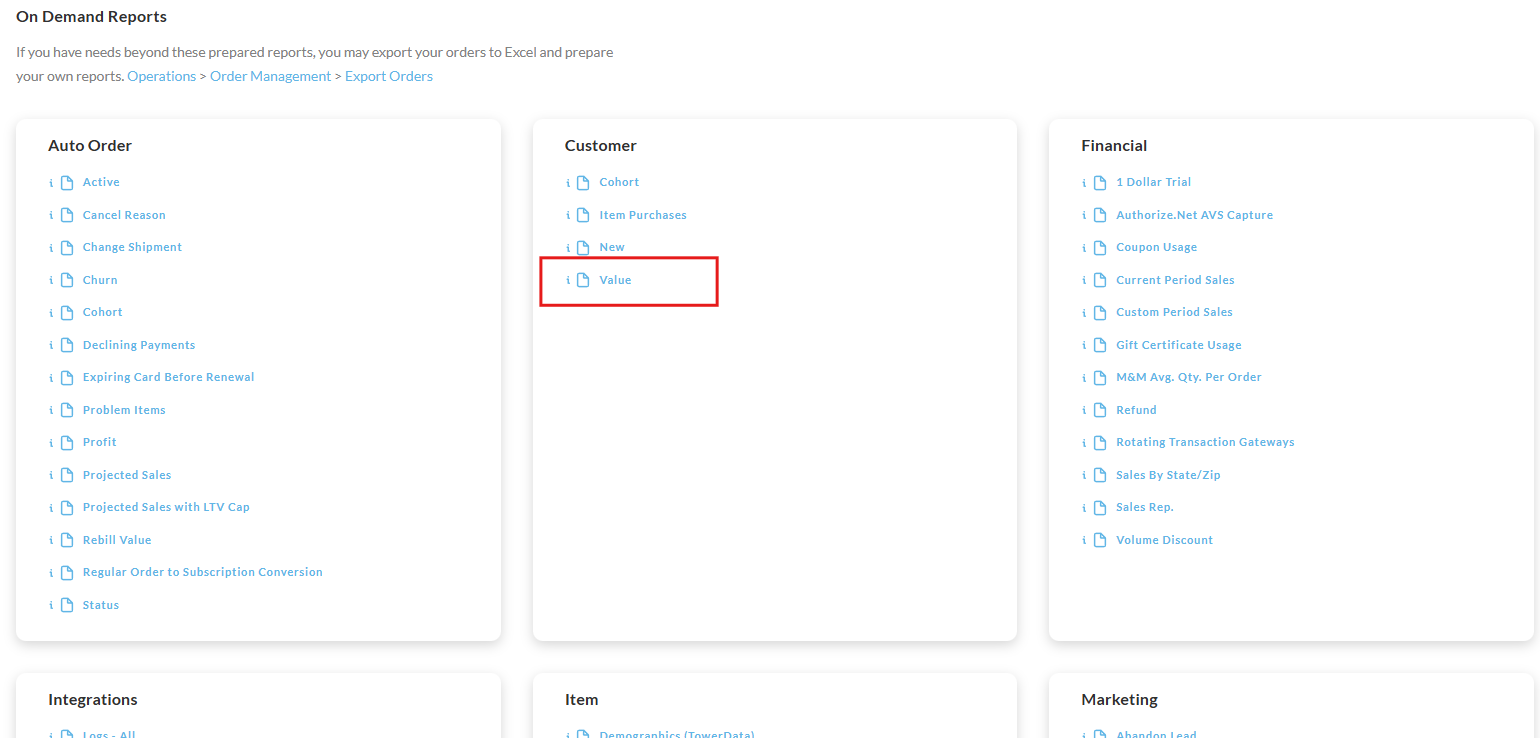
Operations → Reporting → Customer → Customer value
Overview
The customer value report allows you to enter a date range to see the following data on your customer:
-
Number of orders
-
Number of unique customers
-
Average customer value
-
Total Order Value
-
Average Order Value
-
Per Customer Details:
-
First Purchase (Date)
-
Last Purchase (Date)
-
Days Since Last Purchase
-
Email
-
Number of Orders
-
Total Order Value
-
Average Order Value
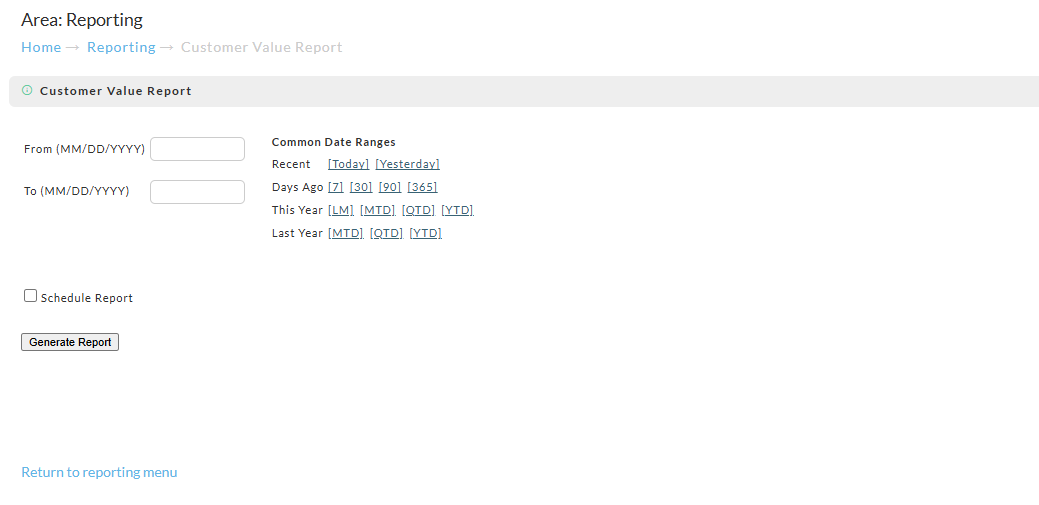
From the report screen simply enter or select the date range you prefer. Once you click the "Generate Report" button, the system will queue the report for pickup.
This report is schedule-able
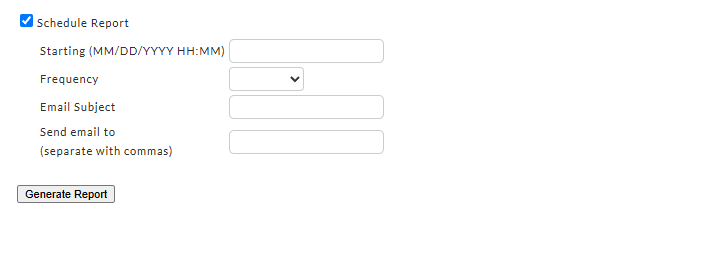
To schedule an automated report that is emailed to one or more email addresses, select the "Schedule report checkbox.
You'll then be presented with the report scheduler form:
Report Pickup
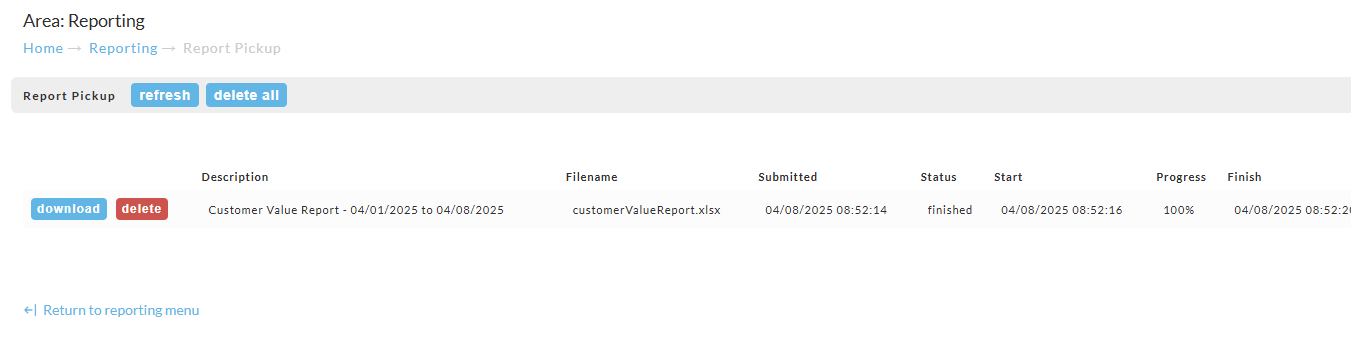
You can view the report from the report pickup screen. There will be a link on the page to take you there.
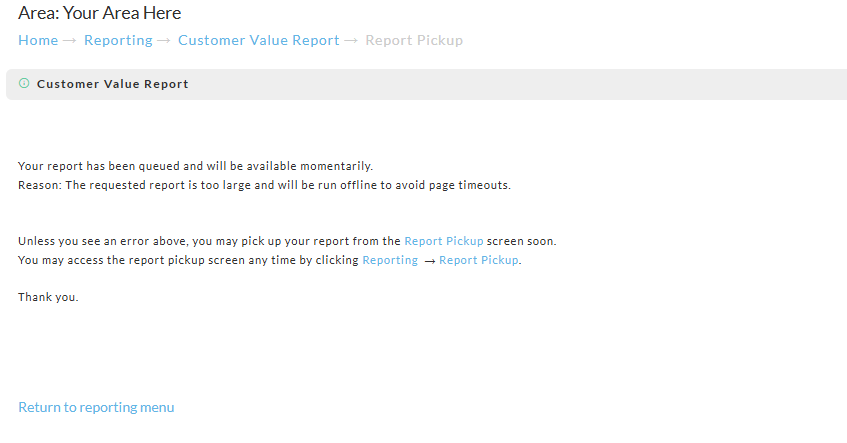
From the Report Pickup screen simply click "download" to view the report.