Navigation
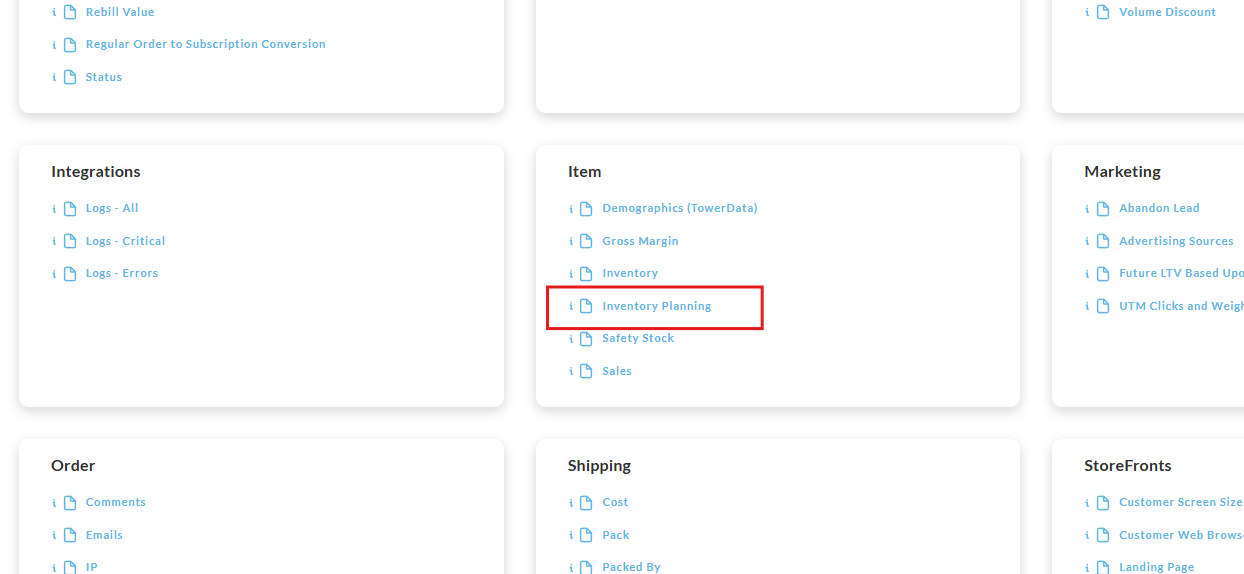
Operations → Reporting → Item → Inventory Planning
Overview
The Inventory Planning Report provides a breakdown of the inventory settings and inventory allocation details for each item sold during the specified reporting period(s).
The spreadsheet contains the following columns"
-
Item ID
-
Description
-
Inventory
-
Allocated to PO
-
Allocated to SC
-
Available to Allocate
-
Pre-order
-
Track Inventory Shipped (for reporting date range)
-
Sales (for reporting date range)
Running the Report
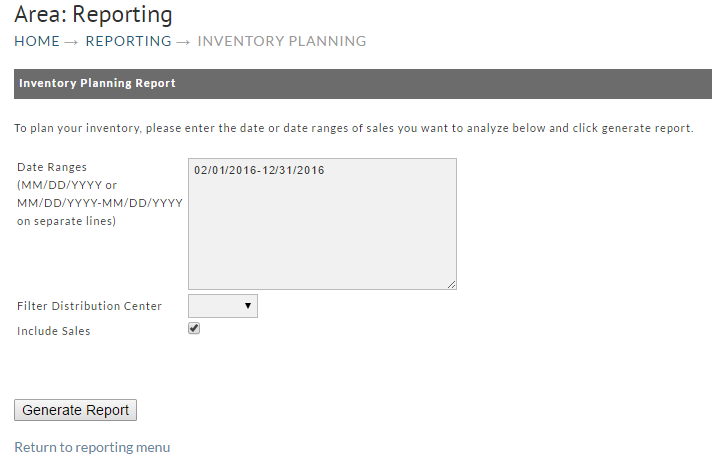
To run the report enter the begin and ending dates then click the "Generate Report" button:
***NOT Schedule-able
This report is NOT schedule-able
Report Pickup
This report should run immediately, prompting you to either open or save the file (it may download to a specified folder automatically depending on how you may have previously responded to the browser prompts in the past.)