Navigation
Operations → Reporting → Item → Gross Margin
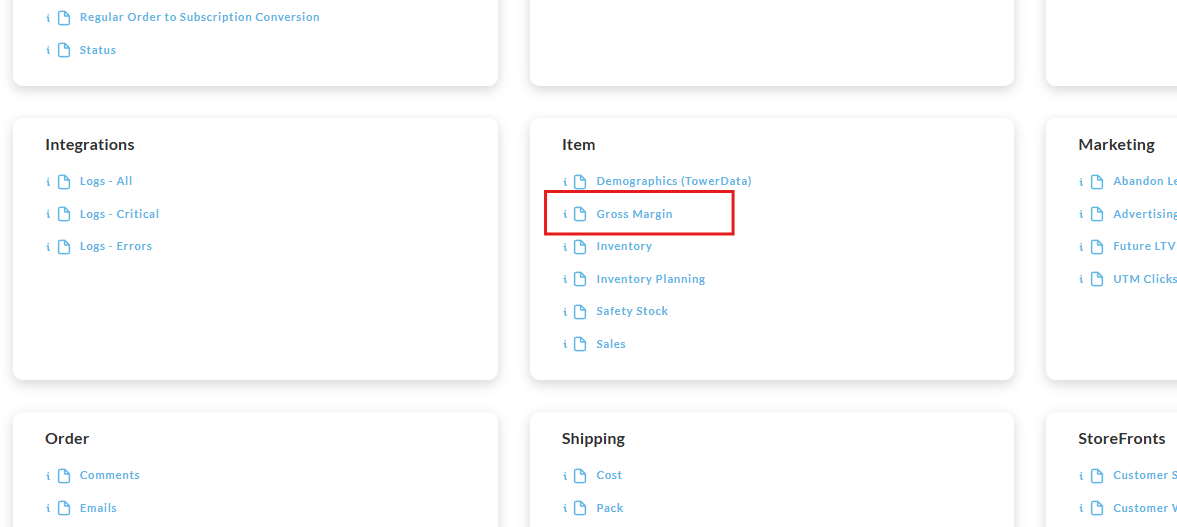
Overview
Item Gross Margin Report provides a spreadsheet breakdown with the following columns:
-
Catalog Group
-
Item #
-
Description, Total
The report will provide a summary with these details:
-
Subtotal
-
Shipping, Total
-
COGS, Gross Margin
-
Gross Margin %
-
Units Sold
Running the Report
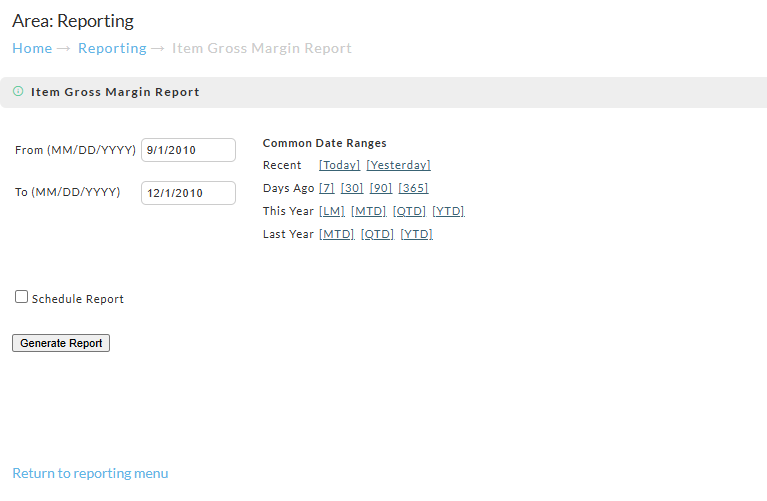
To run the report enter the begin and ending dates then click the "Generate Report" button:
This report is schedule-able
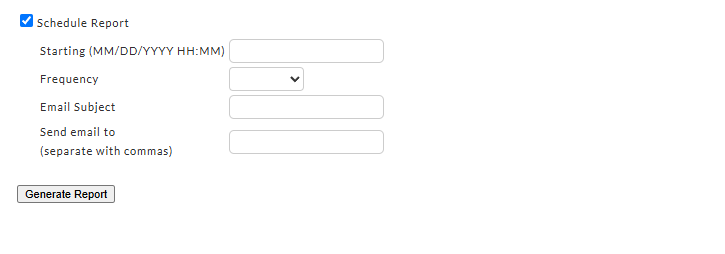
To schedule an automated report that is emailed to one or more email addresses, select the "Schedule report checkbox.
You'll then be presented with the report scheduler form:
Report Pickup
This report should run immediately, prompting you to either open or save the file (it may download to a specified folder automatically depending on how you may have previously responded to the browser prompts in the past.)