About
The Replacement Shipment report is a simple one, it lists all of the replacement shipments generated during the selected reporting period. Use this report to review user/employee activity in processing replacement shipment orders.
Running the Report
Navigate to the Shipping section of the Reporting area.
Main Menu → Operations → Reporting → ('Shipping' secton) Replacement
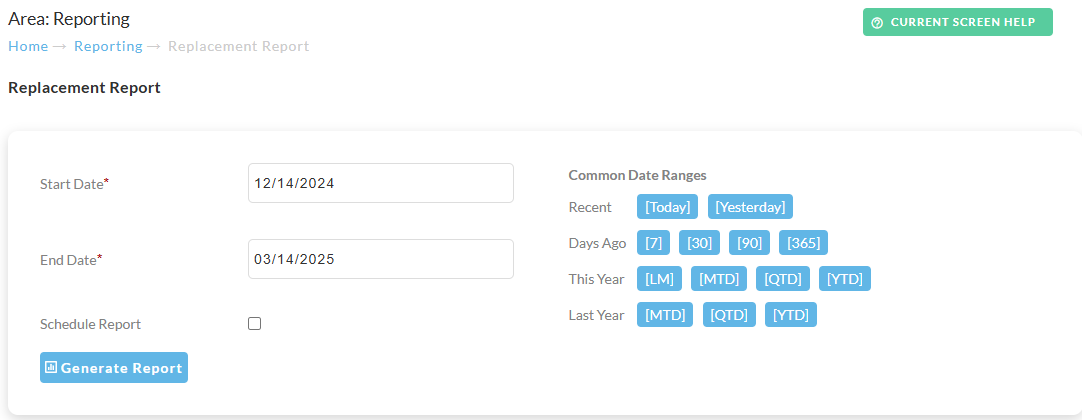
Select the Date range for the report, then click the ‘Generate Report’ button.
Optionally, you can schedule a report.
Report Columns
The report is a simple one. There are multple worksheets, with the first one being a list of the replacement orders, providing the following columns:
First Worksheet: Orders
List of replacement orders for the reporting period.
-
order id
-
creation datetimestamp
-
replacement shipment by
Second Worksheet: User Summary
List of users that processed replacement orders.
-
replacement shipment by
-
replacement count