Navigation
note
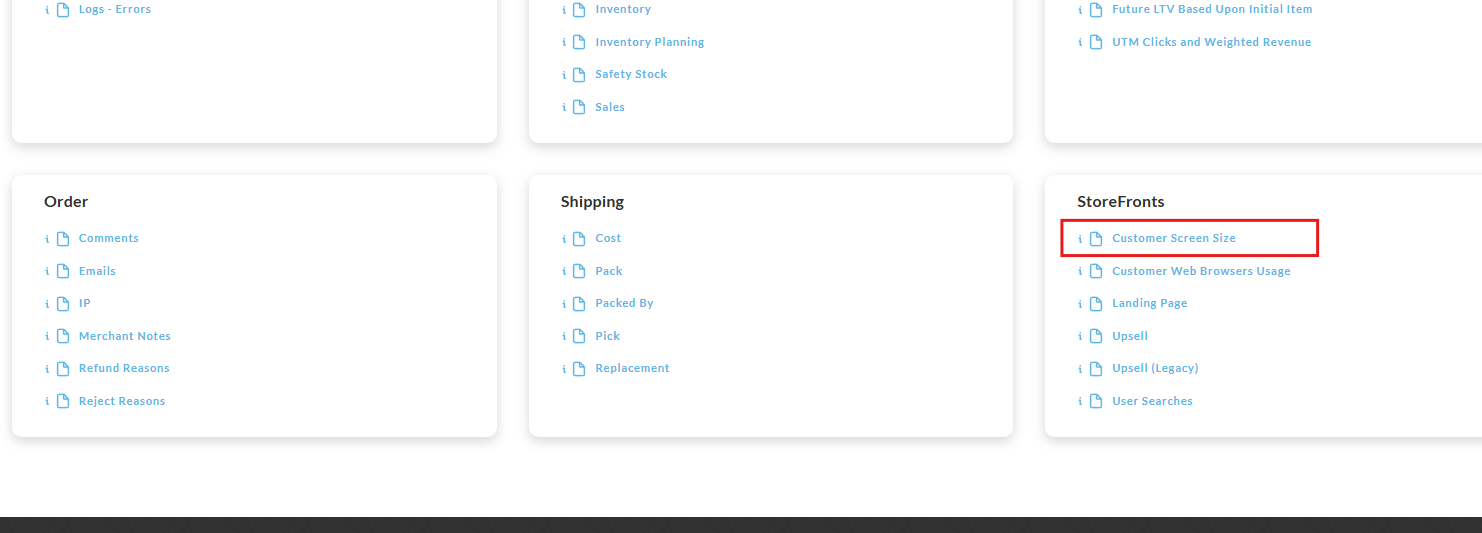
Operations → Reporting → Storefronts → Customer Screen Size
Overview
The report provides a breakdown of the device screen size for orders placed during the reporting period.
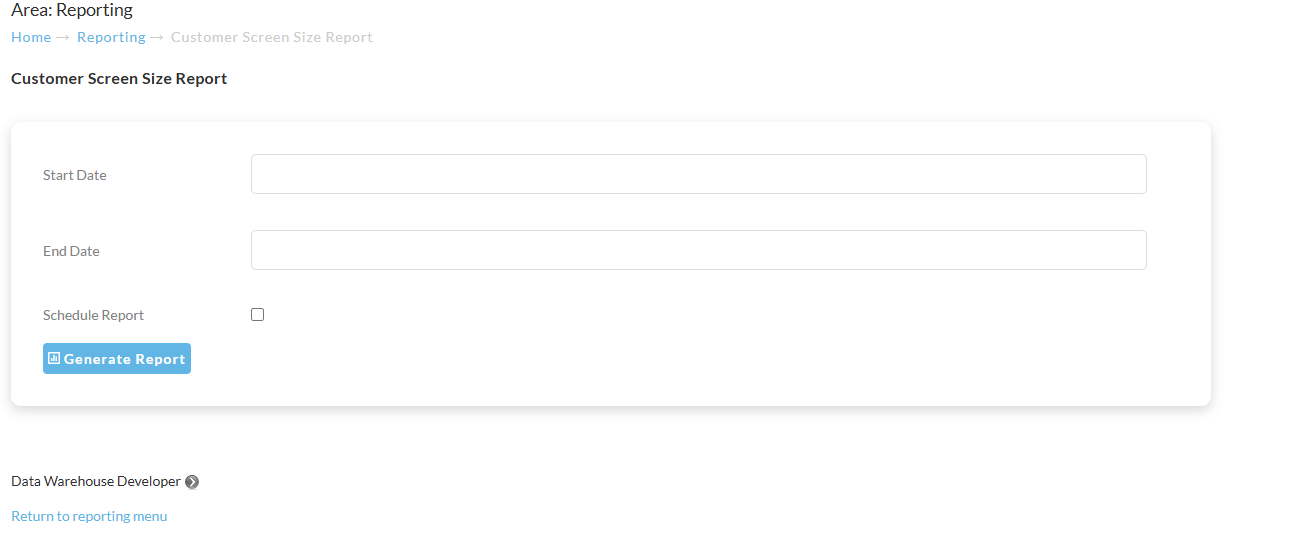
To run the report, enter the Start Date and End Date then click the “Generate Report” button:
The generated report will be immediately downloaded to your device:
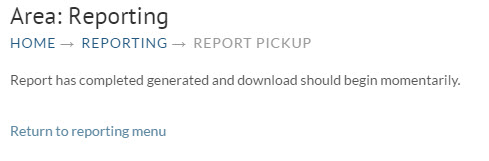
The report will appear in your web browser download directly.
info
TIP → The keyboard shortcutt CNTL+J will open the downloads tab in your web browser.
The generated Report will contain two columns:
-
Screen Size
-
Count
Was this page helpful?