Adding a product group page
Here are the steps for creating a products (child) page within your store.
-
From the StoreFronts screen, click on the Pages tab.
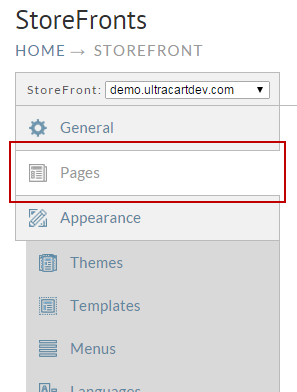
-
From the pages section you will want to locate the Home Page and click the "Add a child page" icon as shown below.
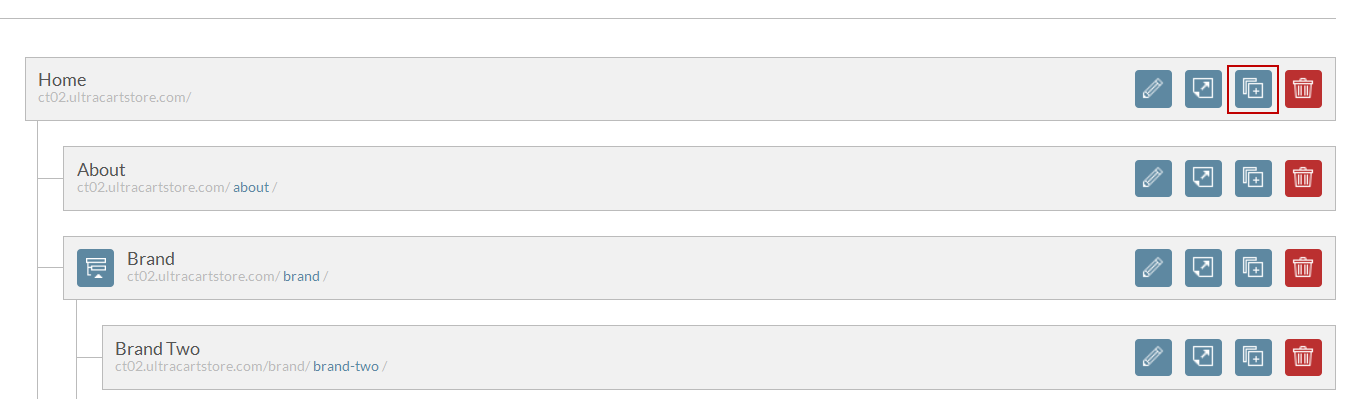
-
Clicking on the Add a Child Page icon will display the following screen.
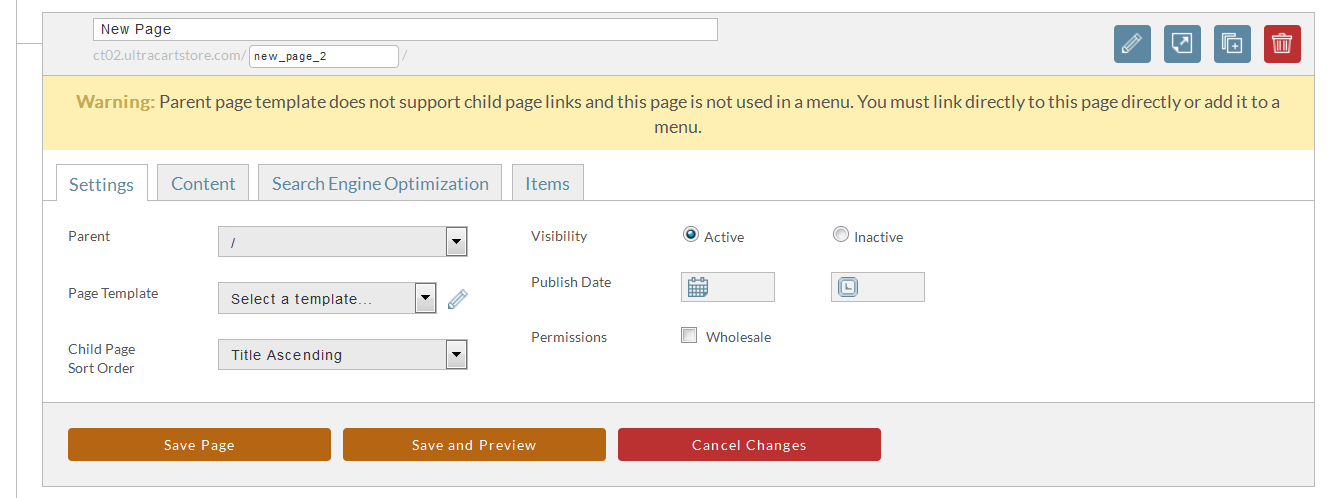
-
To create your new products group page you will want to configure the following settings.
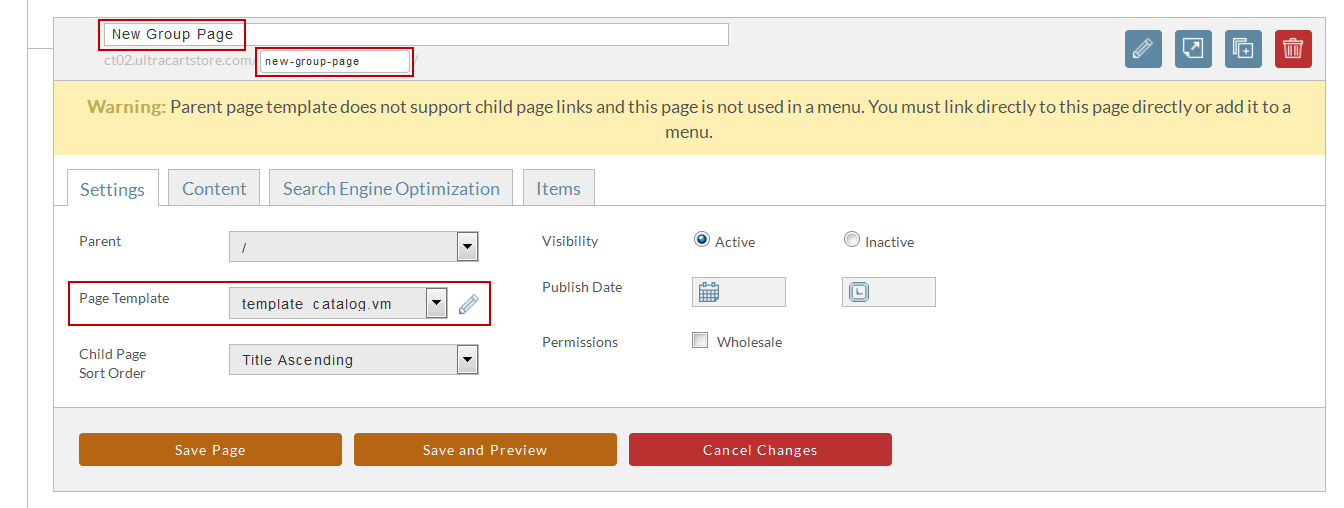 note
noteAbove we are setting the Group Name, Group Path, and the Page template. These 3 things will need to be set within the page in order for it to be displayed properly.
-
Once you are done with the setting simply click Save page.
Was this page helpful?