Adding and removing products from a page
This document covers how to add or remove an existing product (Item) from a StoreFront page.
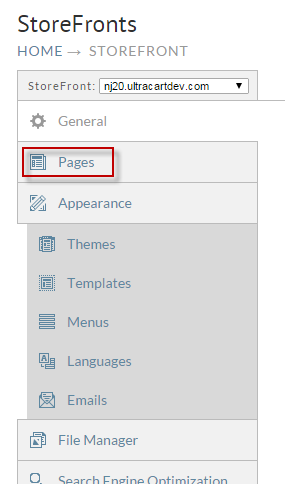
First navigate to the pages tab of the StoreFront.
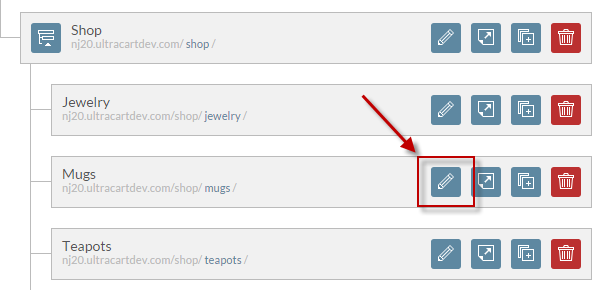
Click on the edit icon for the page that you want to adjust items on as shown below.
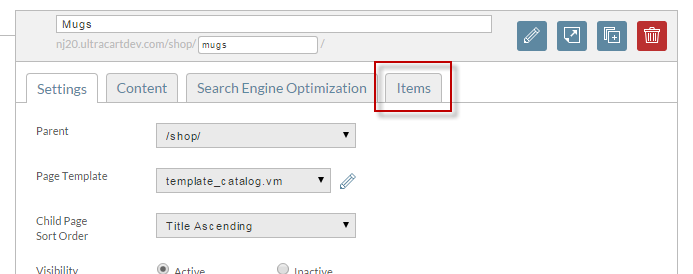
Now click on the Items tab as shown below.
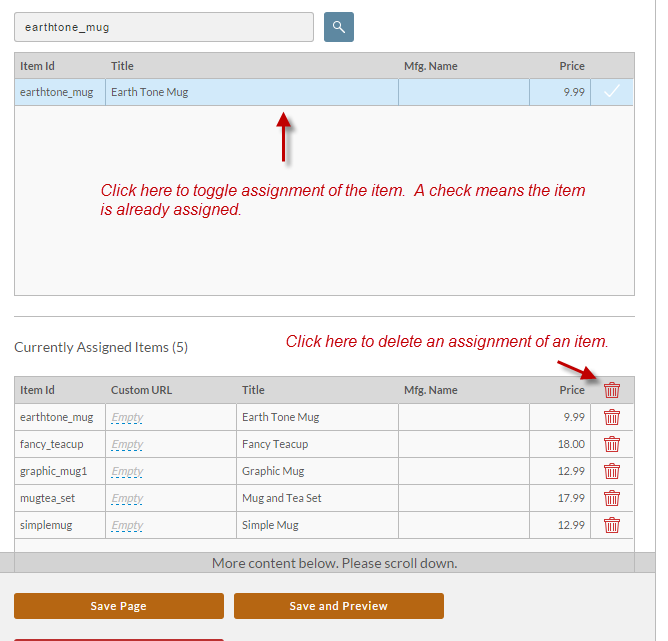
To add an item simply enter the item id into the search field. As you type values into the field, matching results will appear.
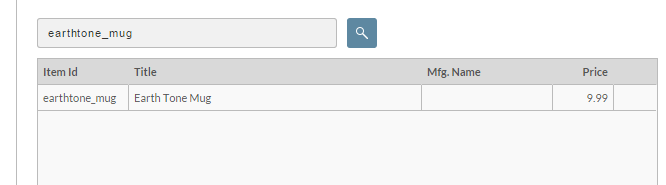
Click on the result row to assign the item. You can click it again to delete the assignment or click the red trash can icon next to the assignment as shown below.
Click the Save Page button when finished to make sure your changes take effect.
Was this page helpful?