Adding Twitter links to your web site
Here are the steps for adding a Twitter link to your website.
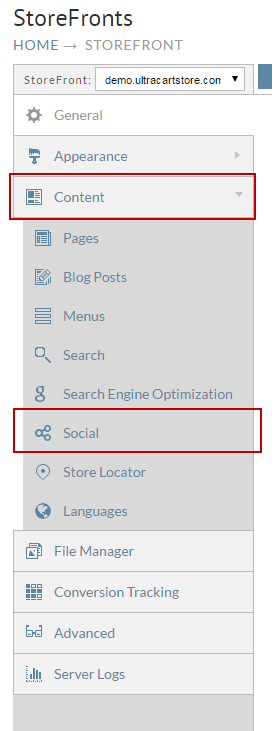
- From the StoreFronts page, scroll down and click on the Social Tab.
The Social Network and Share Settings screen will appear. Enter your Twitter URL in the Twitter URL field. Below the Social Sharing section, click the check box to the right of "Twitter" if you want to allow users to share items.
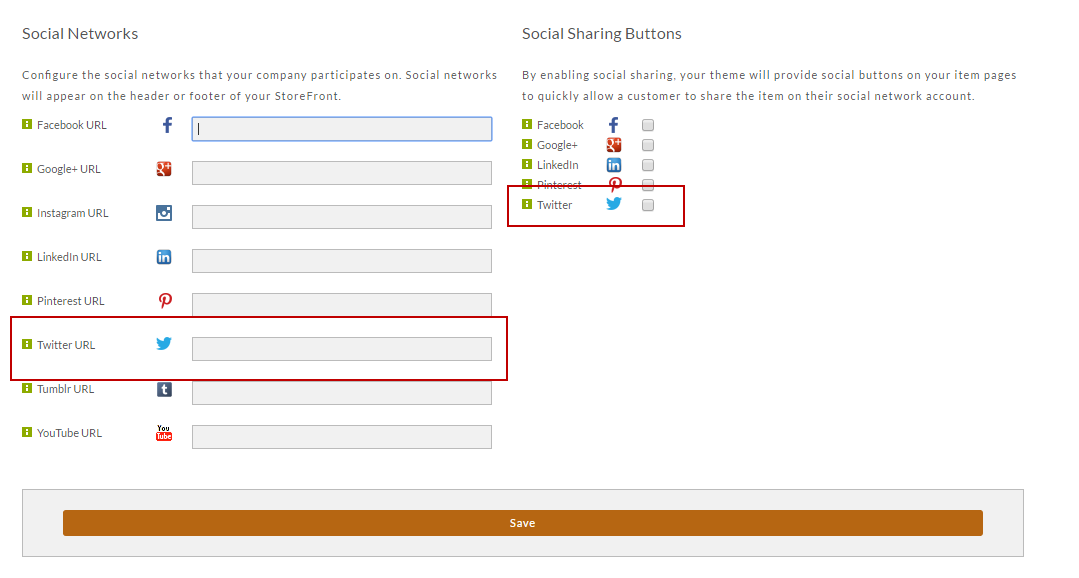
Feel free to configure any additional social accounts while you are here. Click the Save button when finished.
Was this page helpful?