Configuring DNS at Dotster for StoreFronts
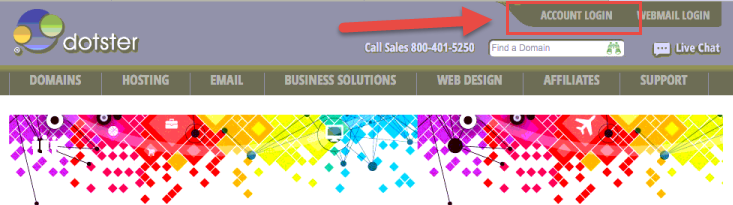
Visit go to www.dotster.com and click the Account Login as shown below.
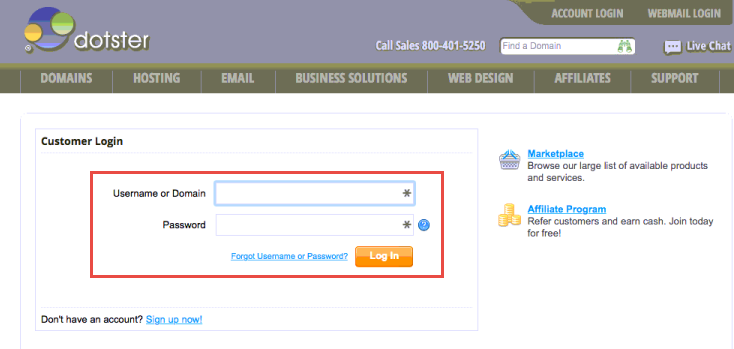
Enter your username and password into the Customer Login form and click Login as shown below.
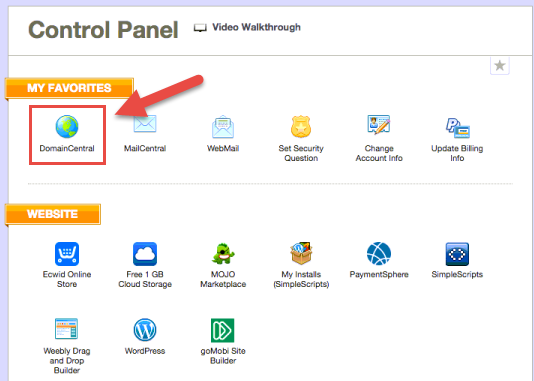
From the control panel click on DomainCentral as shown below.
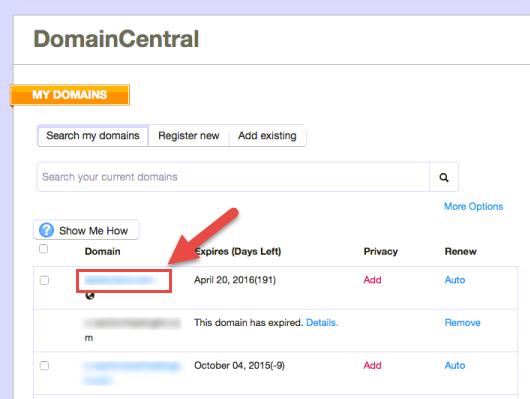
Click on the domain that you want to configure DNS for.
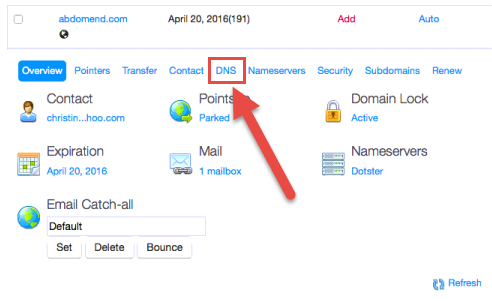
Click on the DNS link in the toolbar as shown below.
Select "A Record" from the modify drop down.

Was this page helpful?