Change your Store Name
Here are the steps for changing the web address of your store.
-
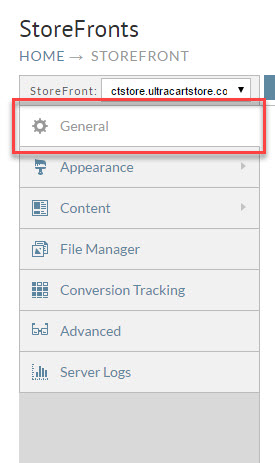
From the StoreFronts page, click on the General tab.
-
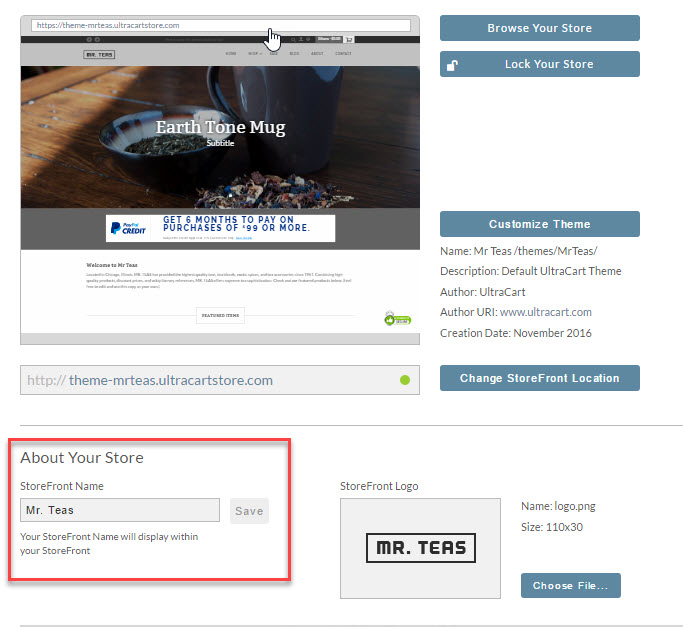
Under the heading "About Your Store", you will see a field labeled StoreFront Name:
-
Enter a new name in the field. After you have entered a new name, the Save button will become active. Click Save to save your change.
Was this page helpful?