Duplicate Entire StoreFront
To duplicate an entire StoreFront click on the Duplicate StoreFront button on the General tab as shown below.
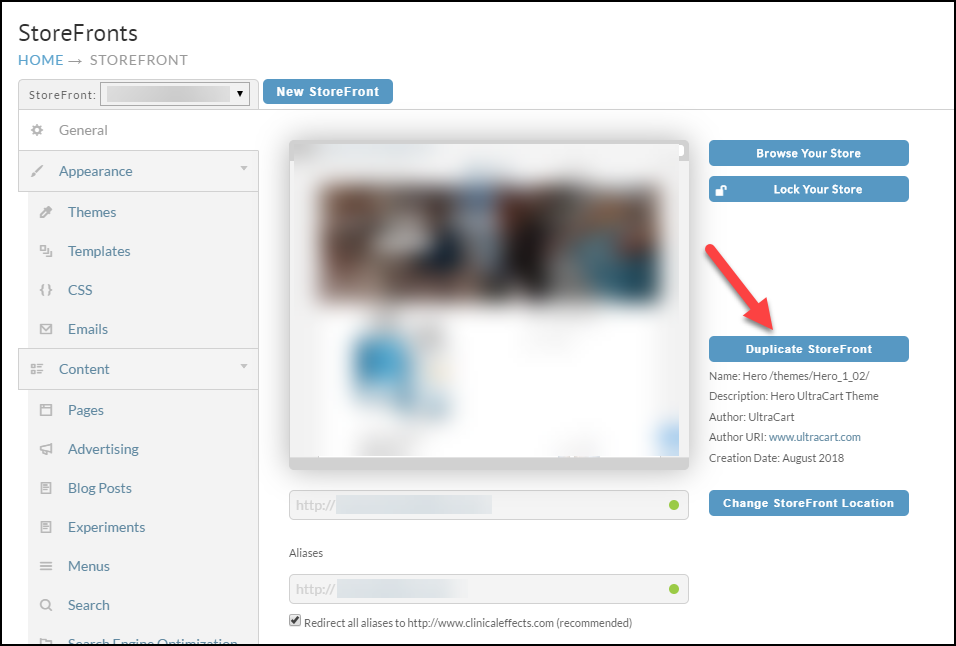
After you click the button a dialog will appear providing options on where to duplicate the StoreFront to.
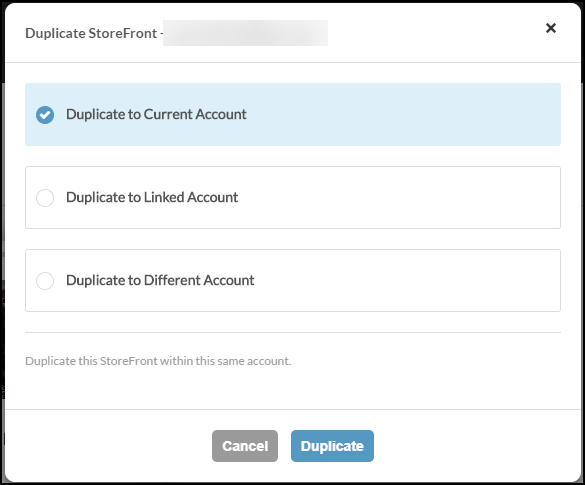
You can duplicate the StoreFront to:
-
the account you are currently logged into
-
a linked account if you have any
-
a completely different account (credentials to a user with StoreFront permissions required)
After you initiate the duplication by clicking the Duplicate button, a job will be launched to perform the process. The duplication can take a few minutes, but will depend heavily on the size of the StoreFront being copied. The new storefront will have an automatically assigned domain name of