Migrating Catalog Attributes into StoreFront SEO Fields
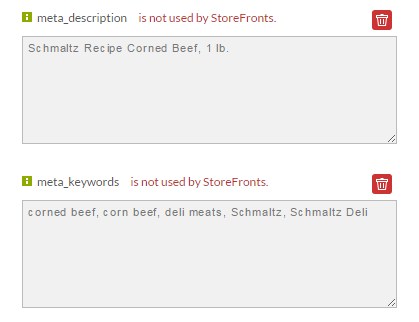
This tutorial will explain how to migrate catalog attributes that are currently being used to populate SEO fields into the StoreFront SEO fields. In this example we can see that on the item editor screen we have two attributes named "meta_description" and "meta_keywords" that are not being used by StoreFronts.
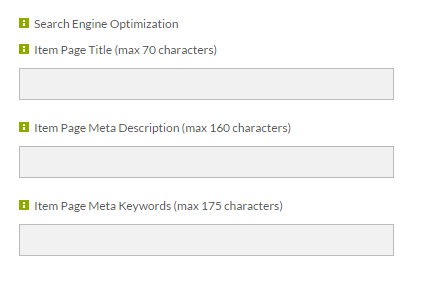
If we scroll further down the page we see that the StoreFront SEO fields are blank.
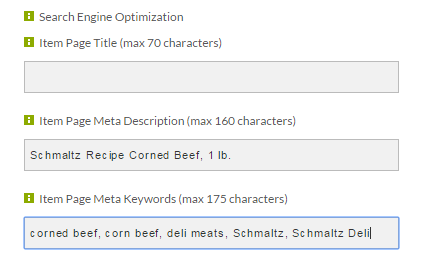
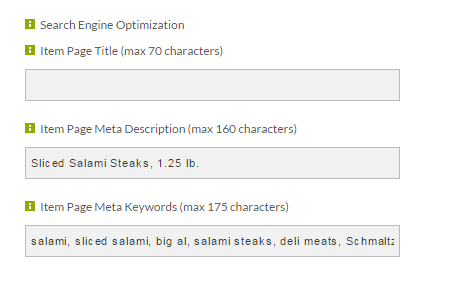
Our goal is to popular the SEO fields with the existing catalog attributes in a batch fashion. The first step though is to manually copy the values for a single item and then save the item.
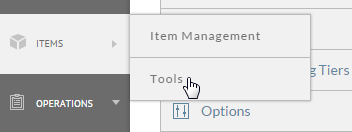
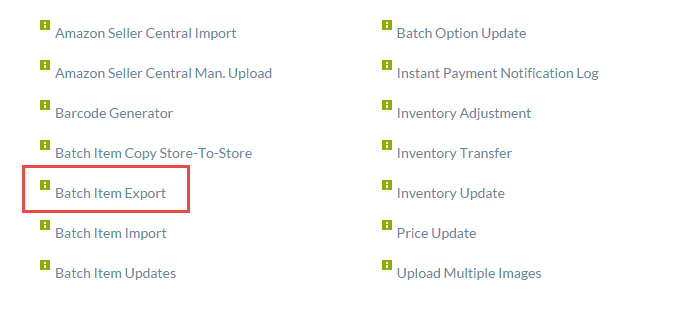
After saving, click Items -> Tools and then Batch Item Export.
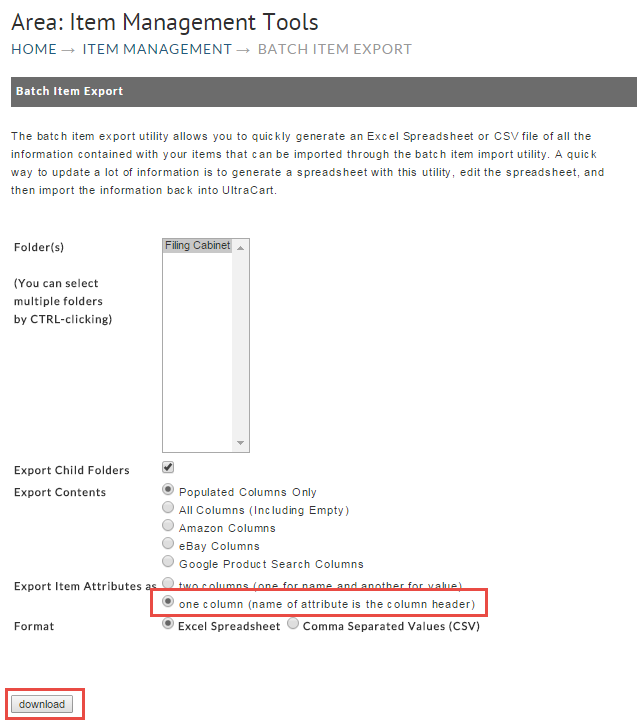
On the export screen select "one column" for the attributes and then click "download".
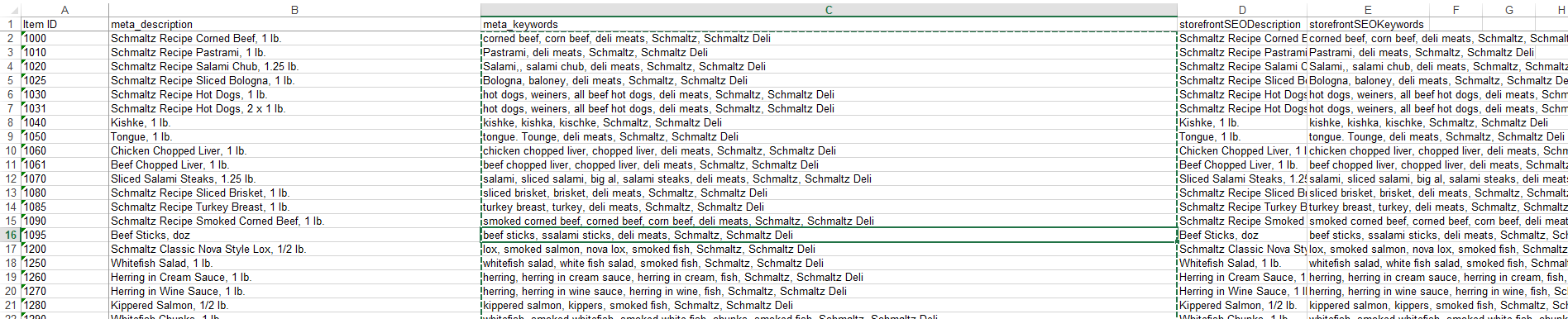
Once the file downloads and opens in Excel, remove columns from the spreadsheet until you're left with the item ID, the two old attributes and the two StoreFront attributes as shown below.

Copy the values from the legacy catalog attribute column to the corresponding StoreFront SEO column. The file should then look something like this.
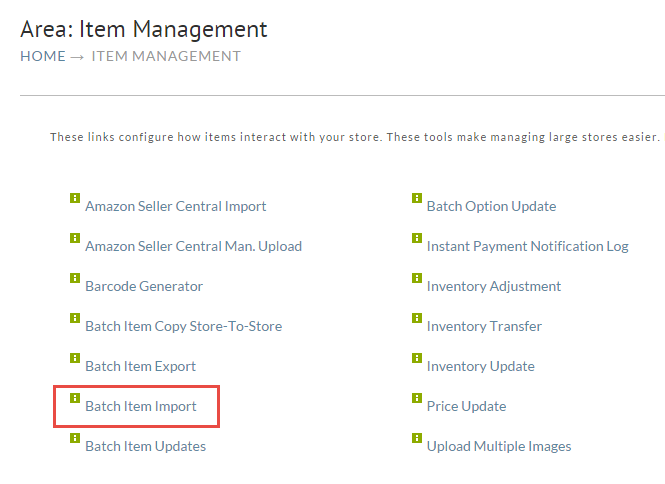
Save out the file in CSV (Comma Separated Values) format onto your computer. Then click on Batch Item Import under the tools menu.
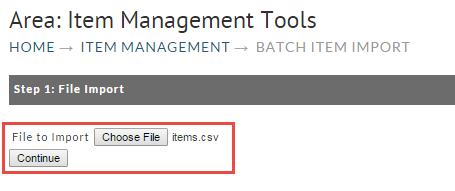
Click Choose File and select the CSV file that you just saved to your computer and click Continue as shown below.
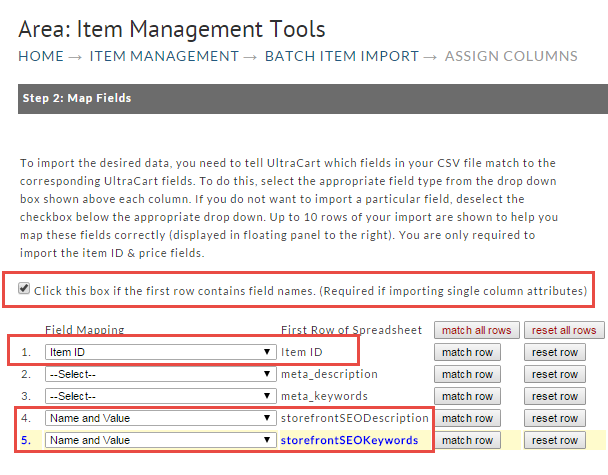
Click the checkbox for first row constains field names. Then map out the Item ID column and the two storeFrontSEO columns as shown below.
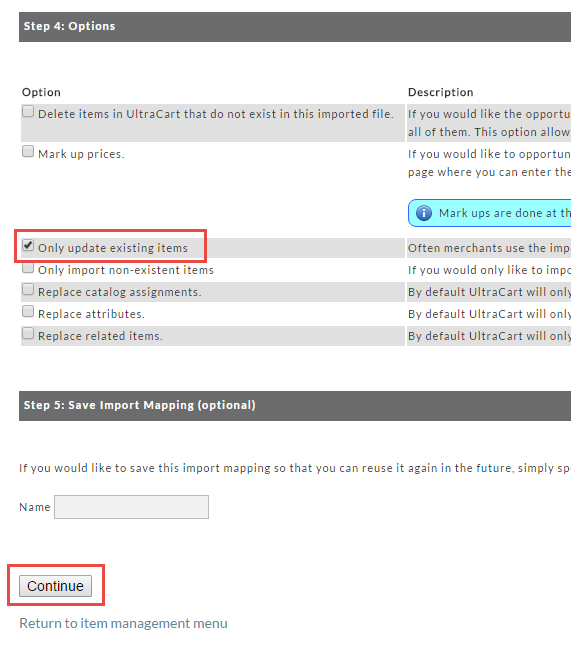
Scroll down and select "Only update existing items" and then click Continue.
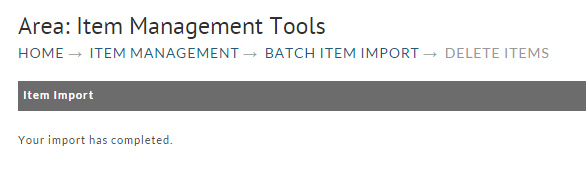
When the import completes the screen will look like this:
To make sure your import completed, navigate back to one of your items and inspect the SEO fields. We can see that our import was successful.
You have now completed the migration of the SEO related information.