Accessing the Visual Editor
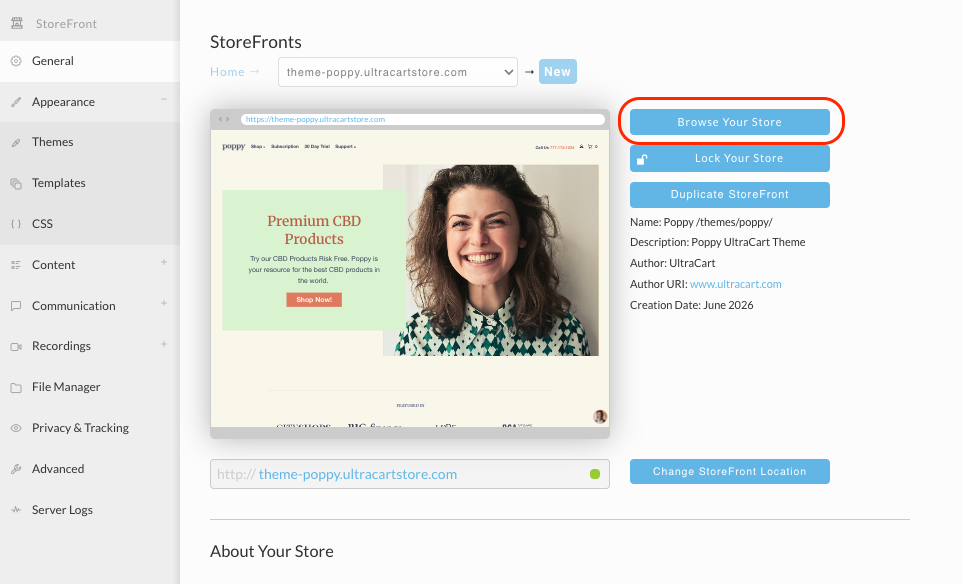
On the General tab of your StoreFront, click on the "Browse Your Store" button as shown below.
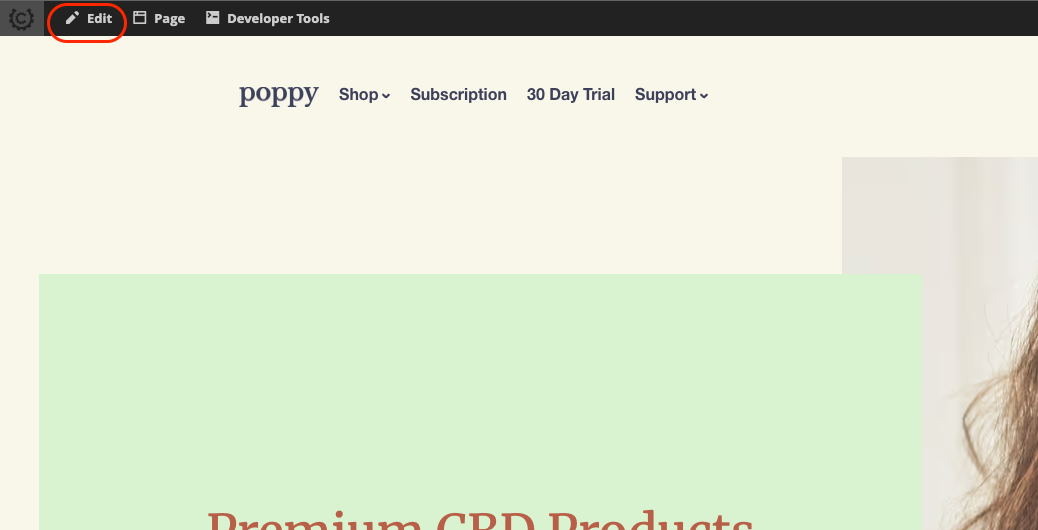
A new window will open on your browser. When the StoreFront loads, click on the "Edit" button on the top toolbar as shown below.
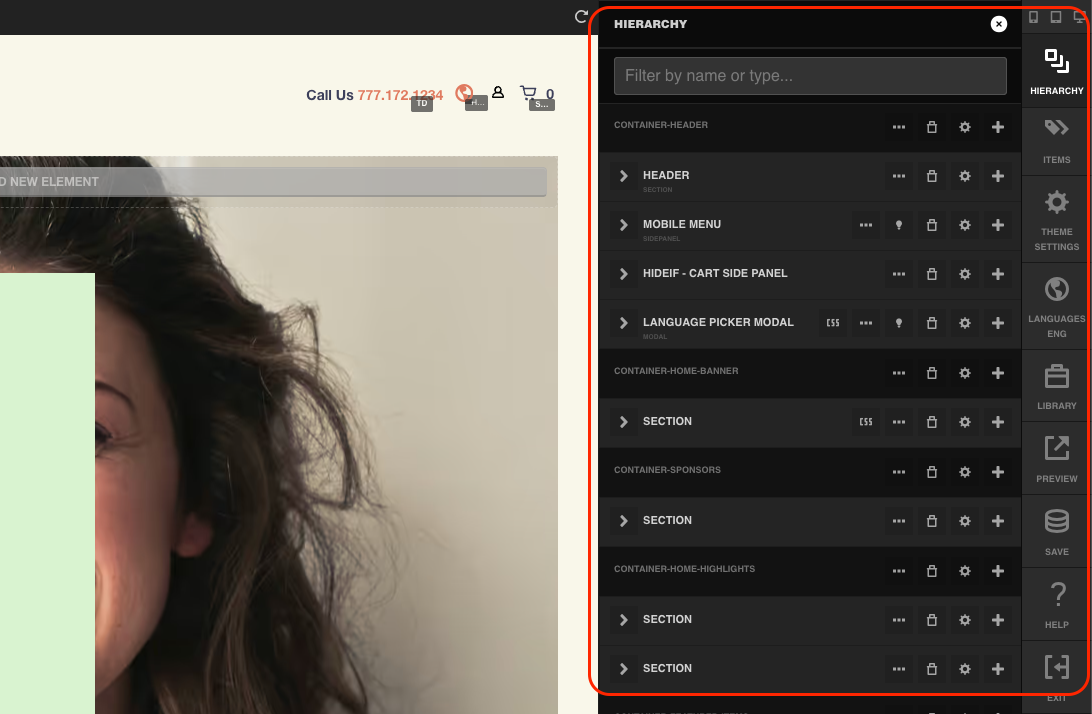
The page will refresh and the Visual Editor main menu will appear on the right hand side of the screen as shown below.
Continue on to Understanding the Visual Editor Menu.
Was this page helpful?